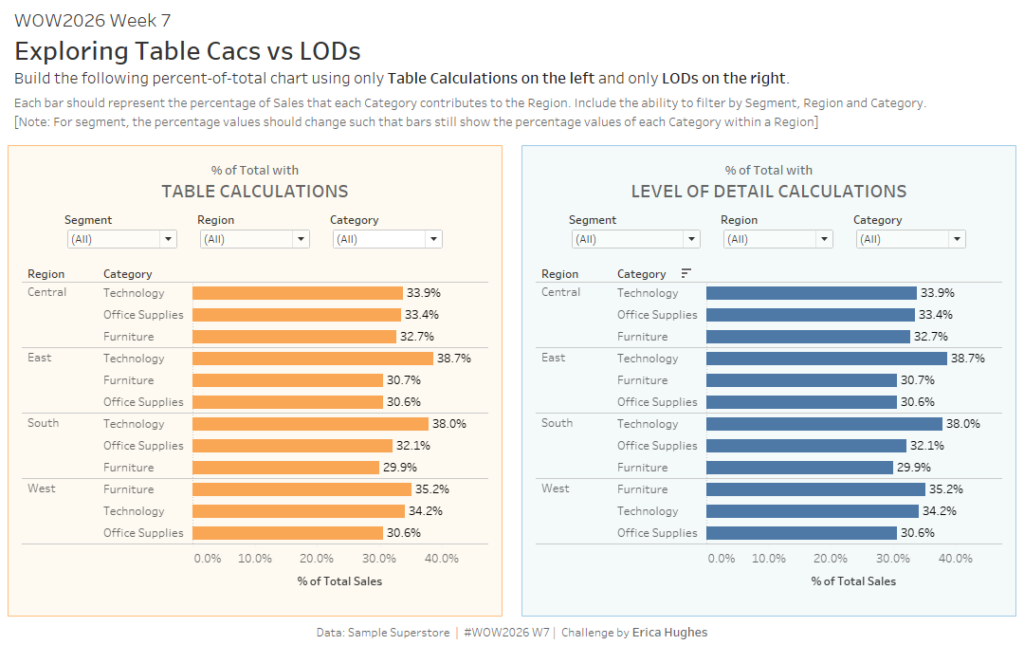
2023 Week 01 | Power BI: Use DAX to control visual display

Introduction Welcome to Workout Wednesday 2023, Power BI edition! If this is your first time joining us, we’re happy you’re here. The goal of this initiative is to help you build your Power BI skills. We provide the data and the instructions, and you build the visuals! We hope you have fun and learn a new

2023 Week 01 | Power BI: Use DAX to control visual display Read More »

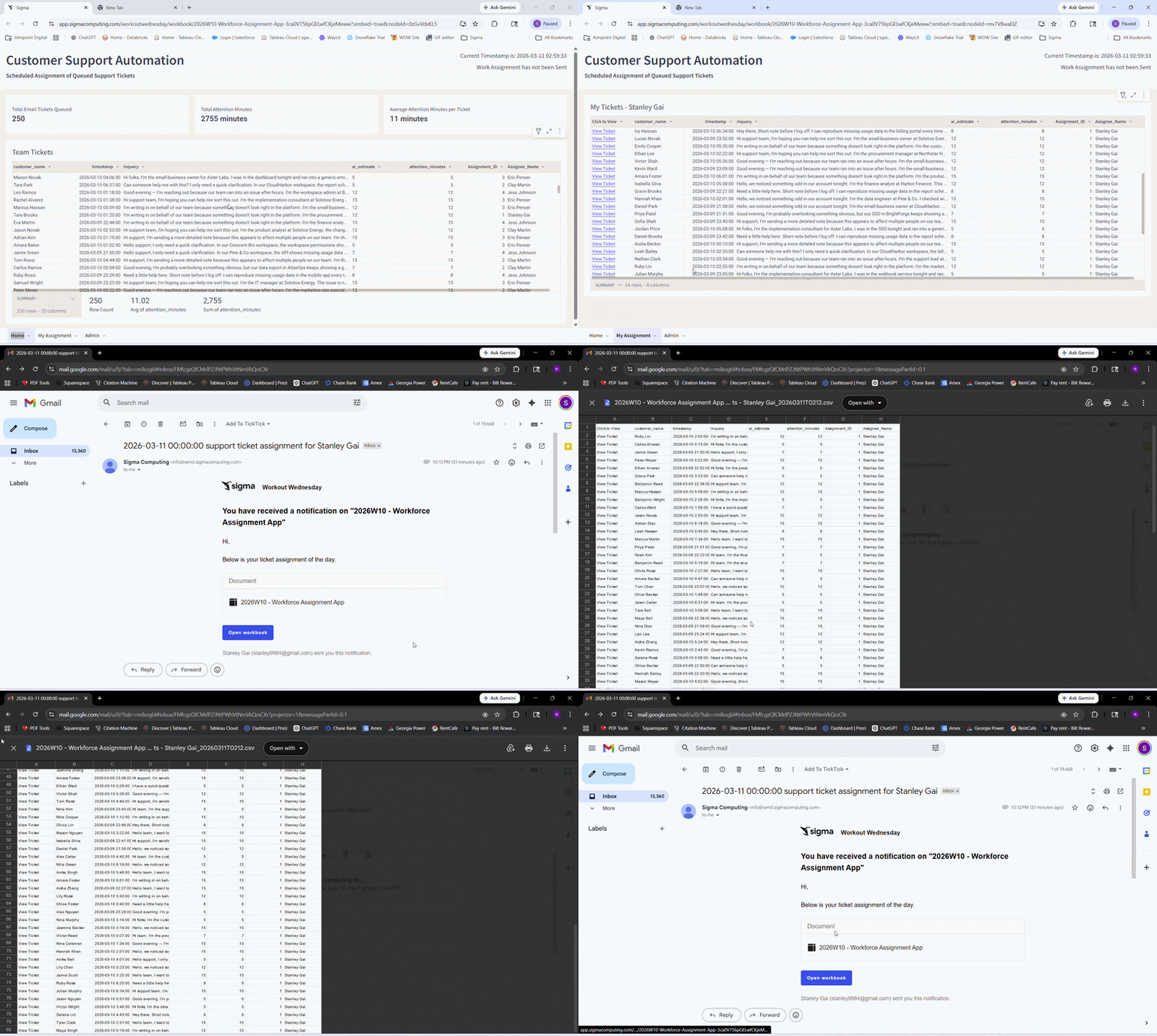
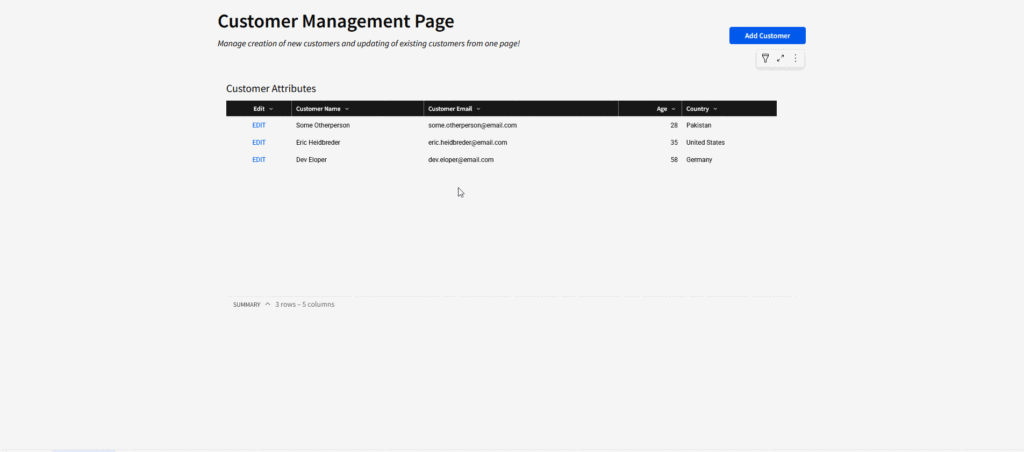
2026 Week 04 | Sigma: Can you Make a Repeating Container?

Introduction This week’s challenge features the new Repeating Container element, which is a powerful new visual that can display feed-like information quickly and easily. Today, I want to show you how you can use this feature to make more detailed KPI-like cards in your workbooks. This feature is still in beta – are there any things

2026 Week 04 | Sigma: Can you Make a Repeating Container? Read More »

2026 Week 03 | Sigma: Running Feedback Loop

Introduction This week’s Workout Wednesday is about turning feedback into part of the workflow, not a side conversation. You’ll build a lightweight, in-workbook feedback loop in Sigma that lets stakeholders flag issues directly on tables and charts, with context intact. Instead of comments that disappear or Slack messages that pile up, feedback becomes structured, reviewable,

2026 Week 03 | Sigma: Running Feedback Loop Read More »

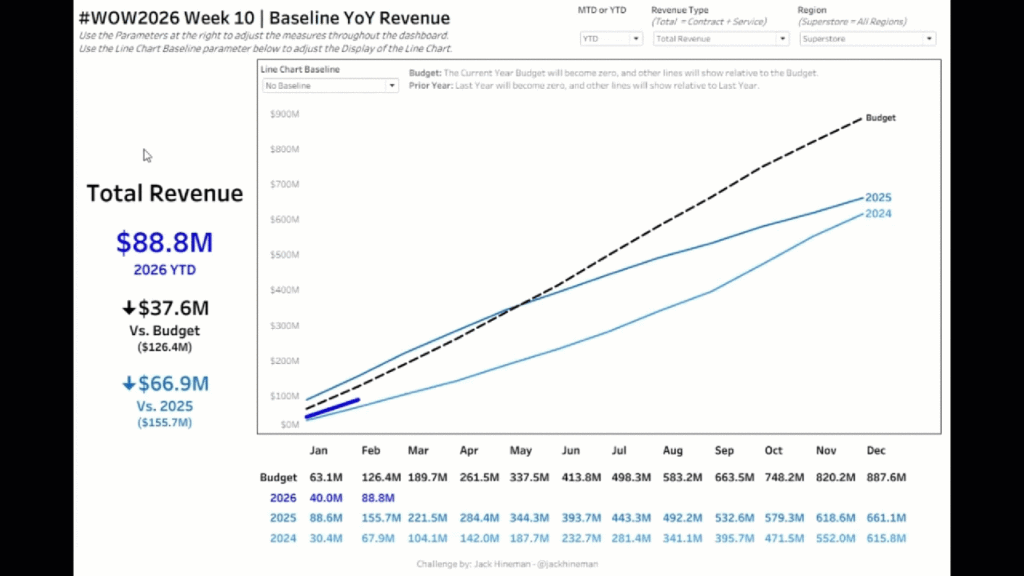
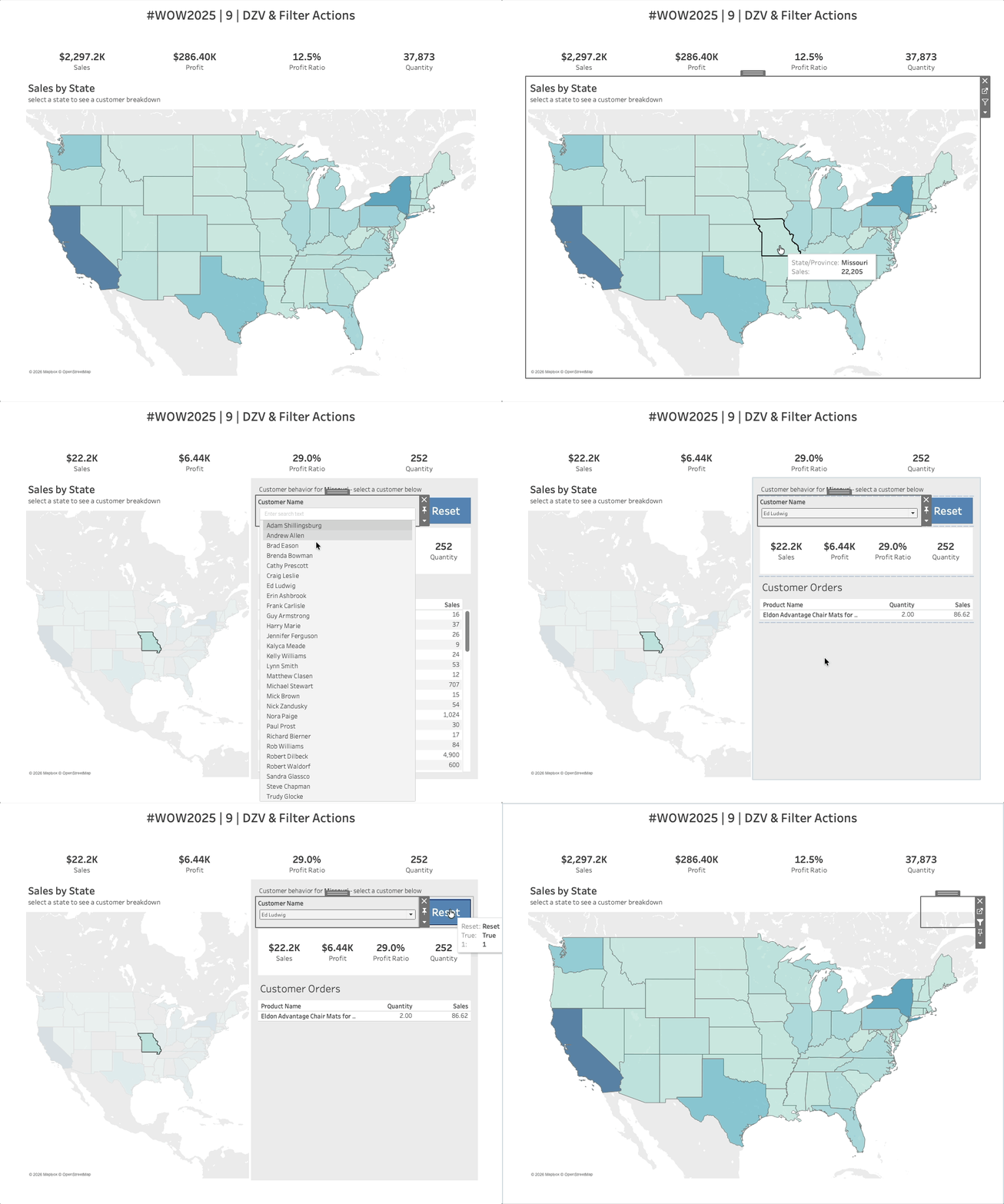
#WOW2026 | Week 2 | Can you create a fake Viz in Tooltip?

Introduction Welcome back to #WOW2026! Thank you all for your continued support, and for bearing with us while we carried out some maintenance on the website. For the first challenge of the year, I’m asking you to recreate a technique that was originally introduced way back in 2010, and re-shared during a ‘tips and tricks’

#WOW2026 | Week 2 | Can you create a fake Viz in Tooltip? Read More »

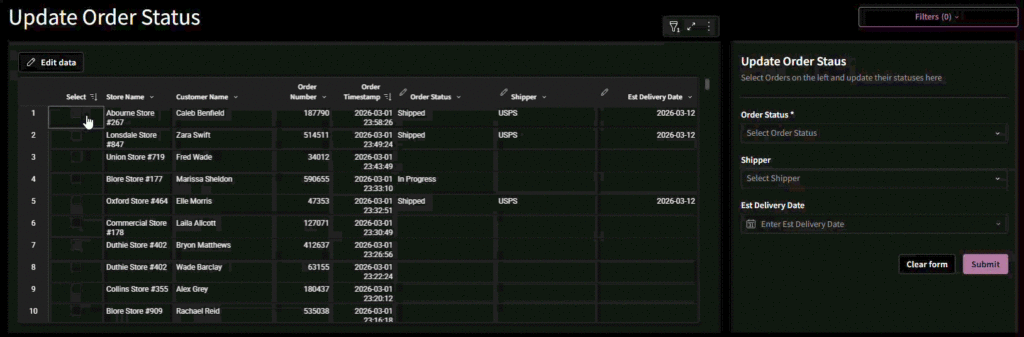
2025 Week 53 | Sigma : Can you build a pareto chart?

Introduction Welcome to the final week of 2025! Since it’s a holiday week, we’re keeping things simple with a classic but powerful visualization: the Pareto chart. Your challenge this week is to build a Pareto chart in Sigma that highlights which issue categories contribute the most to overall incident reports. By combining a sorted bar

2025 Week 53 | Sigma : Can you build a pareto chart? Read More »

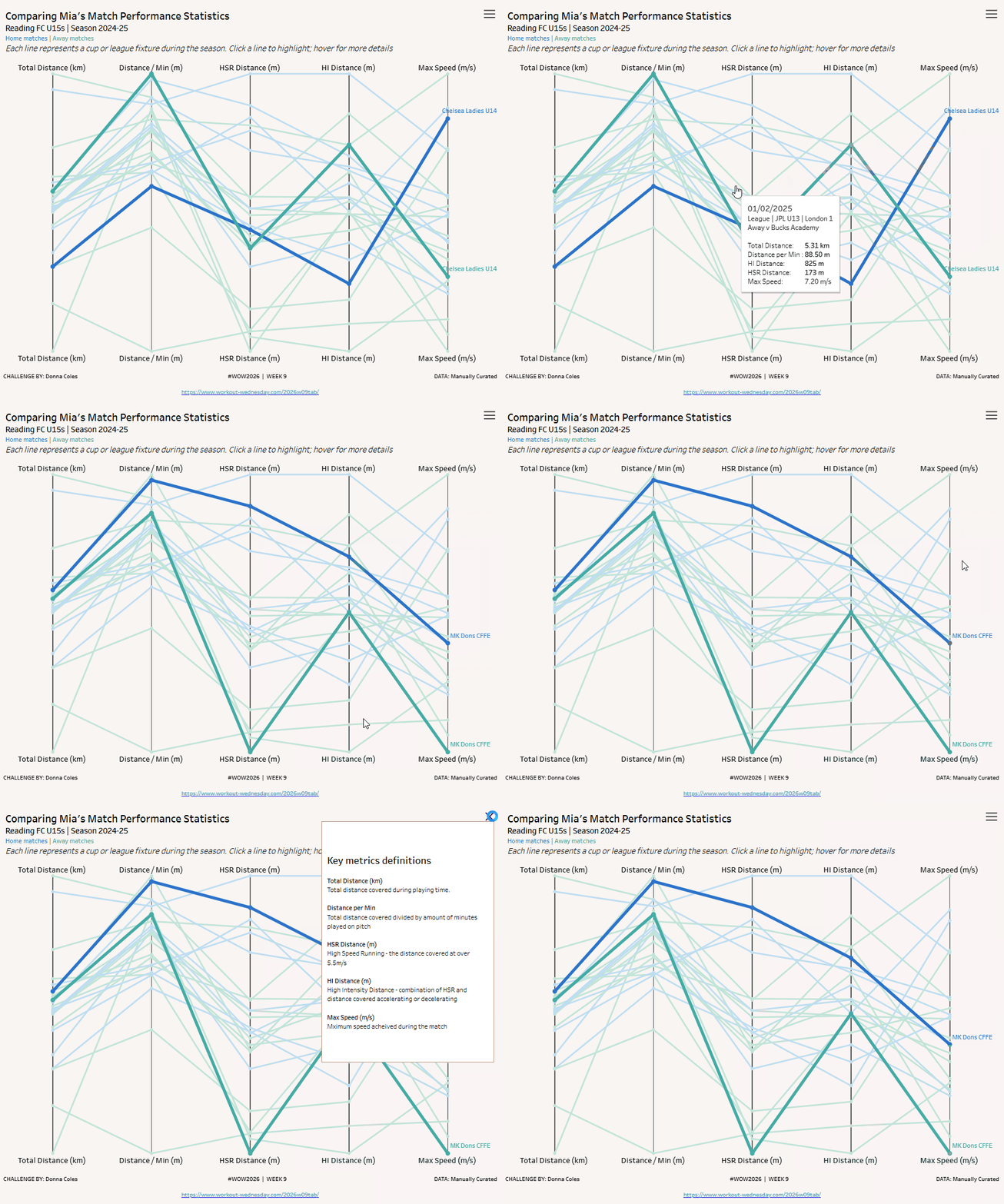
2025 Week 51 | Power BI: Holiday Traffic: Who Came, Who Left 🎄

Introduction The first snowfall in Denver was unseasonably late this year. So I got curious about the data and decided to make a visualization. While this one does communicate with data, it’s taking a bit of artistic license.  This is your challenge as well: create a first snowfall scatterplot with some wintery visual effects. You

2025 Week 51 | Power BI: Holiday Traffic: Who Came, Who Left 🎄 Read More »

2025 Week 50 | Sigma: Find the Leak with Hierarchies

Say hi to hierarchies Introduction This week, we’re turning hierarchies into a decision tool. Using Sigma’s ragged hierarchies, hierarchy controls, and funnel charts, you’ll build a Campaign Leak Finder that pinpoints exactly where your funnel is breaking down. You’ll create a navigable tree from Lead through Campaign, wire it to a live funnel, and layer

2025 Week 50 | Sigma: Find the Leak with Hierarchies Read More »

#WOW2025 | Week 50 | Top 1% of Customers by Profit OR Sales OR Quantity

Introduction For my last challenge of the year, I decided to make it a little spicier. It has parameters, it has fun calculations, it has AND/OR logic, and it has a dynamic title that is worthy of your attention. Here’s hoping you can apply all those skills you’ve gained this year to sail through this

#WOW2025 | Week 50 | Top 1% of Customers by Profit OR Sales OR Quantity Read More »