Sigma

2026 Week 22 | Sigma: Input Table Reset & Forced Custom View

Introduction Welcome to Week 22 of 2026! Most users learned form/input table handling by clearing forms or resetting the input table upon submission or an action trigger downstream. This is viable for a low usage app.  If you are building an app that might be used by hundreds of users simultaneously, and the workflow requires […]

2026 Week 22 | Sigma: Input Table Reset & Forced Custom View Read More »

Sigma, Workout Wednesday
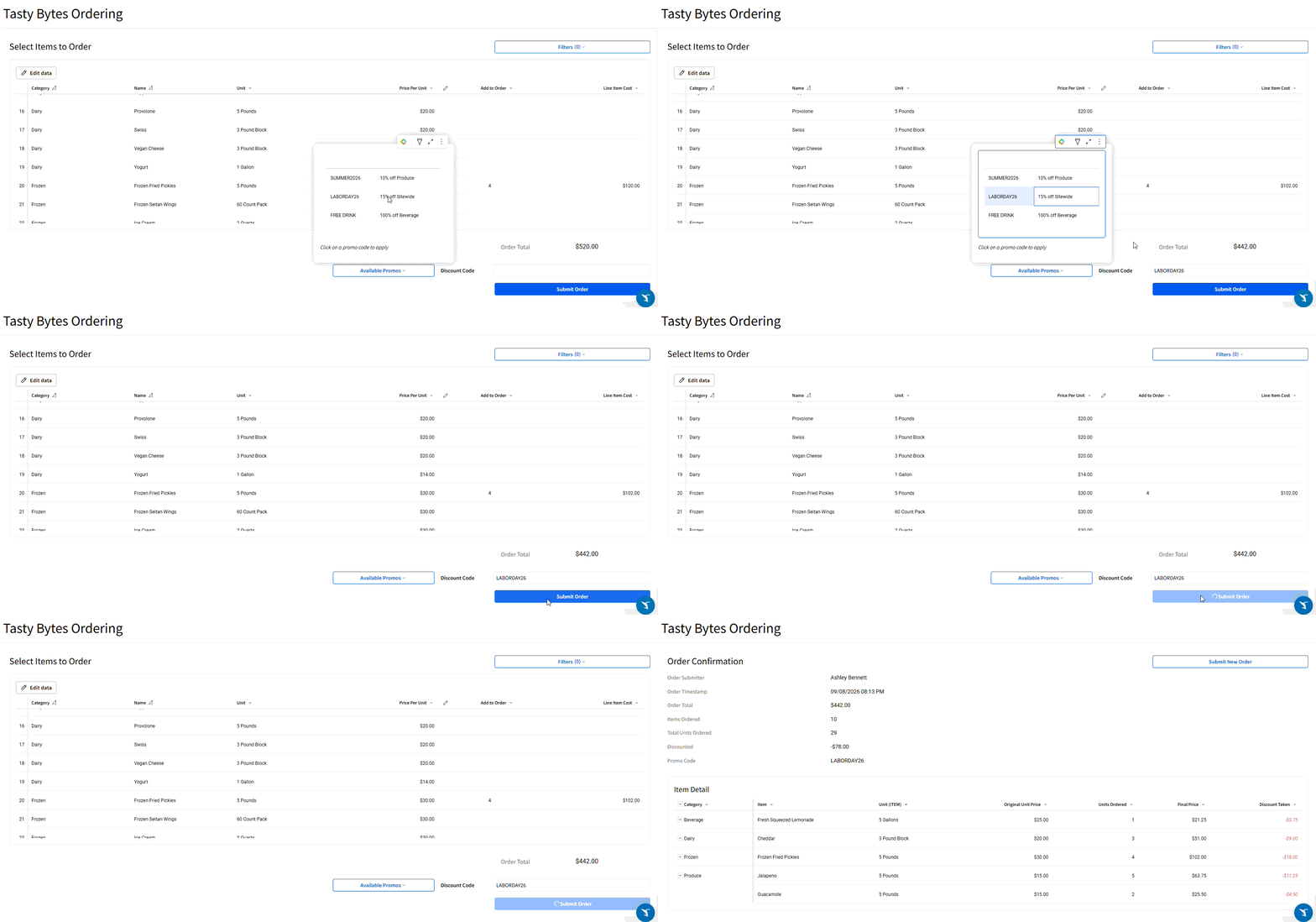
2026 Week 20 | Can we have a quick sidebar?

Introduction Awhile ago, we were given the lovely fixed header option, which looks great and has helped to make more maintainable custom navigation in Sigma possible, but this week, we’re playing around with a beta feature – the fixed Sidebar. This functionality, combined with repeated containers and embedded UI elements, makes for some interesting design

2026 Week 20 | Can we have a quick sidebar? Read More »

Sigma, Workout Wednesday
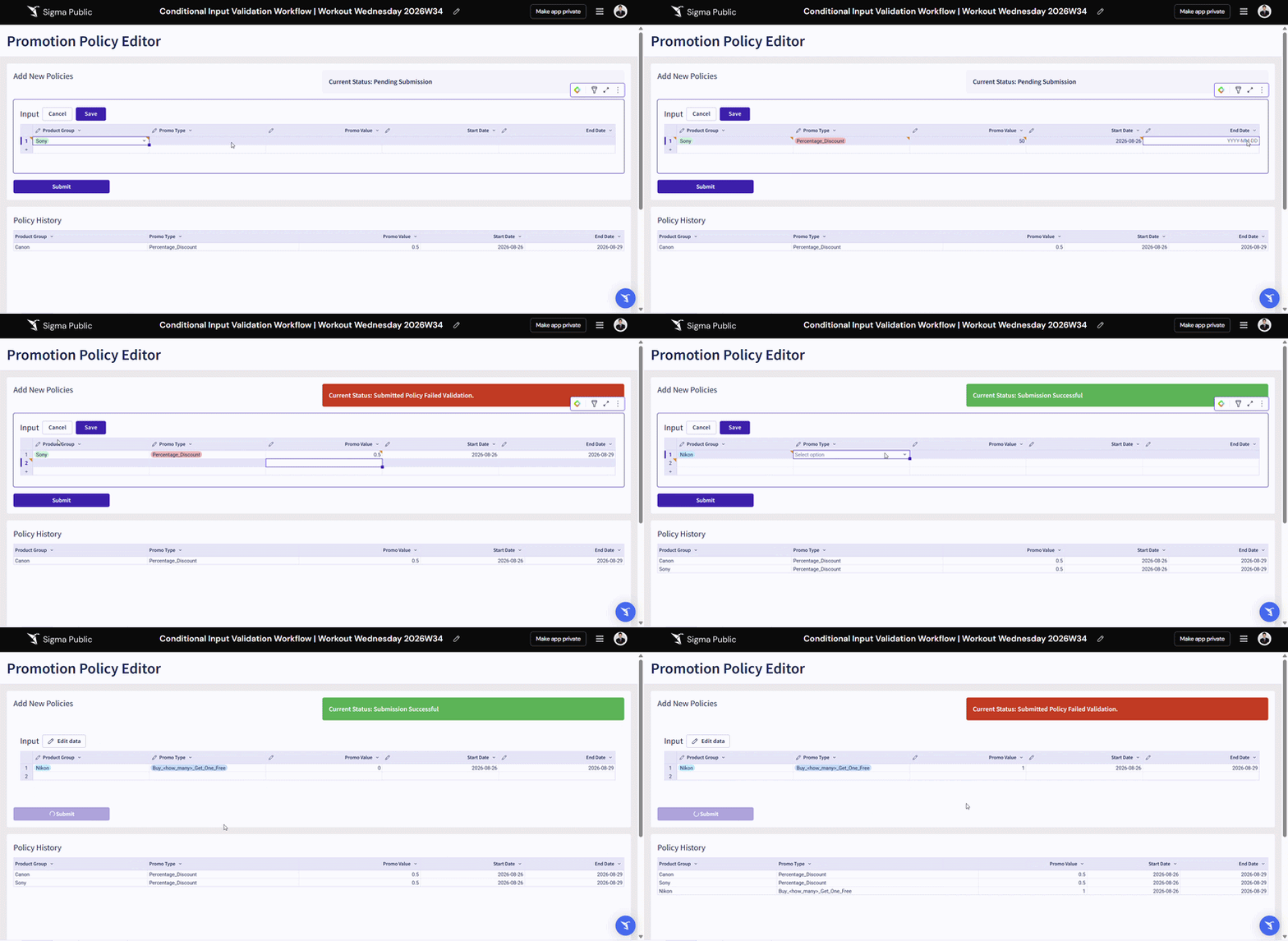
2026 Week 19 | Sigma: AI Credit Risk Analysis

Introduction This week’s challenge explores something entirely new for Sigma – calling an external AI API directly from a workbook action. Using Sigma’s API Connector and Action Sequences, you’ll build a Credit Risk Intelligence app that sends live loan data to Claude’s AI and displays a real-time risk explanation – all without leaving Sigma. Need Access

2026 Week 19 | Sigma: AI Credit Risk Analysis Read More »

Sigma, Workout Wednesday
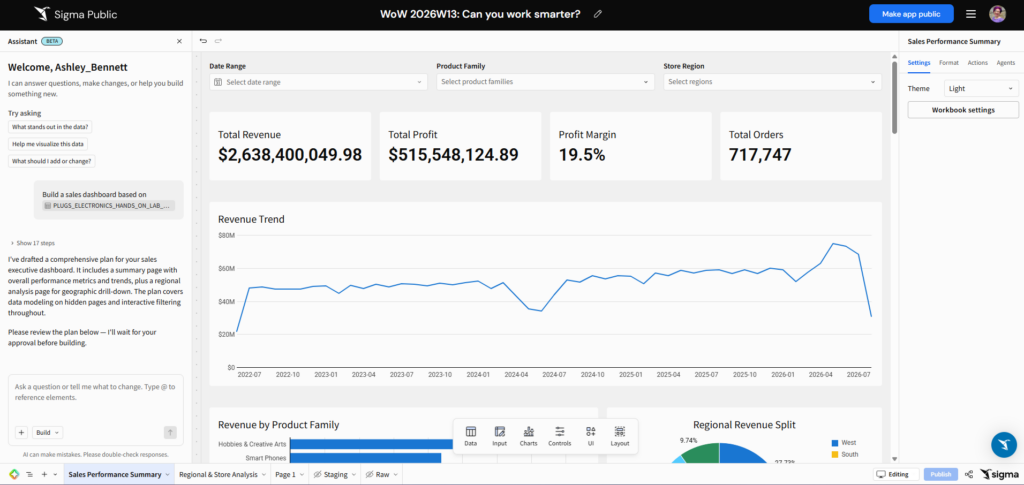
2026 Week 18 | Sigma: AI Sentiment Analysis with Snowflake Cortex

Introduction Imagine you are the Senior Customer Success Manager at a SaaS company that runs on a subscription model, and you are responsible for reviewing complaint resolutions proposed by junior-level agents.  This week, we are bringing Snowflake AI_Sentiment(), AI_Classify(), and AI_Complete() functions into Sigma AI App. Snowflake Cortex AI will help you identify the customer’s

2026 Week 18 | Sigma: AI Sentiment Analysis with Snowflake Cortex Read More »

Sigma, Workout Wednesday
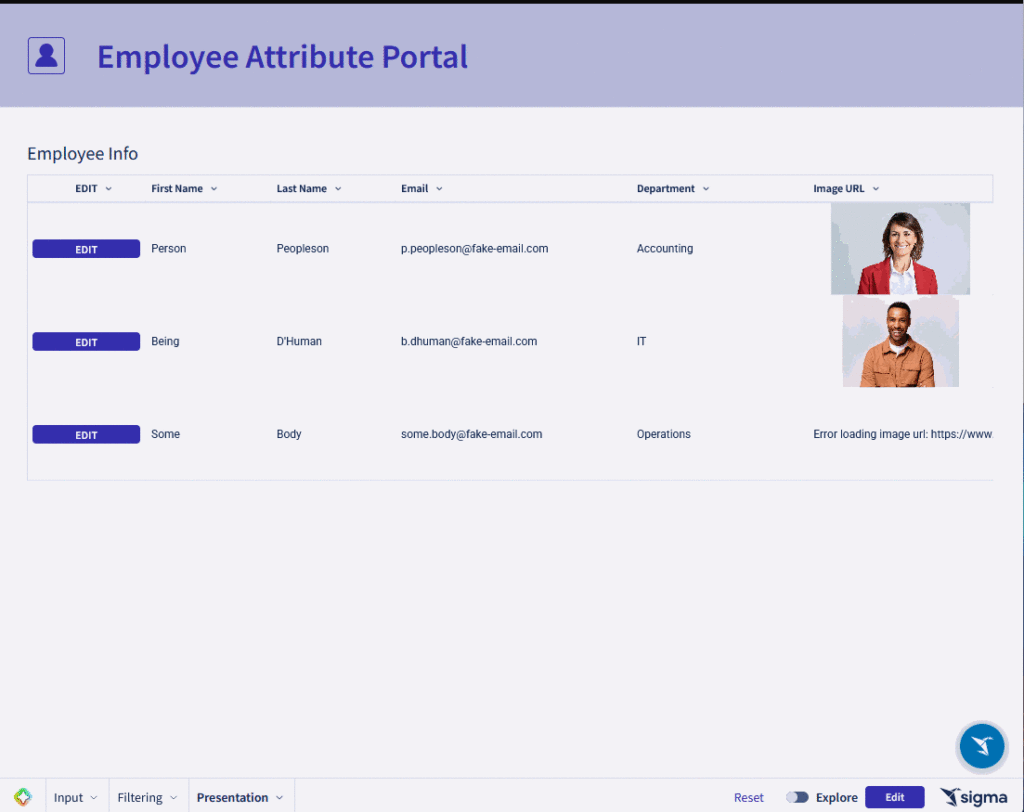
2026 Week 17 | Sigma: Let’s Waste Some Time

Introduction Welcome to Week 17 of 2026! This week, we’re going to play with a newer feature in Sigma:  Pixel Perfect Reporting.  We’re going to create a report that examines food waste which could be scheduled to export to various food truck executives on a weekly basis.  Note:  Reports cannot be shared publicly, so to

2026 Week 17 | Sigma: Let’s Waste Some Time Read More »

Sigma, Workout Wednesday
2026 Week 16 | Can you check the weather?

Introduction Sigma has been adding functionality that has taken the app from a fantastic BI solution to an outstanding Application building tool. One of the features that helps with that is the introduction of API Actions. With API Actions, you can retrieve data from outside sources and send data out to other sources. The challenge today is

2026 Week 16 | Can you check the weather? Read More »

Sigma, Workout Wednesday

2026 Week 14 | Sigma: Dynamic Zone Visibility

Introduction This week, we are picking up the momentum from the map challenge last week, by taking a deep dive into Dynamic Zone Visibility. This project will provide you an understanding of developing dynamic zones in Sigma for the ultimate user experience you want to bring to your audience. Examples include: Drill down, Chart Swap,

2026 Week 14 | Sigma: Dynamic Zone Visibility Read More »

Sigma, Workout Wednesday