Author name: Stanley Gai

Analytics @ Aimpoint Digital

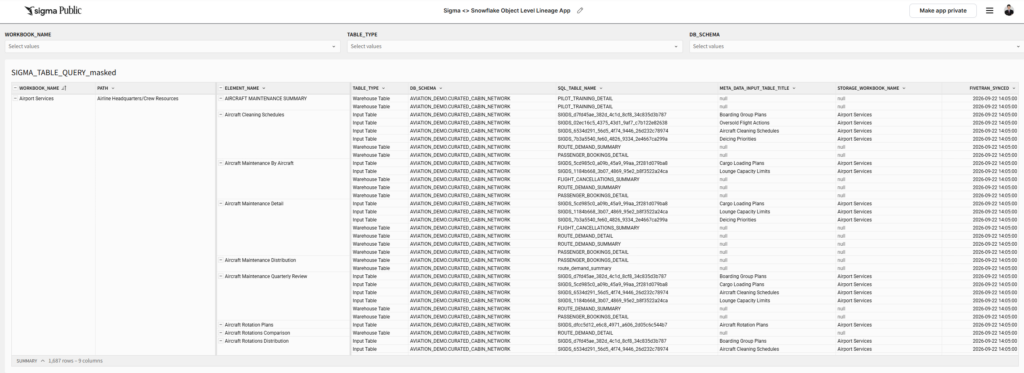
2026 Week 38 | Sigma <> Snowflake Two-Way Object Level Lineage App

Introduction Welcome to Week 38 of 2026! Have you: Share a workbook with a user but some workbook elements pop permission errors? Are about to sunset a table but not sure which Sigma object it references? Taking over someone’s dev work but not sure what data objects it references? This Sigma <> Snowflake Object Level […]

2026 Week 38 | Sigma <> Snowflake Two-Way Object Level Lineage App Read More »

Sigma, Workout Wednesday
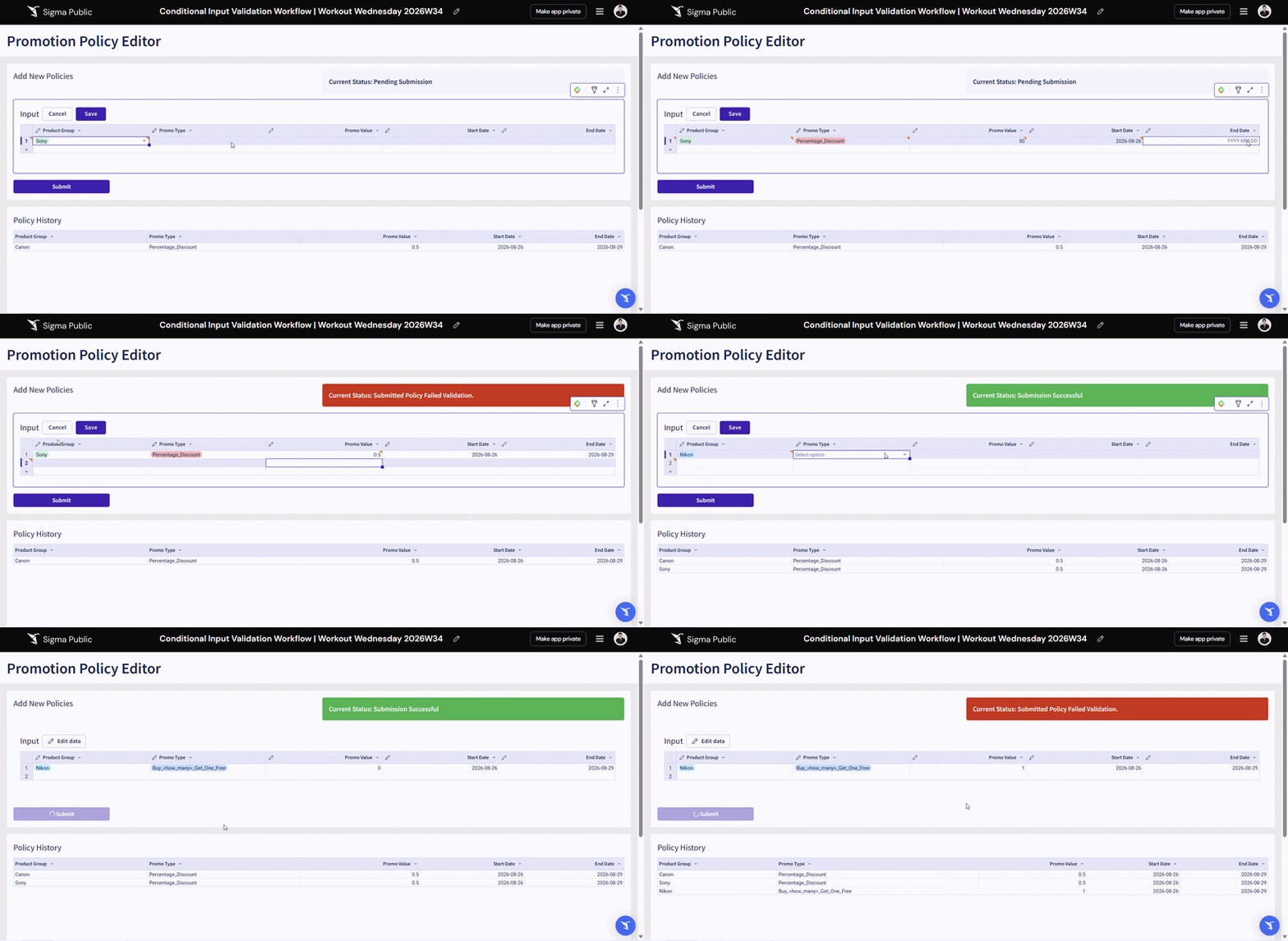
2026 Week 34 | Sigma: Input Table Staging with Conditional Validation

Introduction Welcome to Week 34 of 2026! Do you leverage Sigma Input Tables to produce critical data that supports downstream data marts, joins, or reporting that could be impacted by a breaking change? This example shows you how you may leverage multiple layers of Sigma Input Tables to create a staging area that checks values

2026 Week 34 | Sigma: Input Table Staging with Conditional Validation Read More »

Sigma, Workout Wednesday
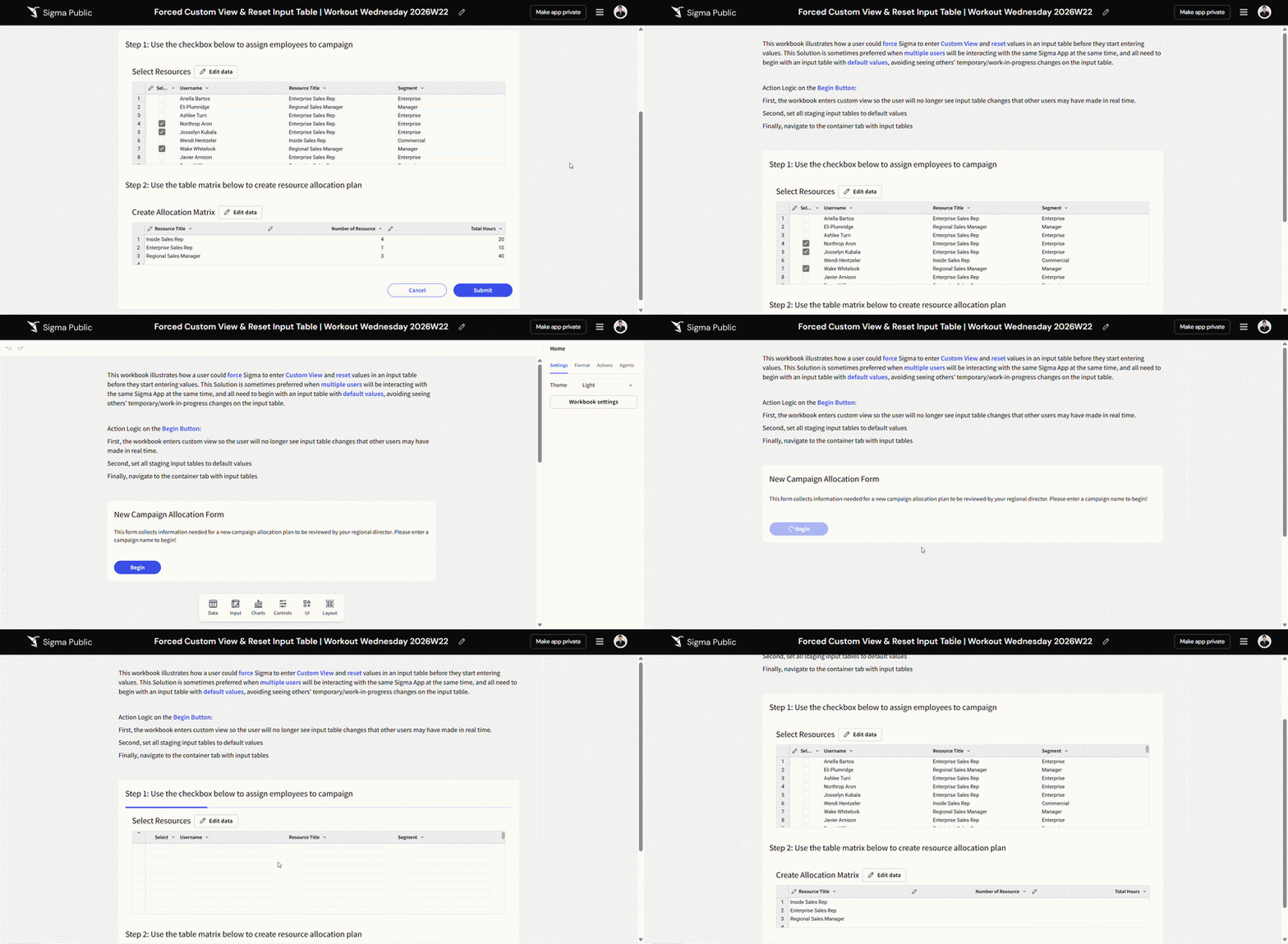
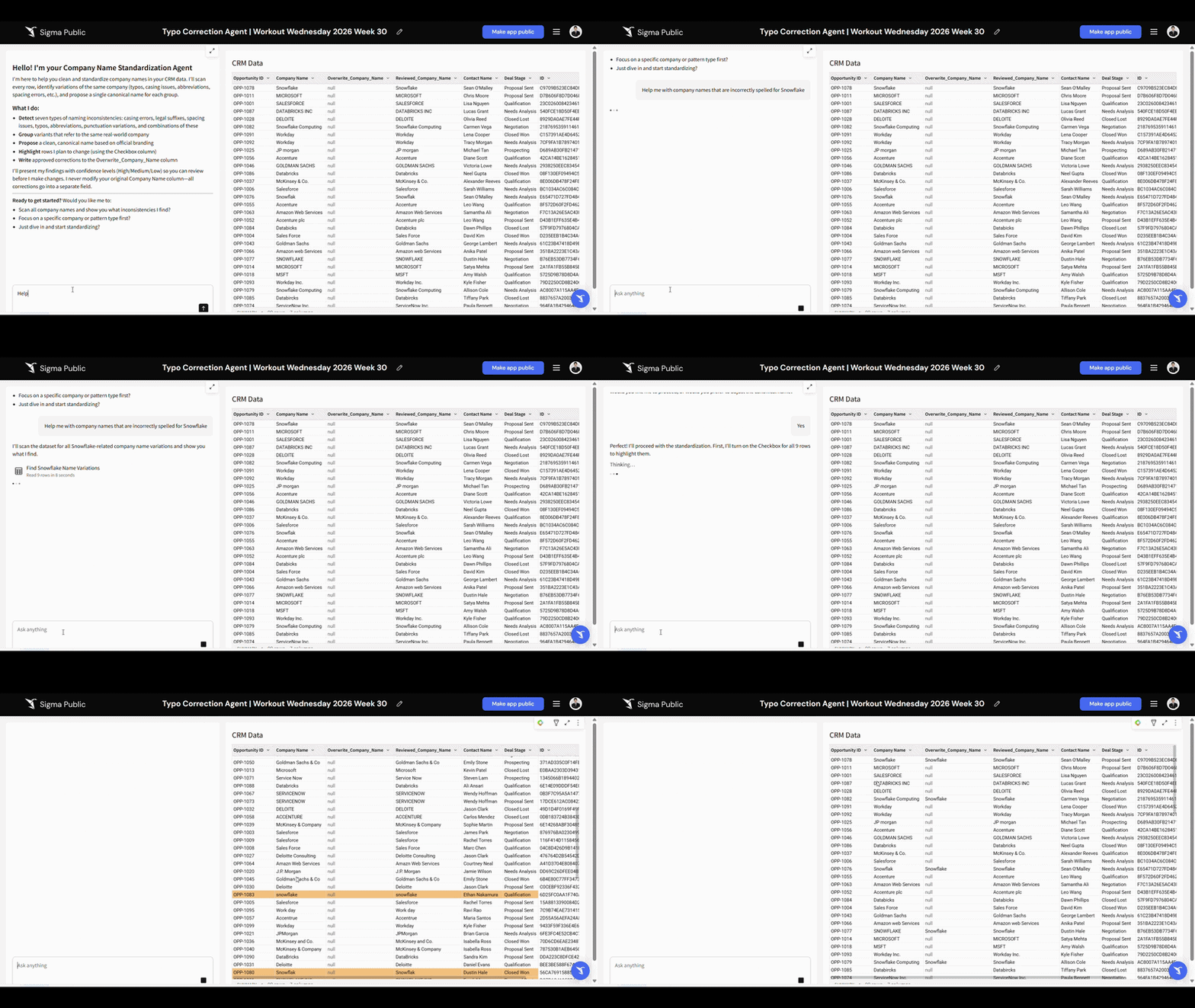
2026 Week 30 | Sigma: Workbook Data Prep AI Agent

Introduction Welcome to Week 26 of 2026! Sigma Agent allows you to read, write, and execute actions natively within the workbook, data sources, and input tables. This challenge showcases how you may build last-mile data prep into a workbook with Sigma Agent.  The example setup requires a Linked Input Table to store output from Sigma

2026 Week 30 | Sigma: Workbook Data Prep AI Agent Read More »

Sigma, Workout Wednesday
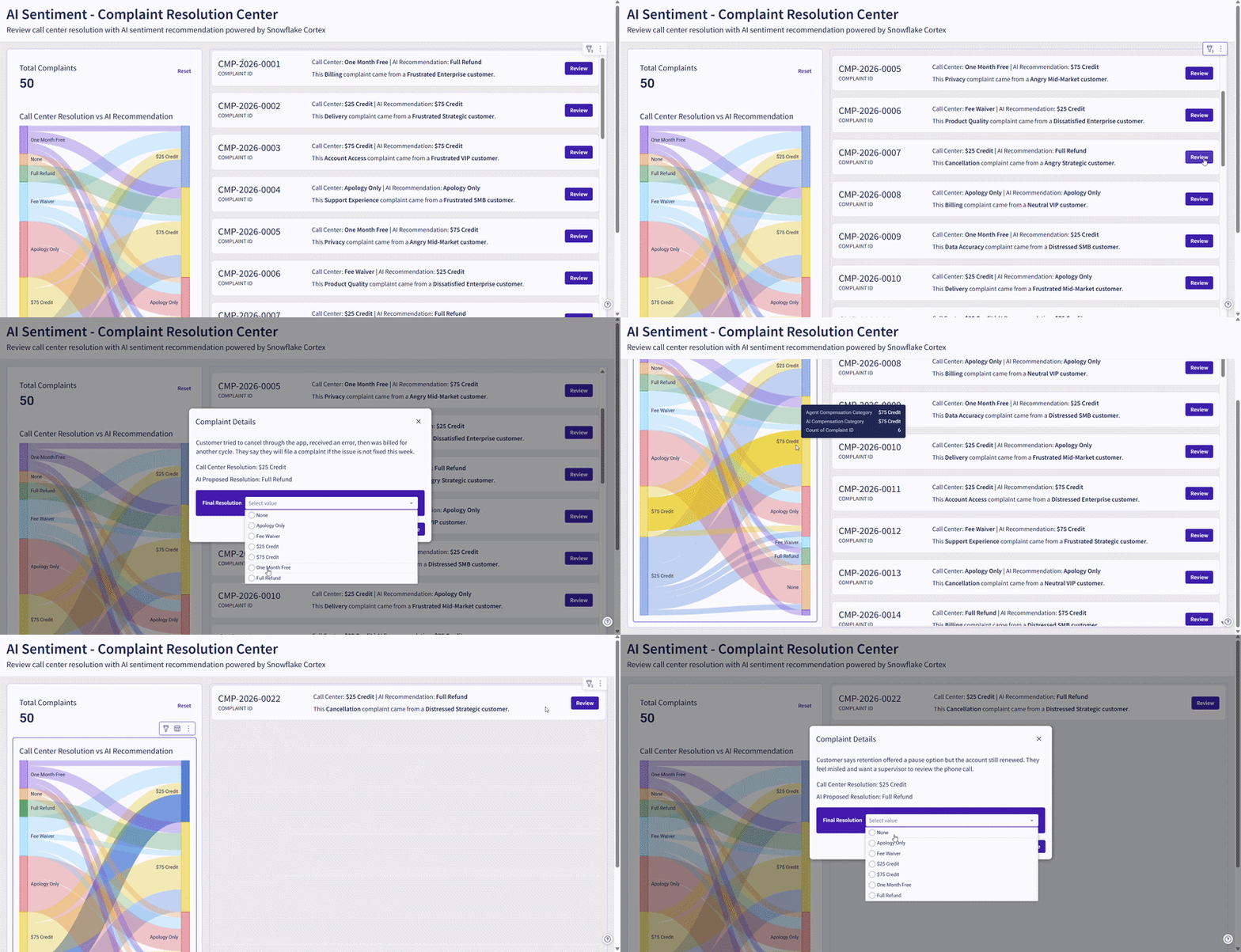
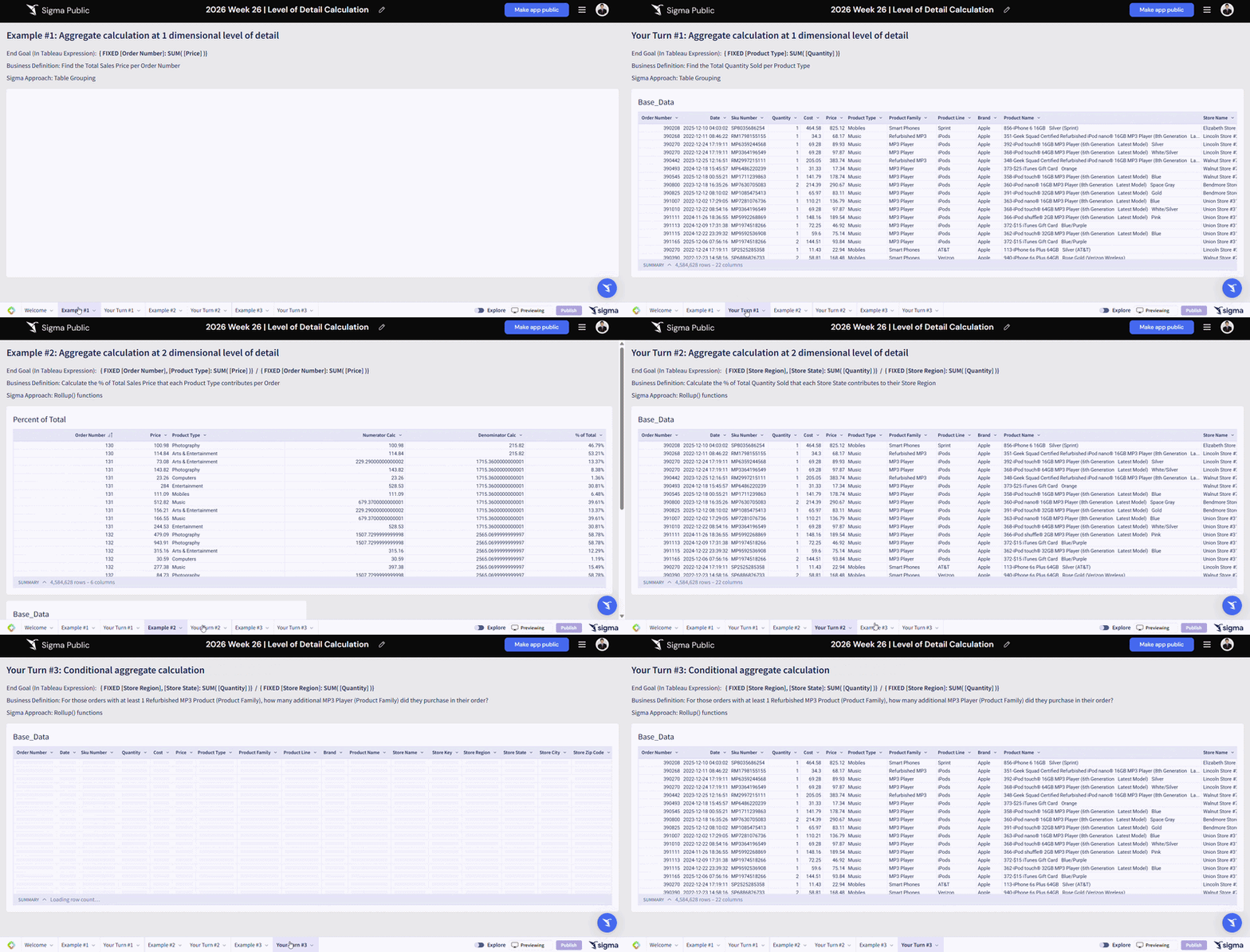
2026 Week 26 | Sigma: Level of Detail Calculations

Introduction Welcome to Week 26 of 2026! We are bringing “Level of Detail” expressions that you might be famililar from other BI tools into Sigma this week! In short, Level of Detail expressions allow you to perform aggregation by specifically defined dimensions that is less granular than the row level, while preserving the overall table

2026 Week 26 | Sigma: Level of Detail Calculations Read More »

Sigma, Workout Wednesday
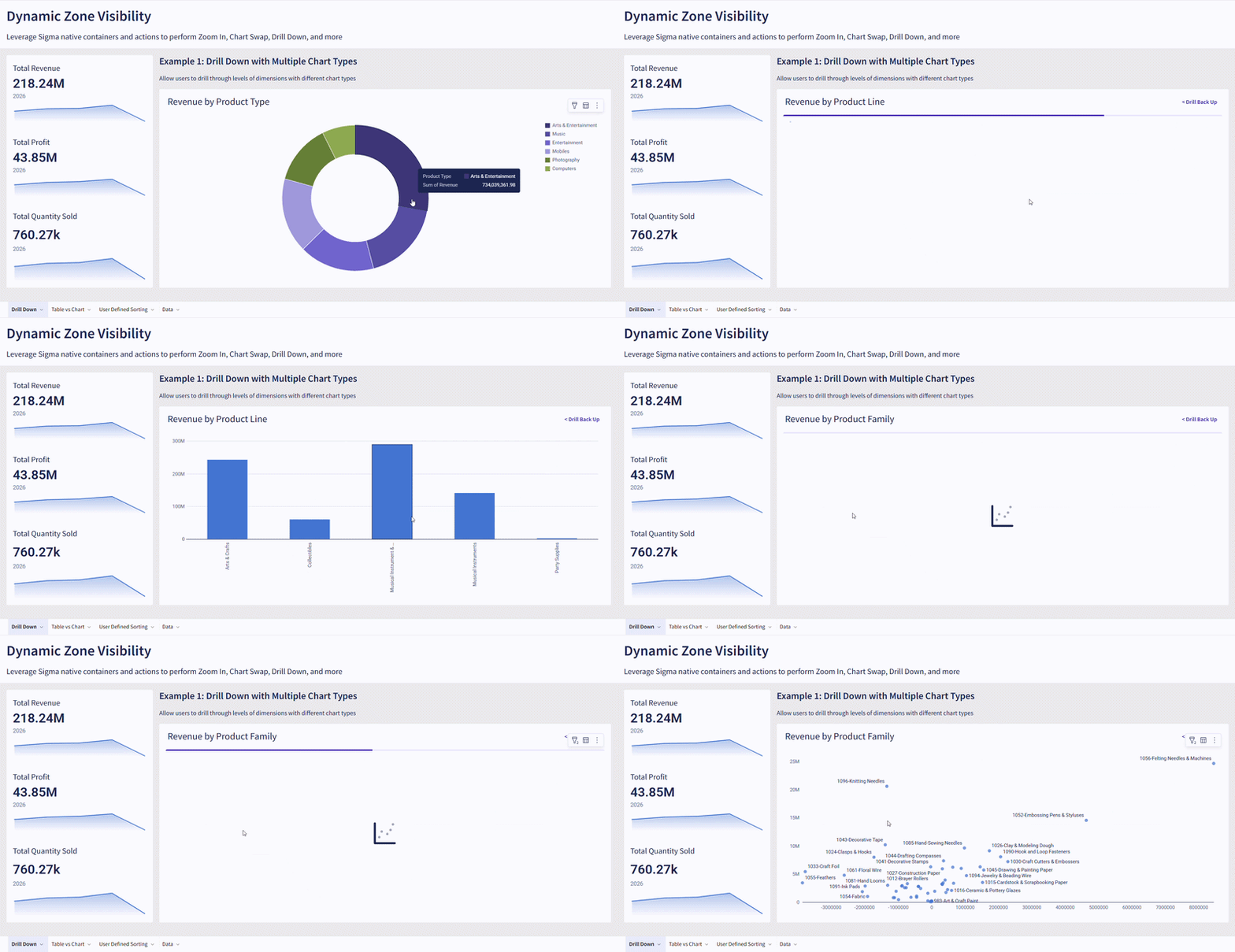
2026 Week 22 | Sigma: Input Table Reset & Forced Custom View

Introduction Welcome to Week 22 of 2026! Most users learned form/input table handling by clearing forms or resetting the input table upon submission or an action trigger downstream. This is viable for a low usage app.  If you are building an app that might be used by hundreds of users simultaneously, and the workflow requires

2026 Week 22 | Sigma: Input Table Reset & Forced Custom View Read More »

Sigma, Workout Wednesday
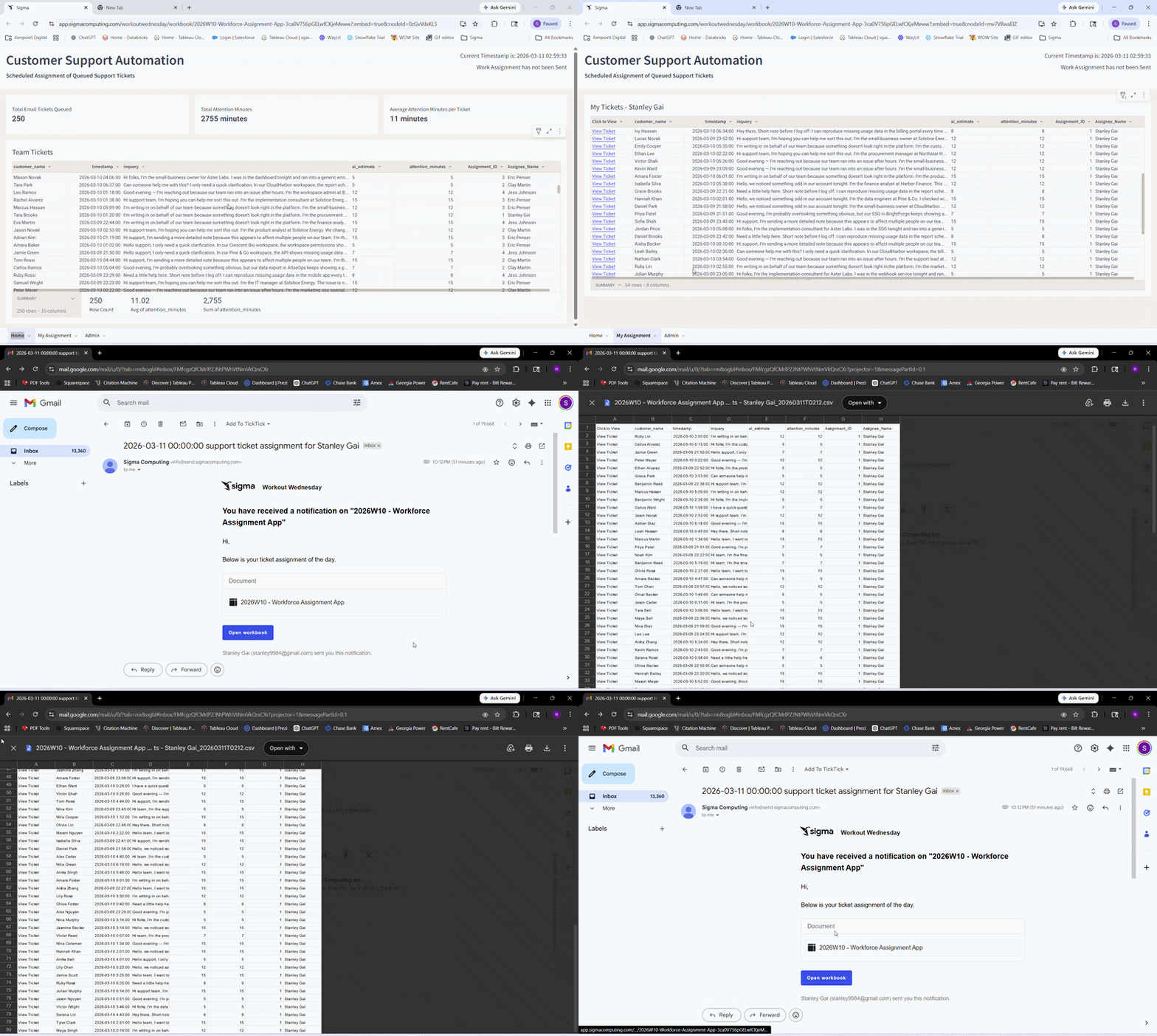
2026 Week 18 | Sigma: AI Sentiment Analysis with Snowflake Cortex

Introduction Imagine you are the Senior Customer Success Manager at a SaaS company that runs on a subscription model, and you are responsible for reviewing complaint resolutions proposed by junior-level agents.  This week, we are bringing Snowflake AI_Sentiment(), AI_Classify(), and AI_Complete() functions into Sigma AI App. Snowflake Cortex AI will help you identify the customer’s

2026 Week 18 | Sigma: AI Sentiment Analysis with Snowflake Cortex Read More »

Sigma, Workout Wednesday
2026 Week 14 | Sigma: Dynamic Zone Visibility

Introduction This week, we are picking up the momentum from the map challenge last week, by taking a deep dive into Dynamic Zone Visibility. This project will provide you an understanding of developing dynamic zones in Sigma for the ultimate user experience you want to bring to your audience. Examples include: Drill down, Chart Swap,

2026 Week 14 | Sigma: Dynamic Zone Visibility Read More »

Sigma, Workout Wednesday

2026 Week 06 | Sigma: Can you build an AI Help Desk?

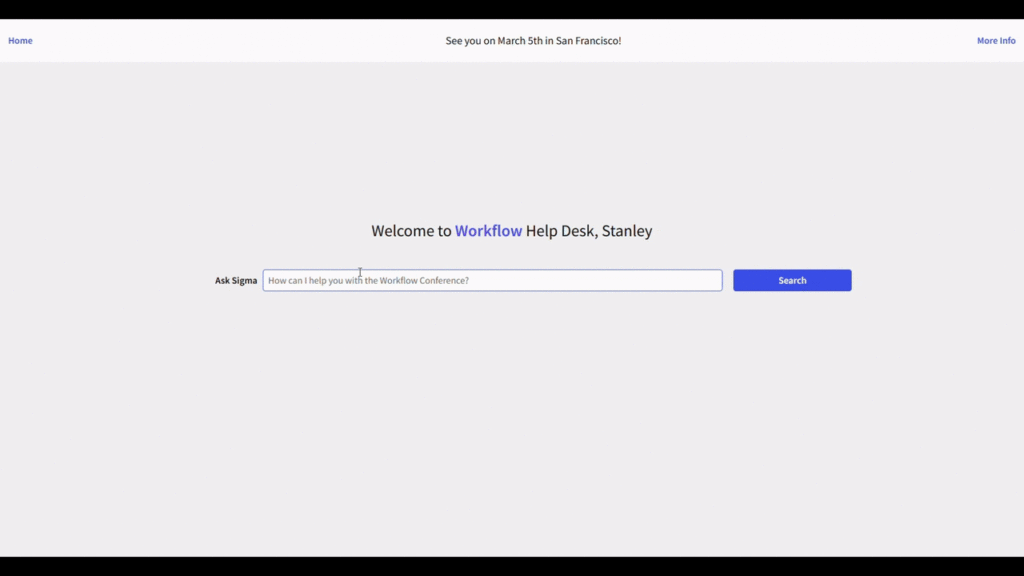
Introduction Did you know you can call Snowflake Cortex AI functions directly within Sigma? Sigma Workflow Conference in San Francisco is right around the corner, and we will build an AI Chatbot in a Sigma workbook to help users find answers to conference related questions.  This AI App focused challenge will walk you through the

2026 Week 06 | Sigma: Can you build an AI Help Desk? Read More »

Sigma, Workout Wednesday