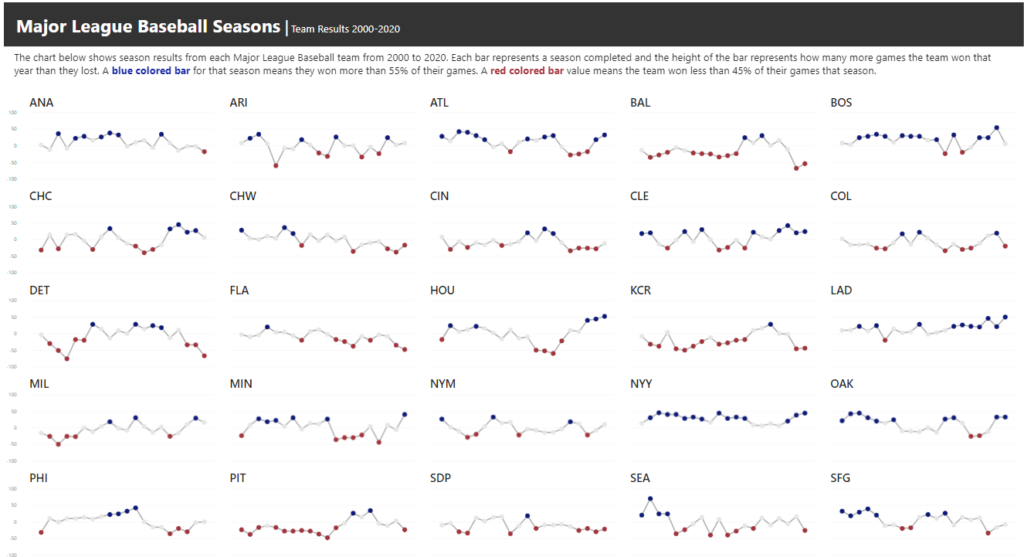
formatting

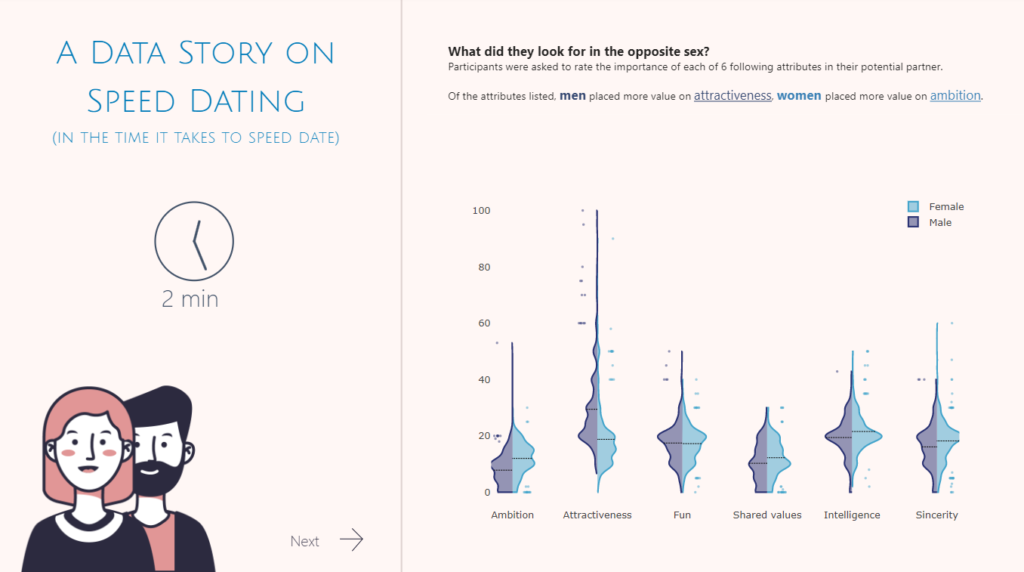
2022 Week 36 | Power BI: Split Violin Plot and HTML

Introduction Another PlotlyJS visual this week – creating a split violin plot. We’ll be comparing male and female dating preferences collected from speed dating events between 2002-2004. EXTRA CREDIT – For those with a little more time on their hands, an extended workout challenge is included; conduct your own data analysis and create a data […]

2022 Week 36 | Power BI: Split Violin Plot and HTML Read More »

Power BI, Workout Wednesday
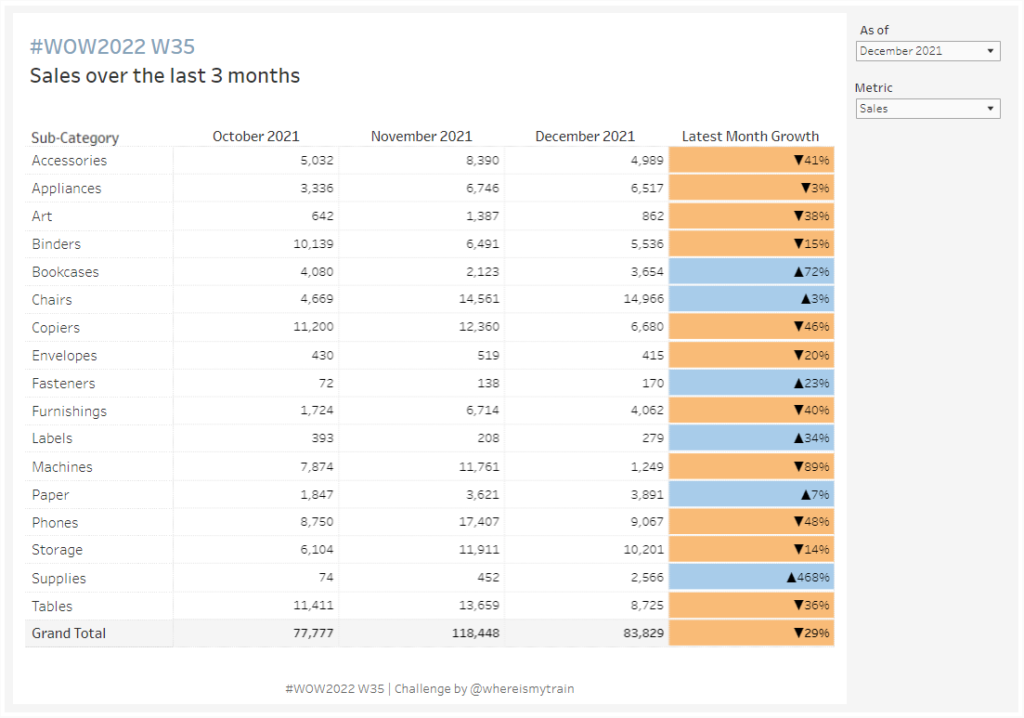
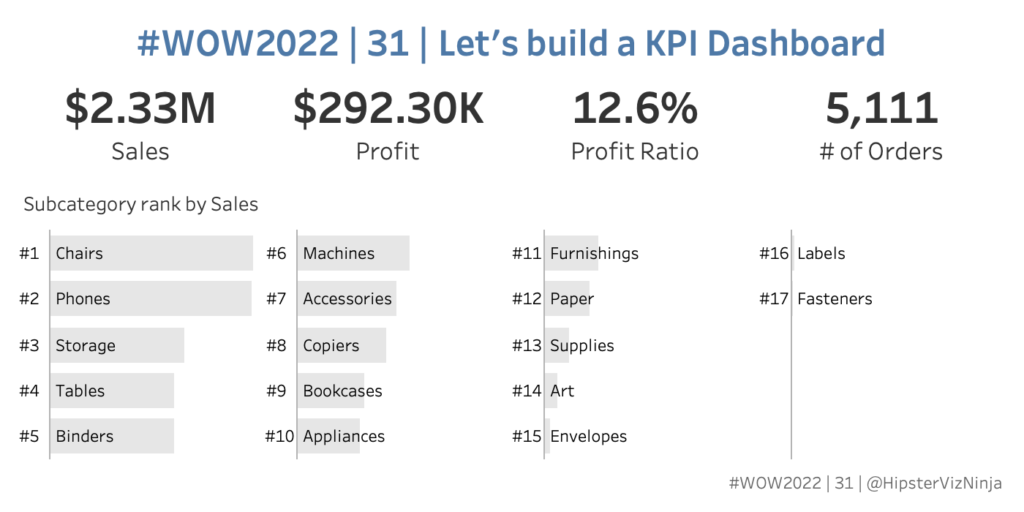
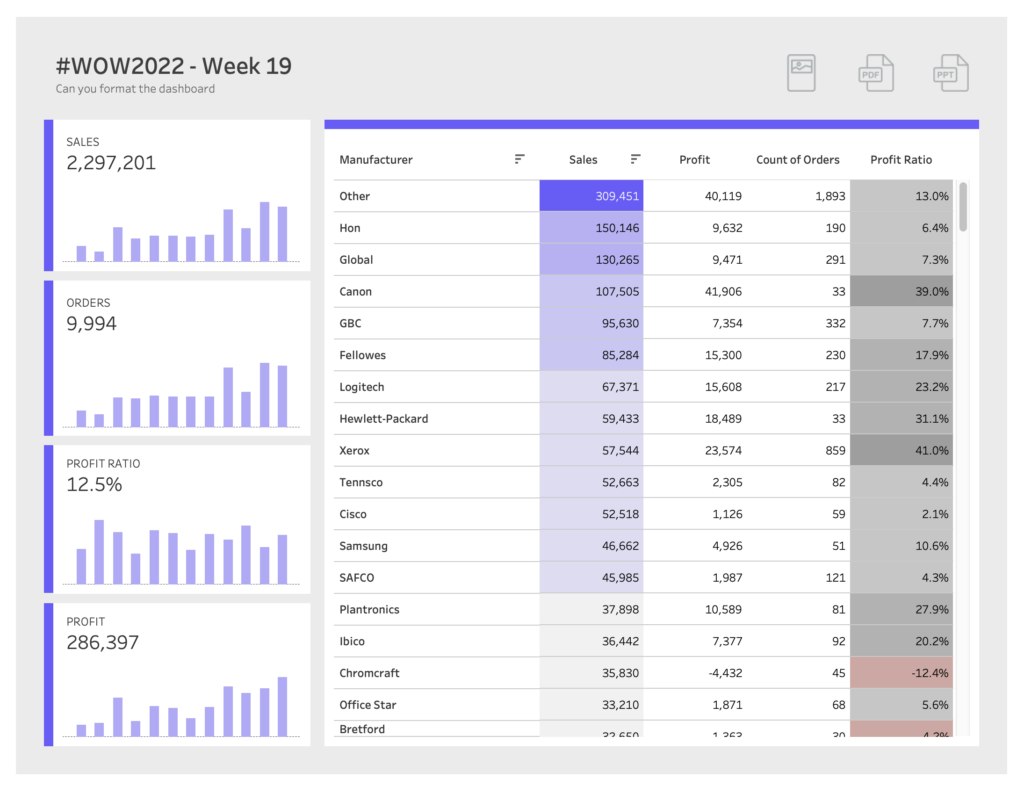
#WOW2022 | Week 35 | Conditional Table Formatting with Dynamic Headers

Introduction This week’s challenge is brought to you by a guest coach, my colleague Valerija Kirjackaja, who came across this problem at work and created a beautiful solution for it. How often do you get asked to re-create Excel tables in Tableau? On a scale from 1 to ‘I am never doing this again’ –

#WOW2022 | Week 35 | Conditional Table Formatting with Dynamic Headers Read More »

Tableau, Workout Wednesday

2022 Week 31 | Power BI: Connected Scatter with PlotlyJS

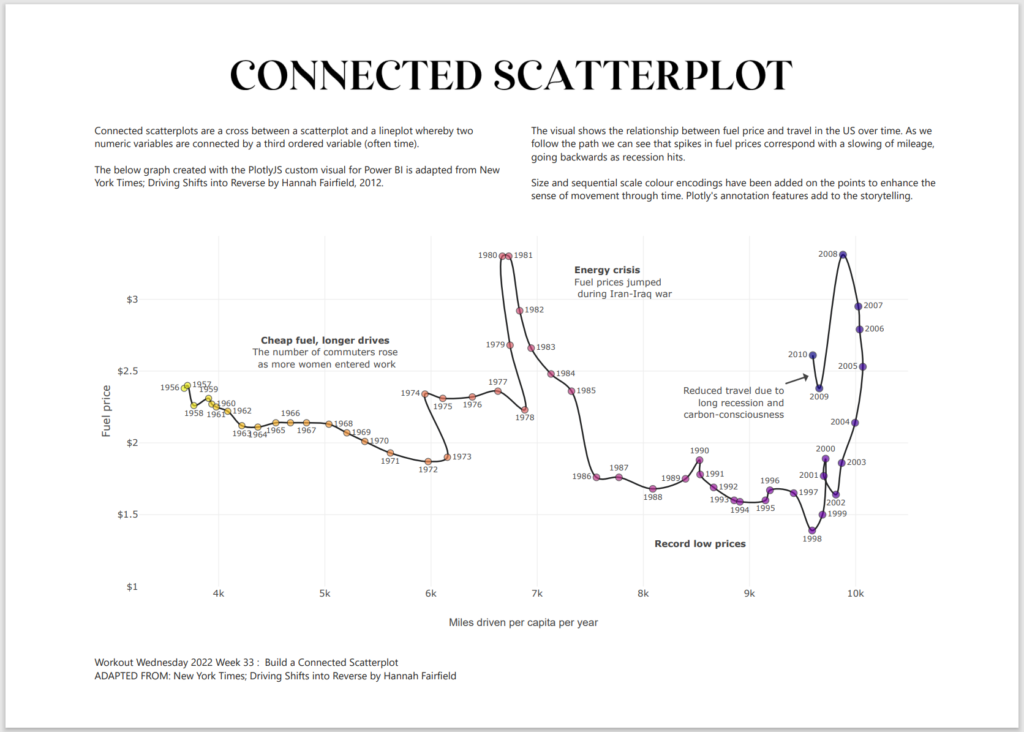
Introduction This week for Workout Wednesday we are getting familiar with the PlotlyJS visual by creating traces and annotations for a connected scatterplot.   Connected scatterplots are a cross between a scatterplot and a lineplot whereby two numeric variables are connected by a third ordered variable (often time).   The below graph created with the

2022 Week 31 | Power BI: Connected Scatter with PlotlyJS Read More »

Power BI, Workout Wednesday
2022 Week 26 | Power BI: Polar Plots with Charticulator

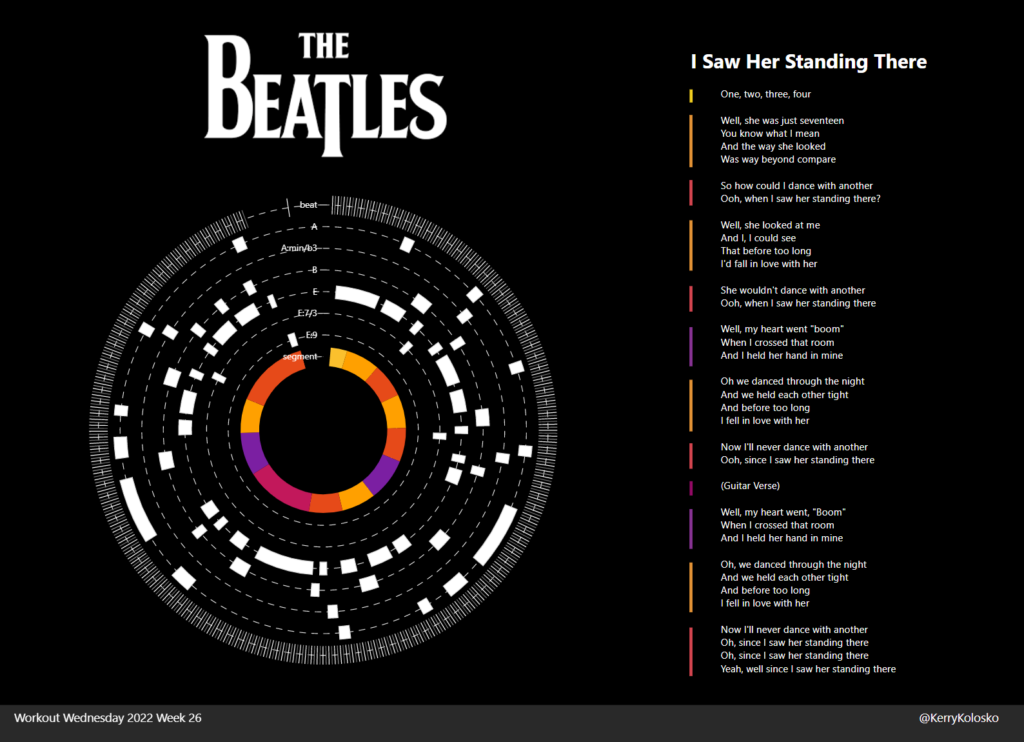
Introduction June is Music Month and this week we are getting arty with Charticulator. In our previous Charticulator challenges, we designed with cartesian plots, spiral plots and tried our hand at nested charts. For this challenge we use a Polar Scaffold to visualise songs segments by time/duration.   This challenge presumes some Power Query experience.

2022 Week 26 | Power BI: Polar Plots with Charticulator Read More »

Power BI, Workout Wednesday
2022 Week 20 | Power BI: Pie Matrix Tableau Redo

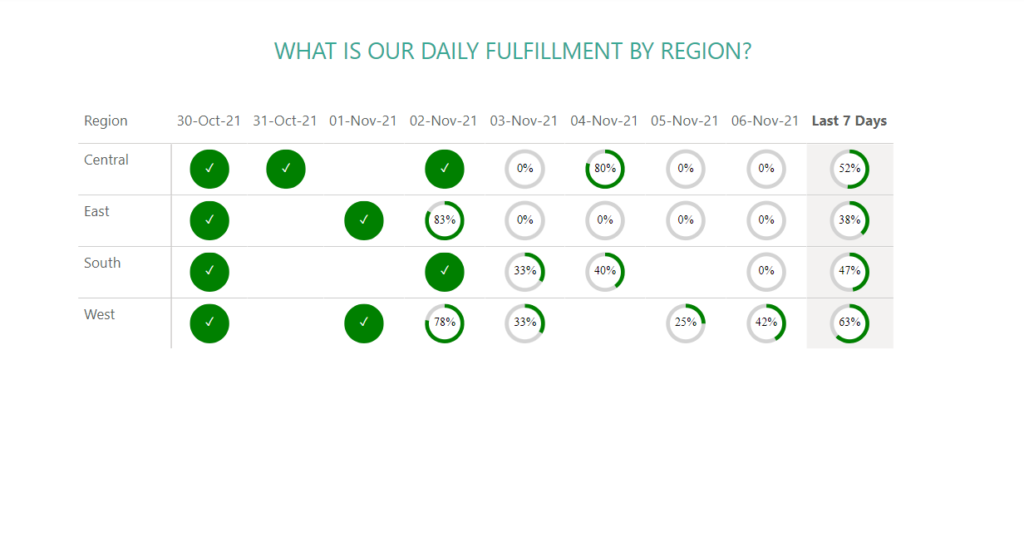
Introduction May is Tableau Redo month and this week we will be recreating Tableau #WoW2019 Week 45 by Luke Stanke.   Requirements Filter the data up until November 6th, 2021. Create a matrix showing region and last 7 days (up to November 6th, 2021). Create SVG Measures to build a doughnut chart that shows the

2022 Week 20 | Power BI: Pie Matrix Tableau Redo Read More »

Power BI, Workout Wednesday
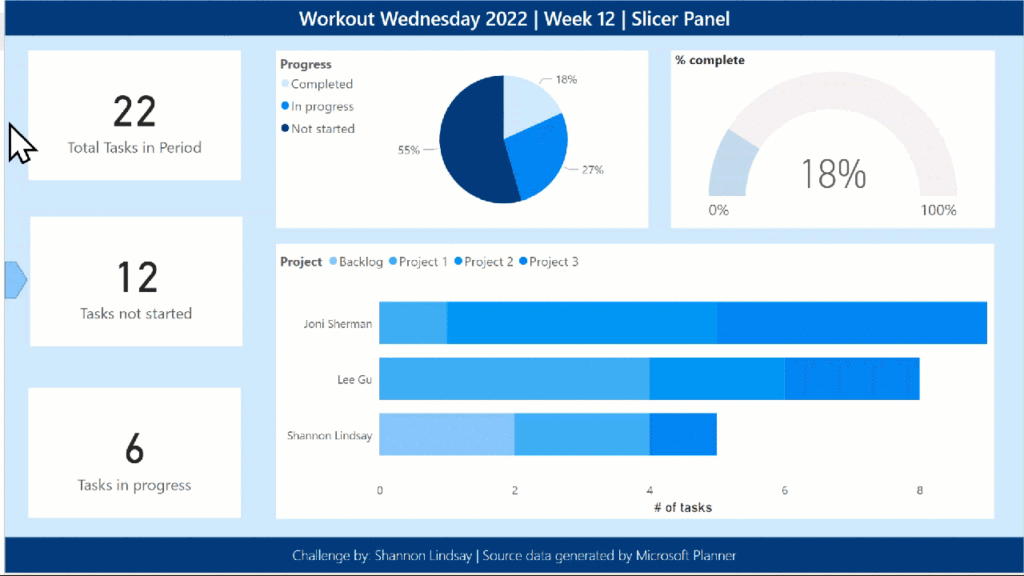
2022 Week 12 | Power BI: Build a Slicer Panel

Introduction Welcome back to Workout Wednesday – we’re glad you’re here! This week, we’re continuing on with our project management theme. We’re tracking project progress using data generated from Microsoft Planner. Using Power BI with Planner (as opposed to using the inbuilt charts) enables us to both customize visuals and to view more than one plan at

2022 Week 12 | Power BI: Build a Slicer Panel Read More »

Power BI, Workout Wednesday
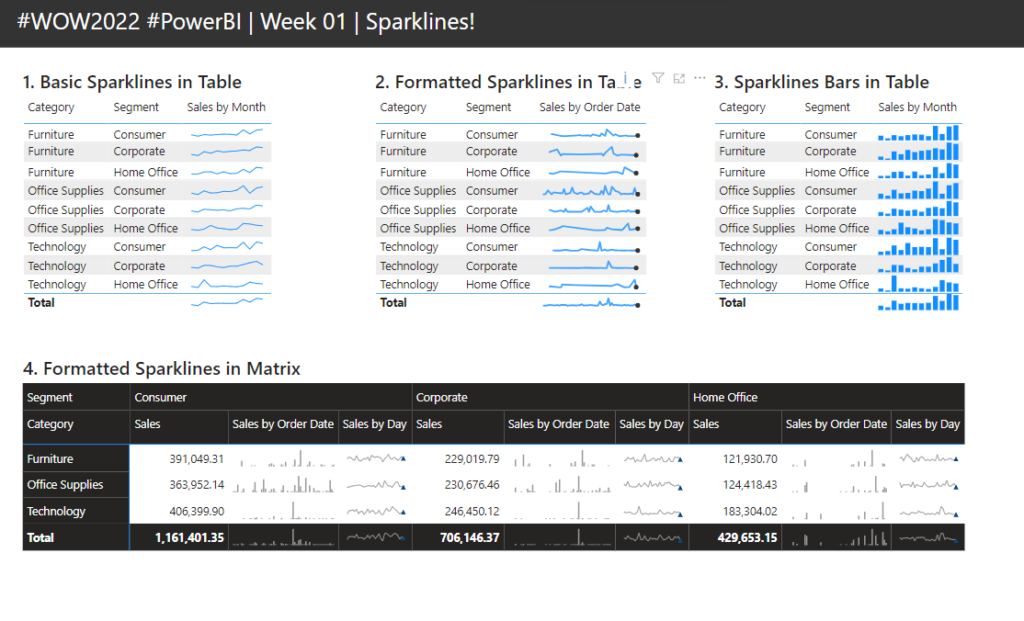
2022 Week 01 | Power BI: Sparklines!

Introduction Welcome back to another year of Power BI #WorkoutWednesday! We hope you enjoy the challenges that we are going to present you this year. To get this year started off right, this week’s challenge will be introducing you to a feature that was released in the December 2021 Power BI Desktop release, sparklines. I’ve

2022 Week 01 | Power BI: Sparklines! Read More »

Power BI, Workout Wednesday
2021 Week 47 | Power BI: Custom Line Chart Formatting

Introduction This week we are continuing our design theme by working through a custom formatting hack for line charts. Conditional formatting in Power BI can be tricky at times, especially when trying to format different chart types.  If you are familiar with conditionally formatting a line chart, you’ll know that in the Data Colors section

2021 Week 47 | Power BI: Custom Line Chart Formatting Read More »

Power BI, Workout Wednesday