formatting

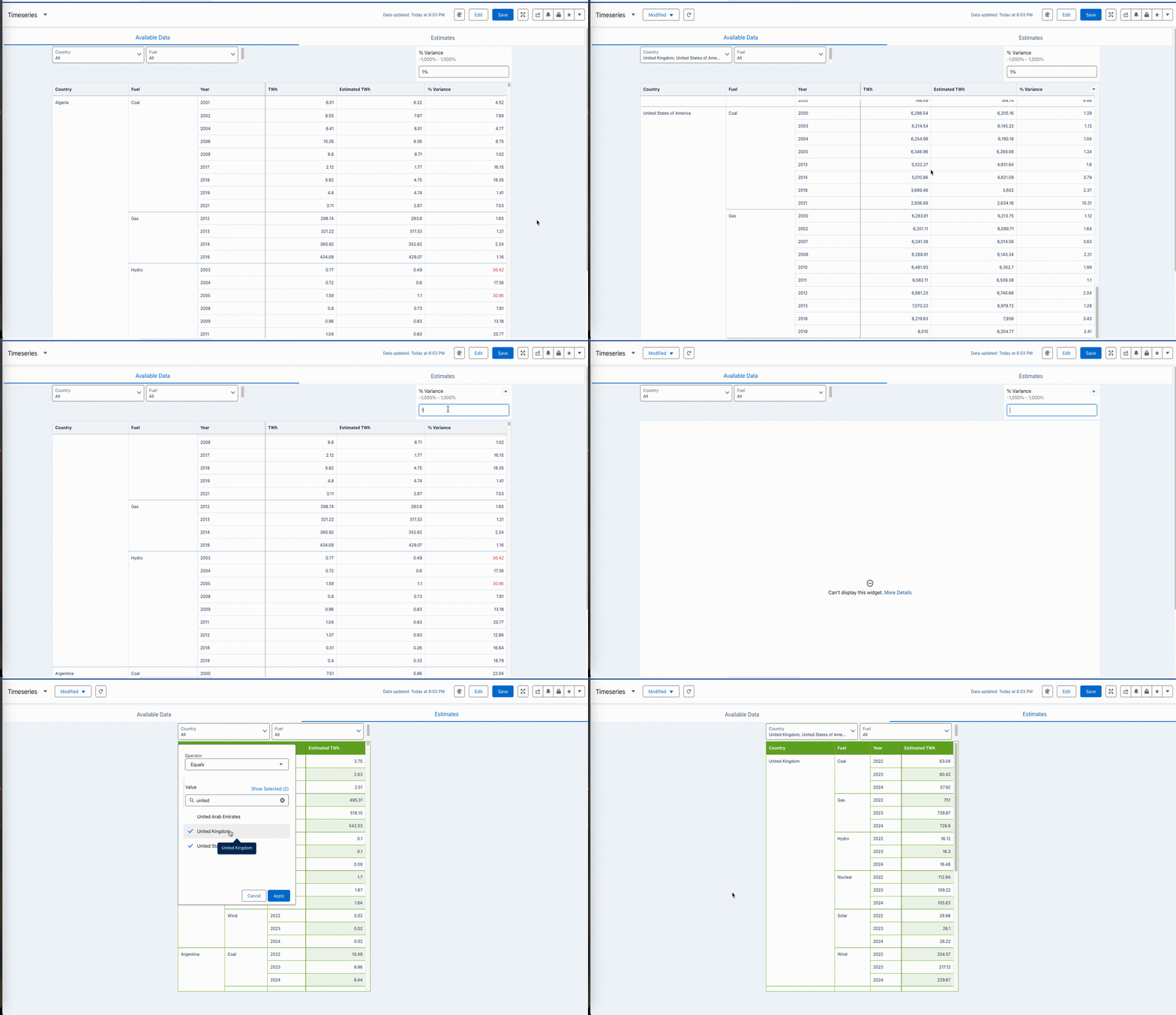
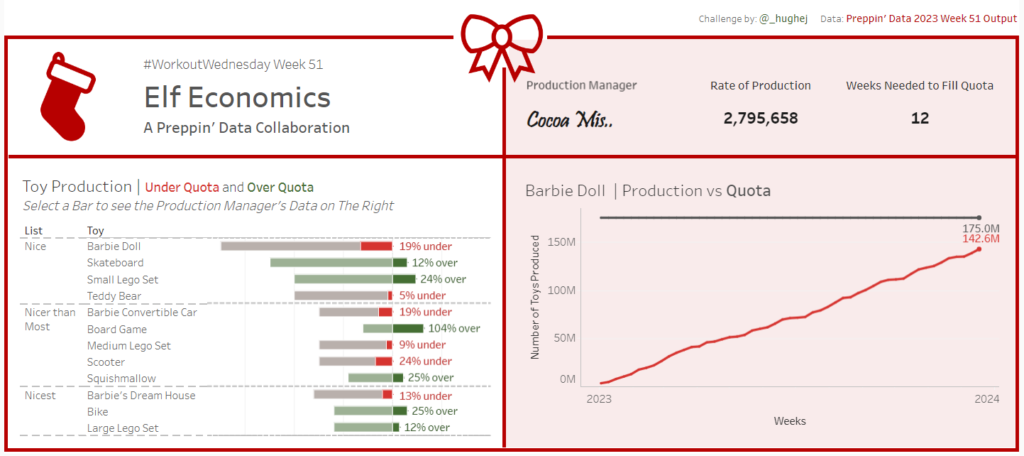
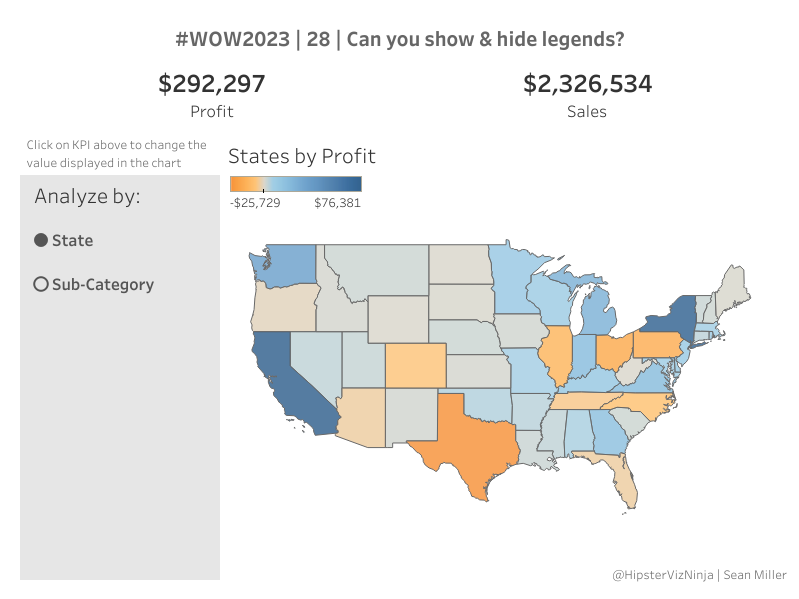
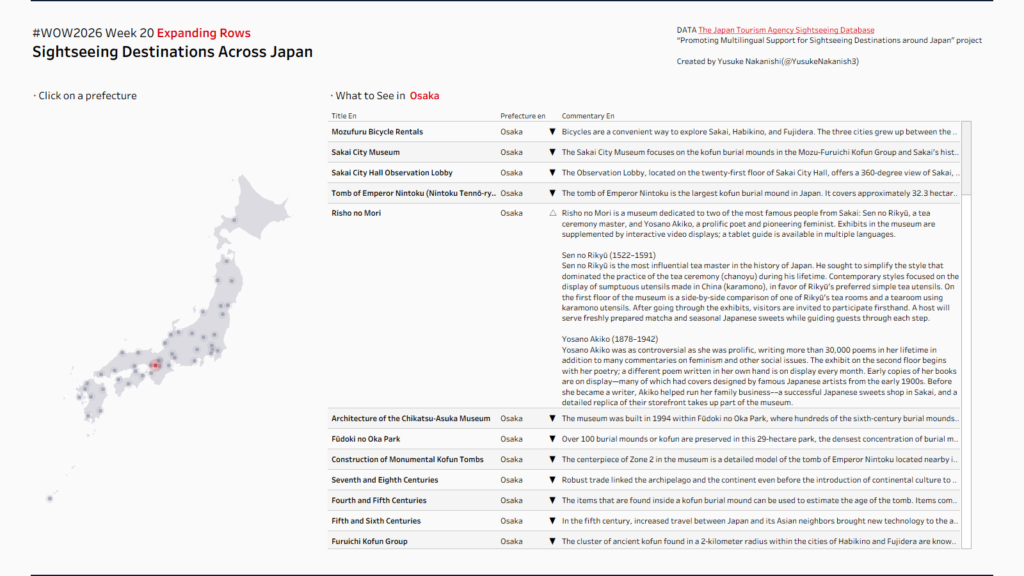
#WOW2026 | Week 20 | Expanding Rows

Introduction This week’s challenge is inspired by one of the new features announced at Devs on Stage at the recent Tableau Conference.Devs on Stage unveiled nearly 30 new features. Chart Layers stole the show for me, but I’m also genuinely excited about Data Driven Formatting—the ability to dynamically change font size, container size, color, and […]

#WOW2026 | Week 20 | Expanding Rows Read More »

Tableau, Workout Wednesday
2026 Week 10 | Power BI: Dynamic visibility of visuals

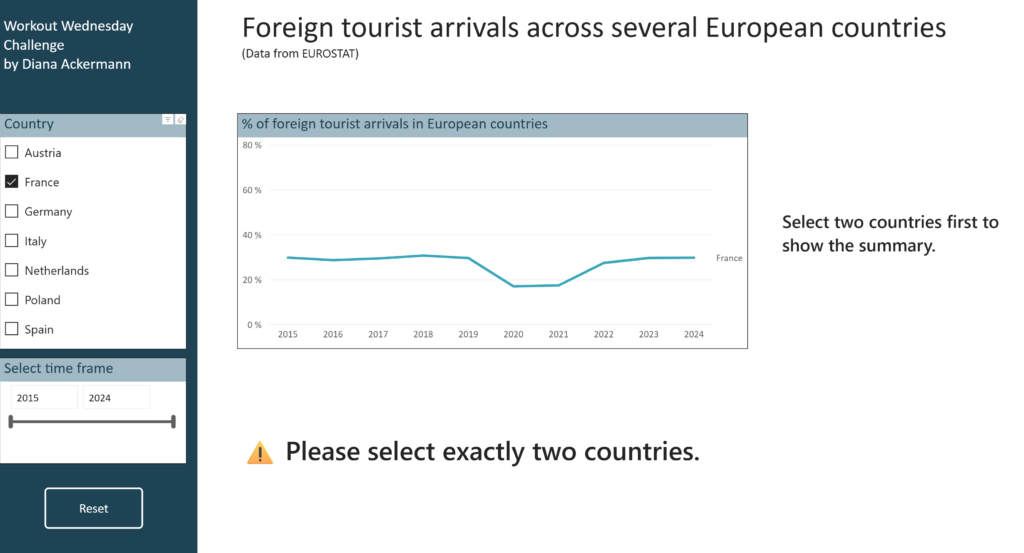
Introduction This challenge focuses on a powerful Power BI technique: conditional visibility using overlapping visuals and dynamic transparency. Instead of hiding visuals entirely, you’ll learn to control visibility through background color transparency – making elements appear and disappear based on user selections. Based on the selection of countries, we are looking at differences in foreign

2026 Week 10 | Power BI: Dynamic visibility of visuals Read More »

Power BI, Workout Wednesday

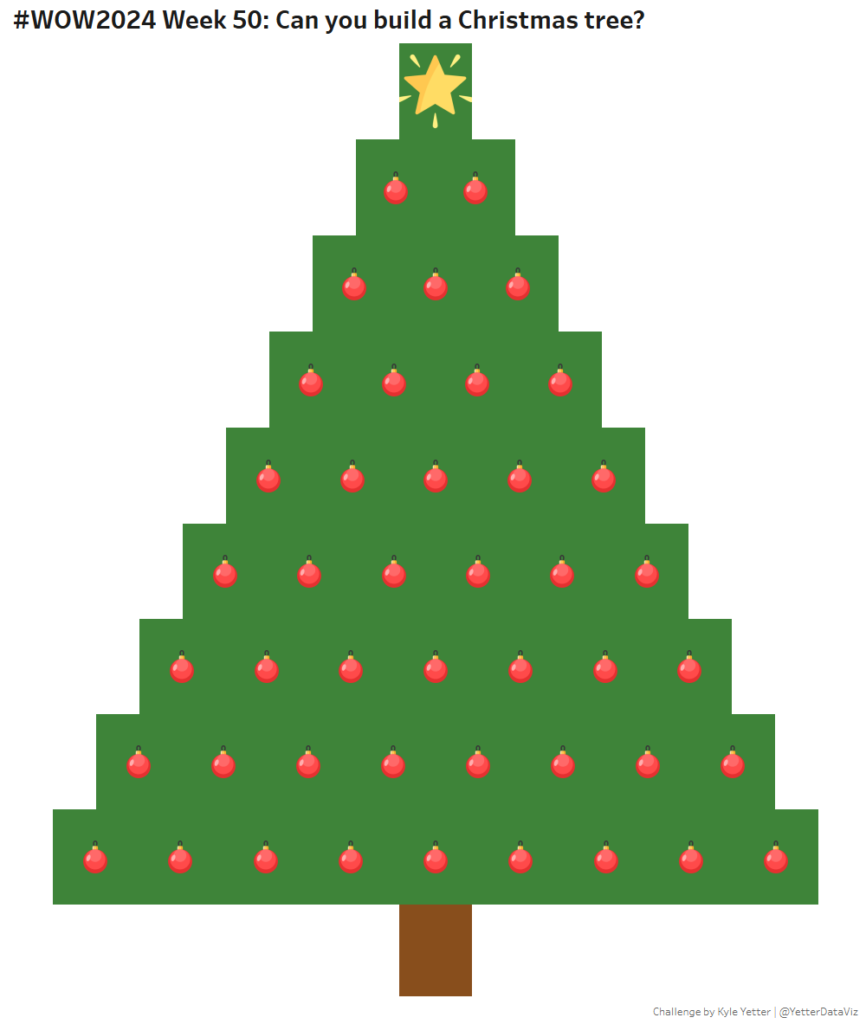
#WOW2024 Week 50: Can you build a Christmas tree?

Introduction We’re going to try something a little different this week. We’re going to make a viz/dashboard without a dataset. Having just come from my daughter’s Christmas show this evening, and thinking I wanted to focus on container/dashboard formatting but keep it simple, I decided to build, then decorate a Christmas tree. So, that’s what

#WOW2024 Week 50: Can you build a Christmas tree? Read More »

Tableau, Workout Wednesday
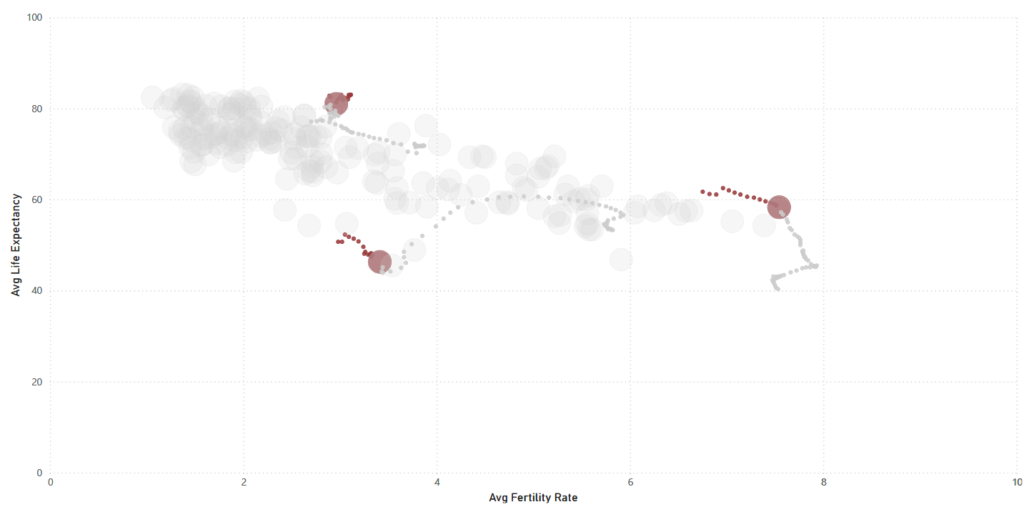
2024 Week 27 | Power BI: Scatter plot showing the path of selected data points

Introduction The challenge for this week is to first build a scatter plot of fertility vs life expectancy of different countries. However, this will not just be for a single year, but will contain information across many years, making it possible to slide the year and see how all the bubbles move. The key challenge

2024 Week 27 | Power BI: Scatter plot showing the path of selected data points Read More »

Power BI, Workout Wednesday
Overlapping Histogram

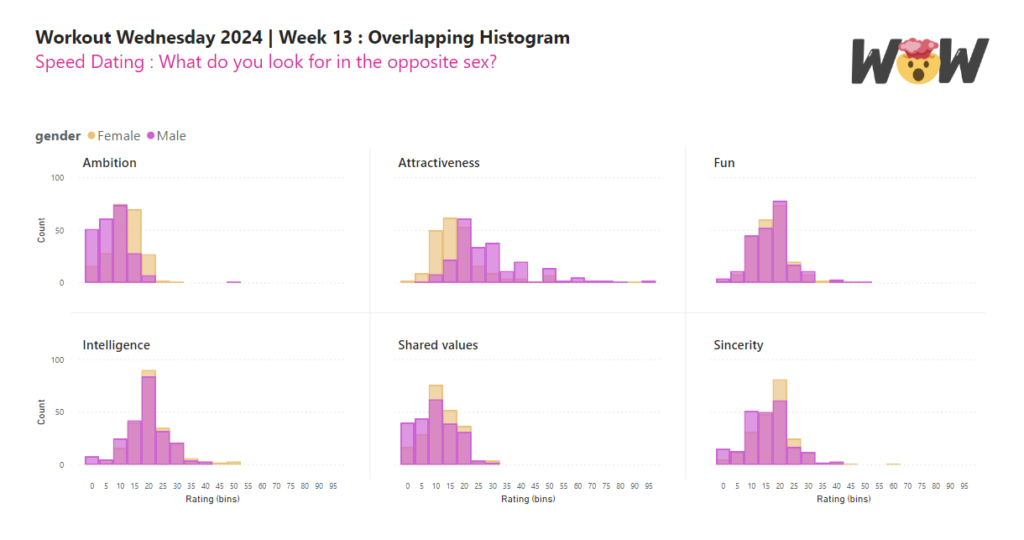
2024 Week 13 | Power BI: Overlapping Histogram

Introduction In this week’s challenge we are creating an Overlay Histogram. An overlay histogram utilises overlapping columns or bars to compare two populations. In this case, we are utilising the speed dating data from a previous challenge to compare male and female differences in dating preferences. Requirements Obtain the data from the Workout Wednesday 2022

2024 Week 13 | Power BI: Overlapping Histogram Read More »

Power BI, Workout Wednesday

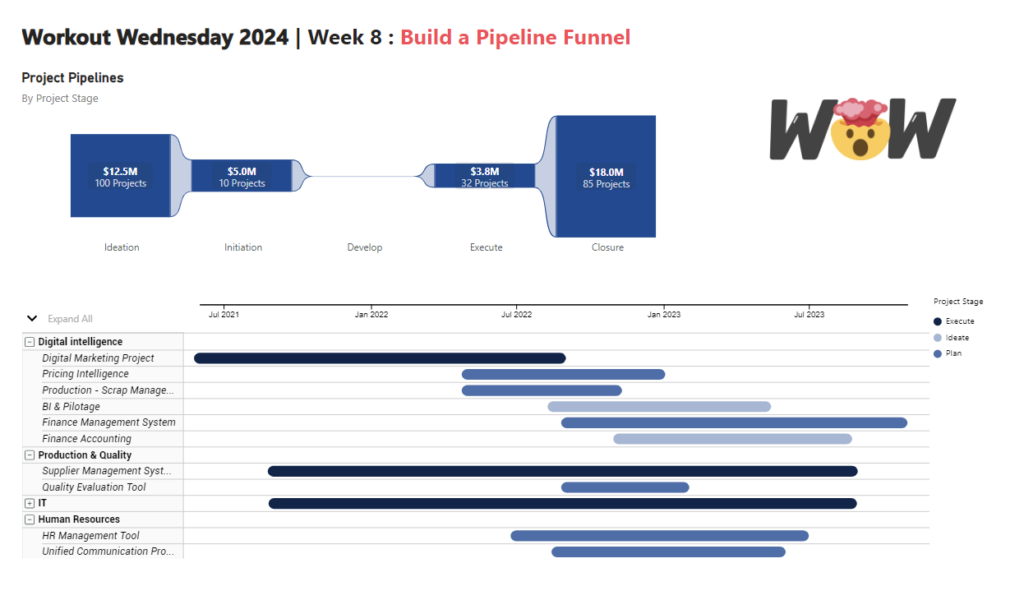
2024 Week 8 | Power BI: Build a Pipeline Funnel with Core Visuals

Introduction This week’s challenge we will be utilising visual calculations (this will require turning Visual Calculations on in Preview settings of February 2024 Desktop) and some additional new data label formatting options to create a pipeline funnel with out of the box visuals in Power BI. Visual calculations can be handy for visual specifiic calculations

2024 Week 8 | Power BI: Build a Pipeline Funnel with Core Visuals Read More »

Power BI, Workout Wednesday

#WOW2022 W43: Advanced Formatting by Jeremy Anderson

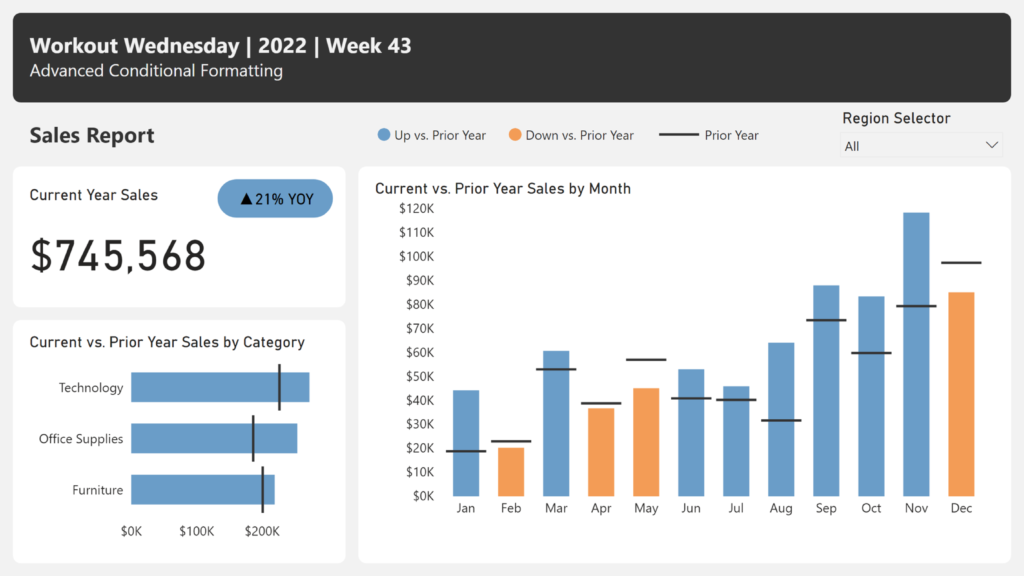
Introduction Conditional formatting is a robust feature in Power BI that you can leverage to help users gain insights. Typically, we see conditional formatting applied to the table and matrix visuals. For example, you might apply a background color, font color, or icons to the values based on a set of rules.  Conditional formatting of

#WOW2022 W43: Advanced Formatting by Jeremy Anderson Read More »

community, Power BI, Workout Wednesday