#WOW2025 | Week 20 | Let’s Practice Multi-fact Relationship Data Model

Introduction In this challenge, we will explore the Multi-Fact Relationship Data Model feature introduced in the 2024.2 version. This feature enables us to seamlessly connect and analyze multiple fact tables within a single data source. It’s exciting as a Tableau datasource can behave like a small database! Here are some materials for those who are […]

#WOW2025 | Week 20 | Let’s Practice Multi-fact Relationship Data Model Read More »

2025 Week 20 | Year-over-Year Selected Metric Trends

Introduction Welcome to Week 21 of 2025! This report allows users to select a performance metric (e.g., Revenue) and compare its values across 2024 and 2023. It provides a flexible way to explore year-over-year changes and spot trends or anomalies through interactive visuals. Good luck! -Andrei Requirements Main Visual: Area Chart with Year-on-Year Comparison Green

2025 Week 20 | Year-over-Year Selected Metric Trends Read More »

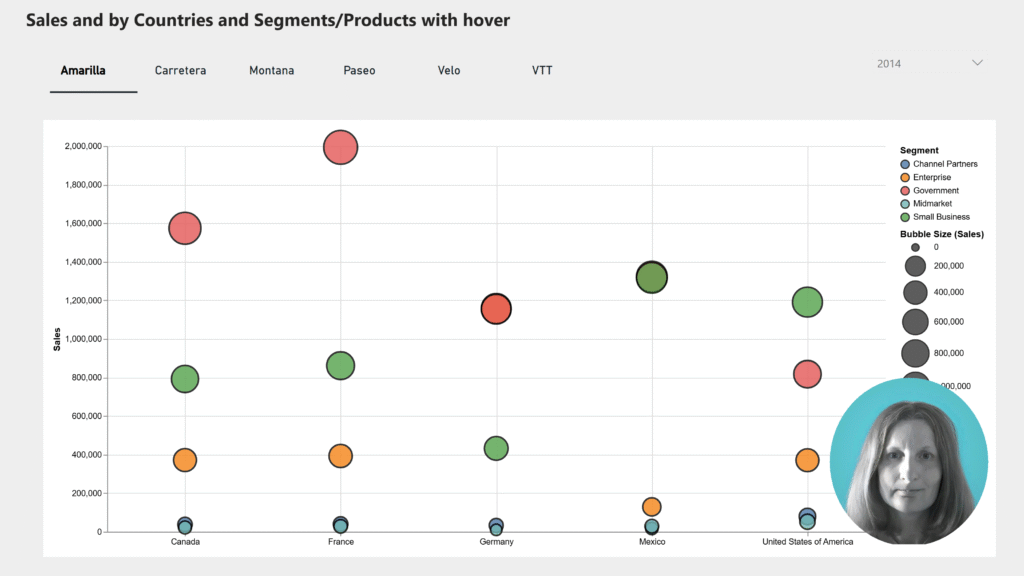
Screenshot of a Power BI report that looks like a line chart with a picture of James in the lower right corner.

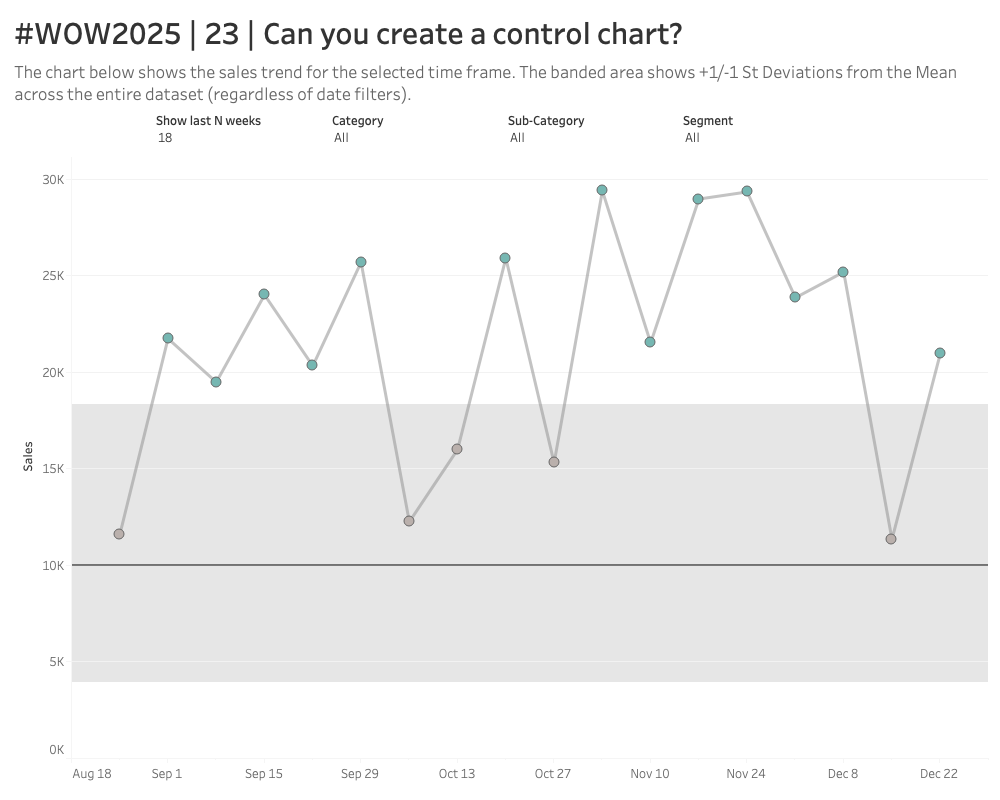
2025 Week 17 | Power BI: Create a control chart

Introduction Welcome back to Workout Wednesday!  This week we’re building a Control Chart. Control charts can be used to track a specific process measure – such as sales, defects, or processing time – over a period of time. A few common uses are: Manufacturing: Monitoring defect rates and equipment performance  Healthcare: Tracking infection rates, patient

2025 Week 17 | Power BI: Create a control chart Read More »