Intermediate

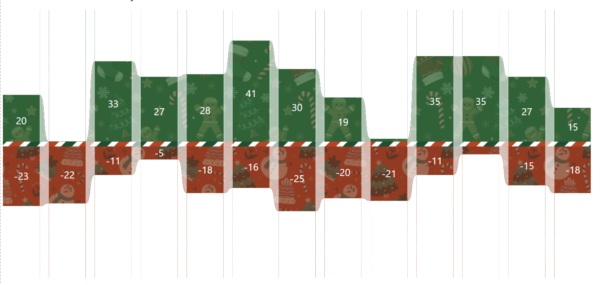
2025 Week 51 | Power BI: Holiday Traffic: Who Came, Who Left 🎄

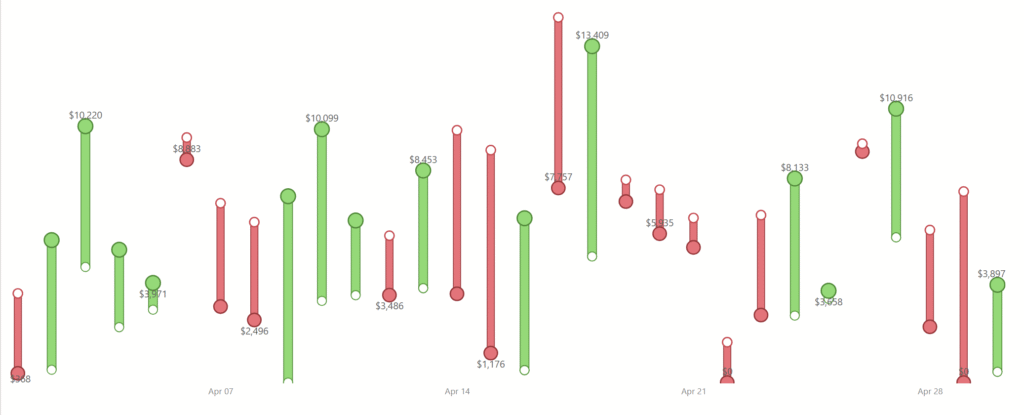
Introduction The first snowfall in Denver was unseasonably late this year. So I got curious about the data and decided to make a visualization. While this one does communicate with data, it’s taking a bit of artistic license.  This is your challenge as well: create a first snowfall scatterplot with some wintery visual effects. You […]

2025 Week 51 | Power BI: Holiday Traffic: Who Came, Who Left 🎄 Read More »

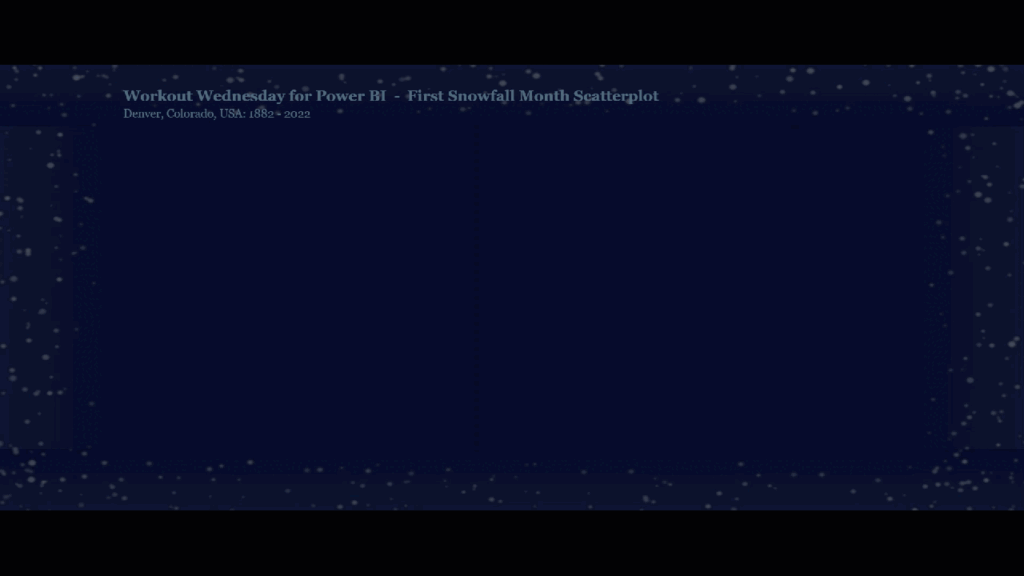
2025 Week 50 | Power BI: First Snowfall Scatterplot

Introduction The first snowfall in Denver was unseasonably late this year. So I got curious about the data and decided to make a visualization. While this one does communicate with data, it’s taking a bit of artistic license.  This is your challenge as well: create a first snowfall scatterplot with some wintery visual effects. You

2025 Week 50 | Power BI: First Snowfall Scatterplot Read More »

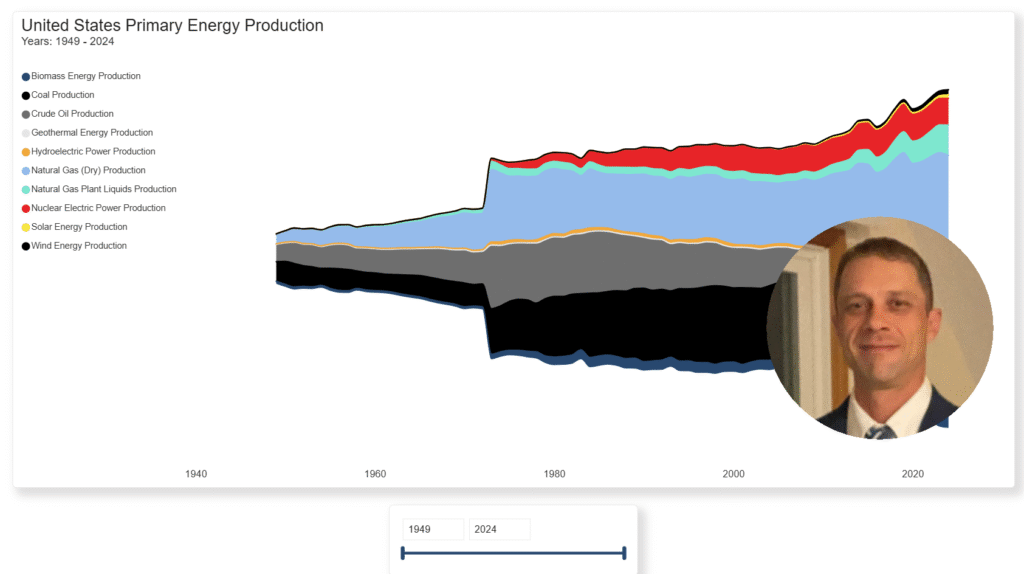
2025 Week 48 | Power BI: Build a stream graph

Introduction Welcome back to Workout Wednesday! This week we’re building a stream graph in Power BI! A stream graph is a variation of the stacked area chart that arranges categories so they flow above and below a central baseline. This creates a smooth, organic “stream” appearance. Stream graphs are excellent for visualizing how many categories change over time

2025 Week 48 | Power BI: Build a stream graph Read More »

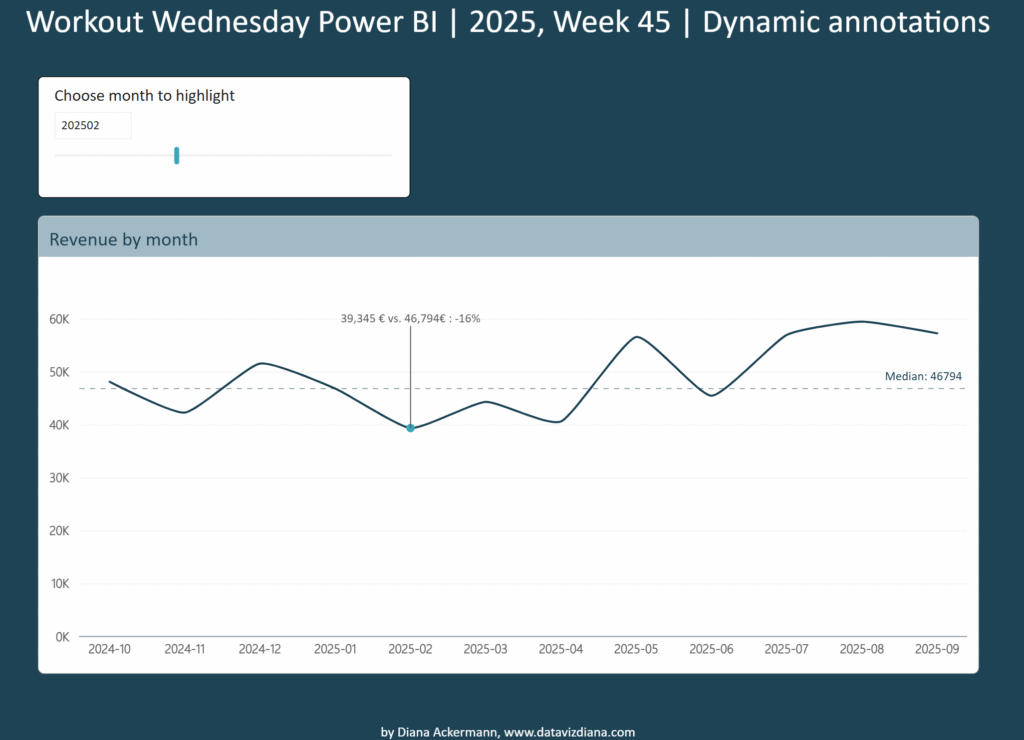
2025 Week 45 | Power BI: Create dynamic annotations

Introduction Welcome back to Workout Wednesday! This week we’re creating a dynamic annotation slicer that highlights specific data points on a time series chart. Imagine you’re presenting monthly revenue trends to stakeholders who want to quickly assess performance against the typical baseline. Instead of manually pointing out values, you create an interactive chart where users

2025 Week 45 | Power BI: Create dynamic annotations Read More »

2025 Week 42 | Power BI: Info page for reports ℹ️

Introduction Happy Workout Wednesday, data fam! Week 42, we’re taking a step behind the visuals—because every great report deserves a great Info Page! Your report might tell the what, but your info page explains the why—and that’s where real understanding begins. No fancy tools, no measures — just thoughtful design and storytelling. Your challenge: Build an

2025 Week 42 | Power BI: Info page for reports ℹ️ Read More »

2025 Week 41 | Power BI: eCommerce metrics bar-in-bar visualizations

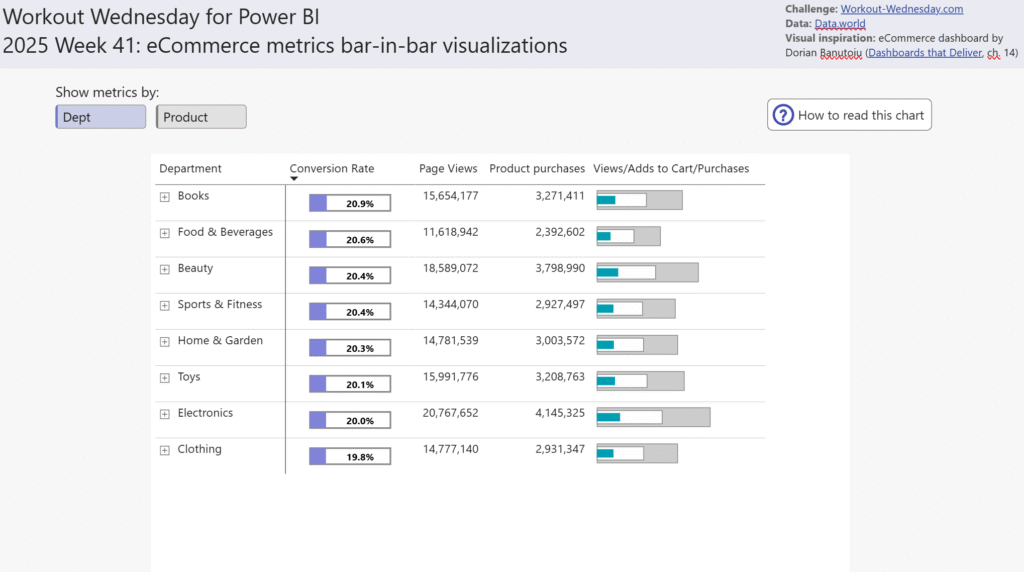
Introduction I’ve been reading the new book Dashboards That Deliver by Andy Coatgreave, Amanda Makulec, Jeffrey Shaffer, and Steve Wexler. Chapter 14 contains an eCommerce dashboard by Dorian Banutoiu that shows how many people viewed a product, added it to their cart, and then actually purchased it. I appreciated the compact nature of what the book

2025 Week 41 | Power BI: eCommerce metrics bar-in-bar visualizations Read More »

#WOW2025 | Week 36 | Can You Build a Color-Coded Filter?

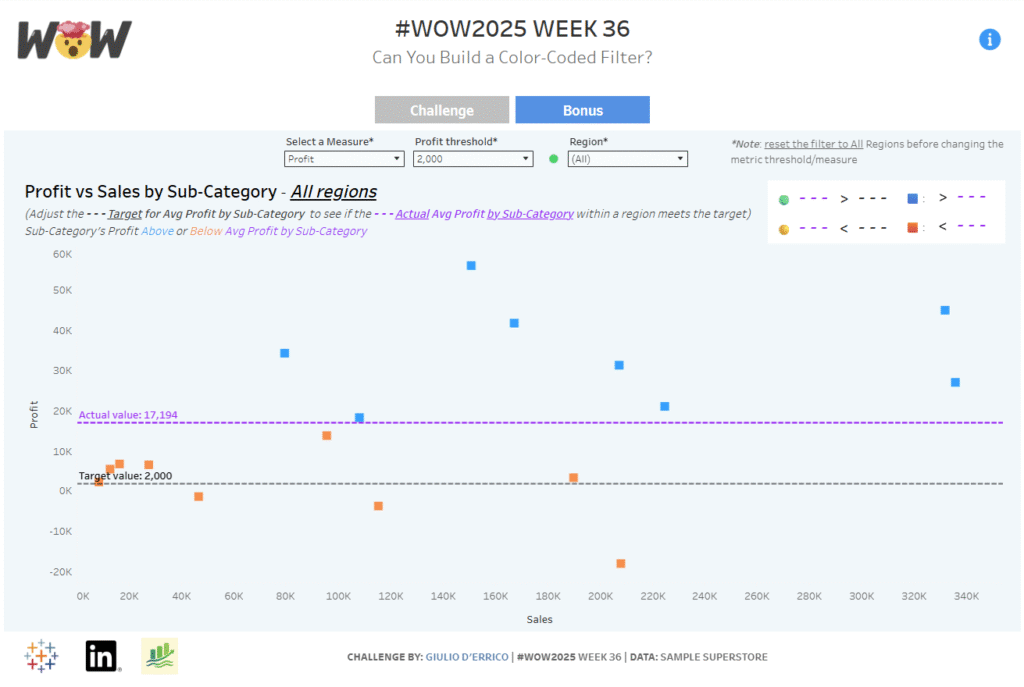
Introduction This week’s challenge is brought to you by yet another Guest Coach and active member of the Tableau and Workout Wednesday communities. Presenting, Giulio D’Errico! Giulio proposed this challenge to me several weeks ago and we have worked together to build out his idea. This challenge applies some great fundamental skills, and then has

#WOW2025 | Week 36 | Can You Build a Color-Coded Filter? Read More »

2025 Week 35 | Grouped Field Parameters in a Matrix

Introduction Welcome to Week 35 of 2025!  When building reports in Power BI, one of the most common requests I hear from users is: “Can I explore different KPIs side by side without creating dozens of visuals?” The good news: yes, you can! And it’s cleaner than ever with field parameters grouped by category. In

2025 Week 35 | Grouped Field Parameters in a Matrix Read More »