
Power BI

2026 Week 12 | Power BI: Custom matrix subtotals and cards with categories

Introduction This week we are looking at some newer core visuals and formatting features: cards that in a segmented tile layout, a slicer that supports partial text matching, and a matrix where the percentage-of-total calculation changes meaning depending on whether you’re looking at a subtotal or a detail row.  The bonus challenge pushes into SVG-in-DAX […]

2026 Week 12 | Power BI: Custom matrix subtotals and cards with categories Read More »

Power BI, Workout Wednesday
2026 Week 10 | Power BI: Dynamic visibility of visuals

Introduction This challenge focuses on a powerful Power BI technique: conditional visibility using overlapping visuals and dynamic transparency. Instead of hiding visuals entirely, you’ll learn to control visibility through background color transparency – making elements appear and disappear based on user selections. Based on the selection of countries, we are looking at differences in foreign

2026 Week 10 | Power BI: Dynamic visibility of visuals Read More »

Power BI, Workout Wednesday
2025 Week 51 | Power BI: Holiday Traffic: Who Came, Who Left 🎄

Introduction The first snowfall in Denver was unseasonably late this year. So I got curious about the data and decided to make a visualization. While this one does communicate with data, it’s taking a bit of artistic license.  This is your challenge as well: create a first snowfall scatterplot with some wintery visual effects. You

2025 Week 51 | Power BI: Holiday Traffic: Who Came, Who Left 🎄 Read More »

Power BI, Workout Wednesday
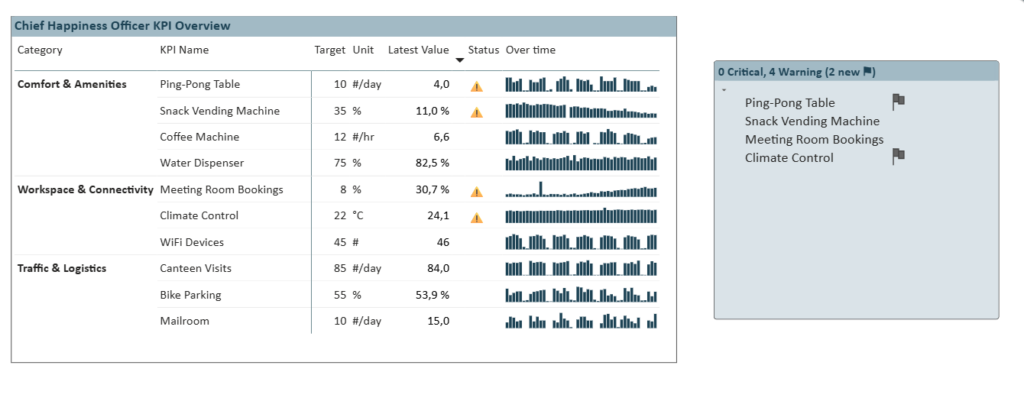
2025 Week 50 | Power BI: First Snowfall Scatterplot

Introduction The first snowfall in Denver was unseasonably late this year. So I got curious about the data and decided to make a visualization. While this one does communicate with data, it’s taking a bit of artistic license.  This is your challenge as well: create a first snowfall scatterplot with some wintery visual effects. You

2025 Week 50 | Power BI: First Snowfall Scatterplot Read More »

Power BI, Workout Wednesday
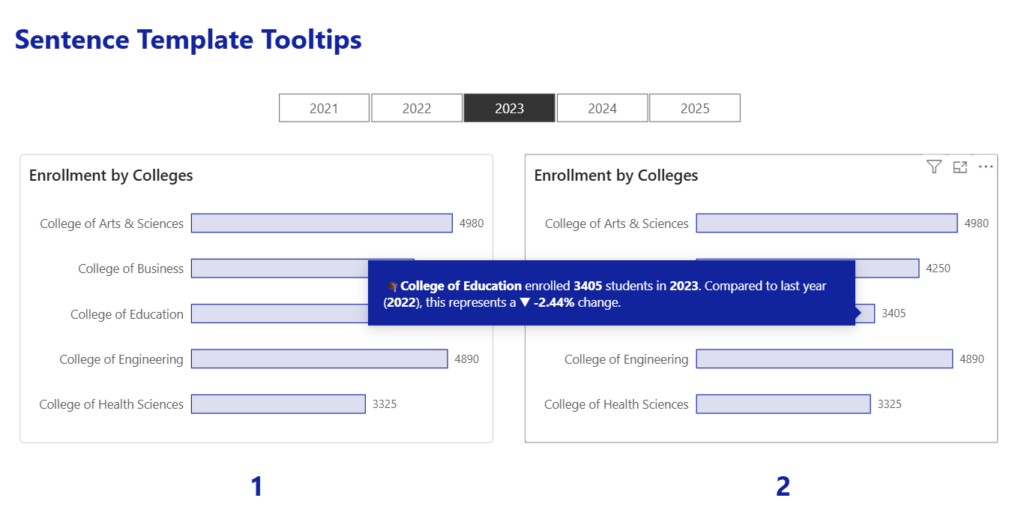
2025 Week 49 | Power BI: Join the last QuickViz Challenge

Introduction Welcome back to Workout Wednesday! This week we’re partnering with the Fabric Community team for their final QuickViz challenge! The idea is simple: create a single visual, upload the .pbix to the Fabric Community, and browse the other entries to see what you can learn!   Read more about the challenge in the Fabric Community. Let’s

2025 Week 49 | Power BI: Join the last QuickViz Challenge Read More »

Power BI, Workout Wednesday
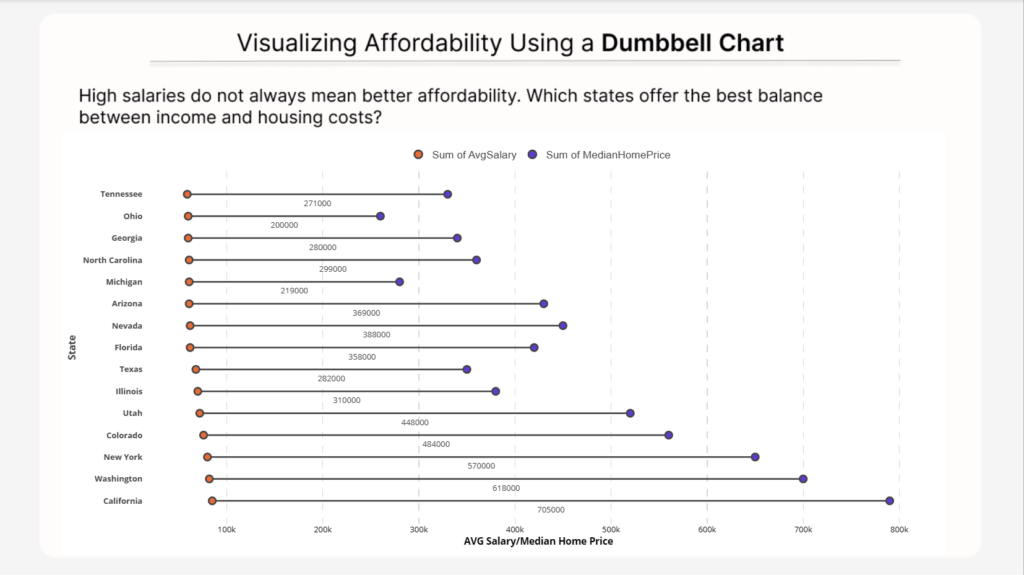
2025 Week 48 | Power BI: Build a stream graph

Introduction Welcome back to Workout Wednesday! This week we’re building a stream graph in Power BI! A stream graph is a variation of the stacked area chart that arranges categories so they flow above and below a central baseline. This creates a smooth, organic “stream” appearance. Stream graphs are excellent for visualizing how many categories change over time

2025 Week 48 | Power BI: Build a stream graph Read More »

Power BI, Workout Wednesday
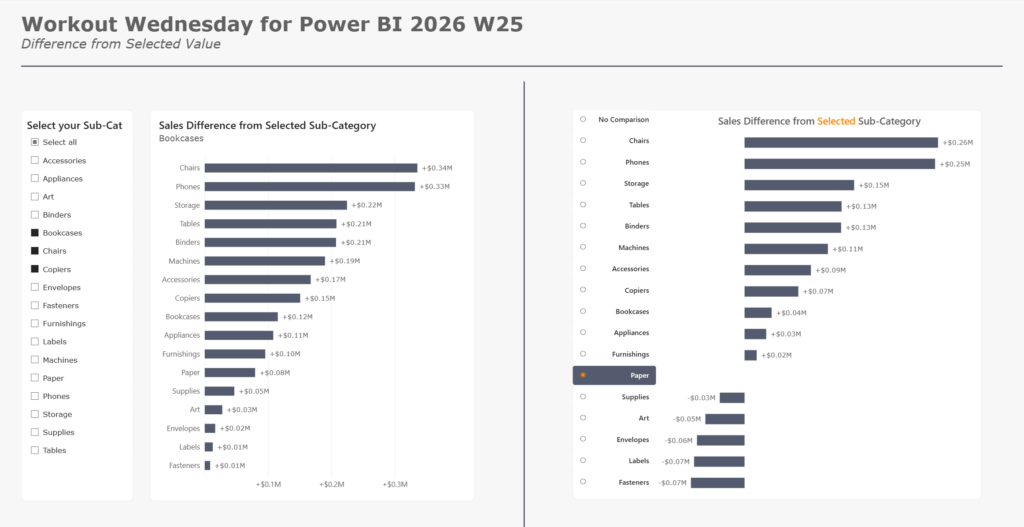
2025 Week 47 | Power BI: Join a(nother) QuickViz Challenge

Introduction This week we’re partnering with the Microsoft Fabric Community team to bring you a set of challenges that are taking place over the next month as a part of Fabric Data Days. Each week, they post a new mini-challenge, aimed at anyone looking to practice dataviz skills, explore new visuals, and engage with the

2025 Week 47 | Power BI: Join a(nother) QuickViz Challenge Read More »

Power BI, Workout Wednesday
2025 Week 46 | Power BI: Join a QuickViz Challenge

Introduction This week we’re partnering with the Microsoft Fabric Community team to bring you a set of challenges that are taking place over the next month as a part of Fabric Data Days. Each week, they post a new mini-challenge, aimed at anyone looking to practice dataviz skills, explore new visuals, and engage with the

2025 Week 46 | Power BI: Join a QuickViz Challenge Read More »

Power BI, Workout Wednesday
2025 Week 45 | Power BI: Create dynamic annotations

Introduction Welcome back to Workout Wednesday! This week we’re creating a dynamic annotation slicer that highlights specific data points on a time series chart. Imagine you’re presenting monthly revenue trends to stakeholders who want to quickly assess performance against the typical baseline. Instead of manually pointing out values, you create an interactive chart where users

2025 Week 45 | Power BI: Create dynamic annotations Read More »

Power BI, Workout Wednesday
actual scale sea level rises

2025 Week 44 | Power BI: Utilising HTML to create actual scale charts

Introduction In this week’s challenge we are going to try to create a chart on rising sea levels where the y-scale of mm will display on screen in physical mm. You can try this with whichever custom visual you like, but the example laid out below will be for the utilisation of the HTML Content

2025 Week 44 | Power BI: Utilising HTML to create actual scale charts Read More »

Power BI, Workout Wednesday