Power BI

2025 Week 43 | Turning Numbers into a Story of Movement

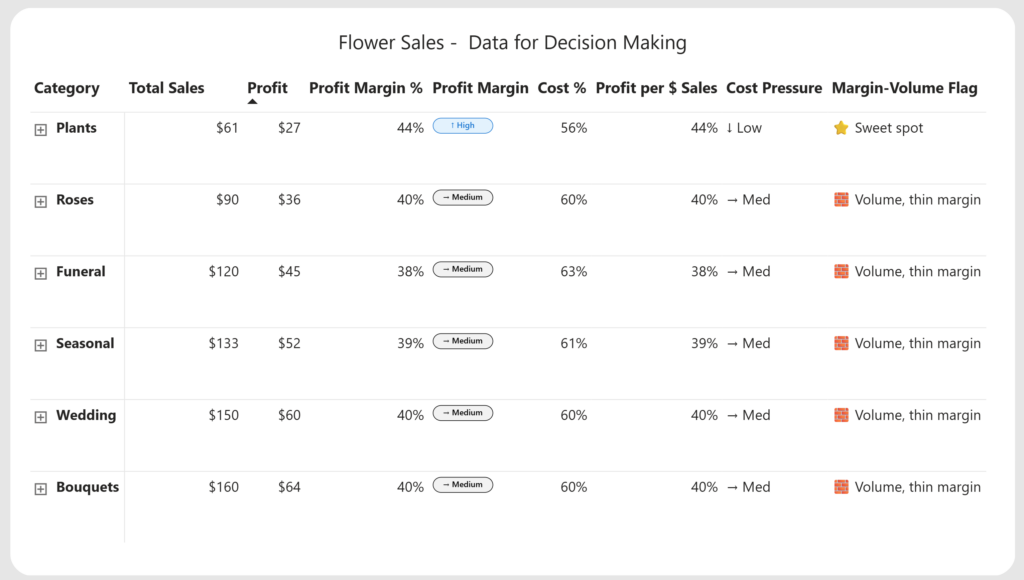
Introduction Welcome to Week 43 of 2025! This visual was built to make change visible. The goal was not just to show numbers, but to tell a quick, visual story of how performance moves from one point to another. Each line represents a small comparison between two dates or periods. When the line is green, […]

2025 Week 43 | Turning Numbers into a Story of Movement Read More »

Power BI, Workout Wednesday
2025 Week 42 | Power BI: Info page for reports ℹ️

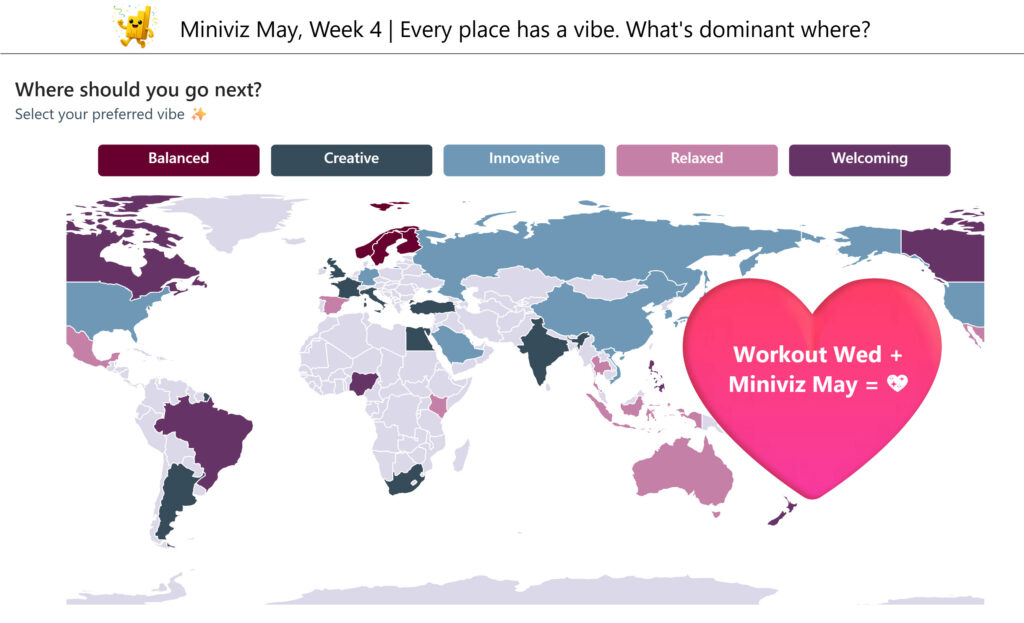
Introduction Happy Workout Wednesday, data fam! Week 42, we’re taking a step behind the visuals—because every great report deserves a great Info Page! Your report might tell the what, but your info page explains the why—and that’s where real understanding begins. No fancy tools, no measures — just thoughtful design and storytelling. Your challenge: Build an

2025 Week 42 | Power BI: Info page for reports ℹ️ Read More »

Power BI, Workout Wednesday
2025 Week 41 | Power BI: eCommerce metrics bar-in-bar visualizations

Introduction I’ve been reading the new book Dashboards That Deliver by Andy Coatgreave, Amanda Makulec, Jeffrey Shaffer, and Steve Wexler. Chapter 14 contains an eCommerce dashboard by Dorian Banutoiu that shows how many people viewed a product, added it to their cart, and then actually purchased it. I appreciated the compact nature of what the book

2025 Week 41 | Power BI: eCommerce metrics bar-in-bar visualizations Read More »

Power BI, Workout Wednesday
2025 Week 40 | Power BI: Announcing the DataViz World Champion

Introduction Workout Wednesday crew! Did you know that Microsoft is now hosting a Dataviz World Championships every year, twice a year? The premise is that you create a report for a preliminary round (or rounds), and 4 finalists are then selected to compete live on-stage at the Fabric Community Conference (FabCon).  I just returned from

2025 Week 40 | Power BI: Announcing the DataViz World Champion Read More »

Power BI, Workout Wednesday
Area between loess

2025 Week 36 | Power BI: Area between timeseries smoothing

Introduction This weeks challenge is an extension of week 21, whereby we will create a timeseries smoothing over lines rather than scatter points. The challenge here is to emphasize the difference between two populations, whilst having the details visible, but not prominent – getting the opacity/strokedash (for overlapping lines) and colour contrast (for perceptibility) right

2025 Week 36 | Power BI: Area between timeseries smoothing Read More »

Power BI, Workout Wednesday
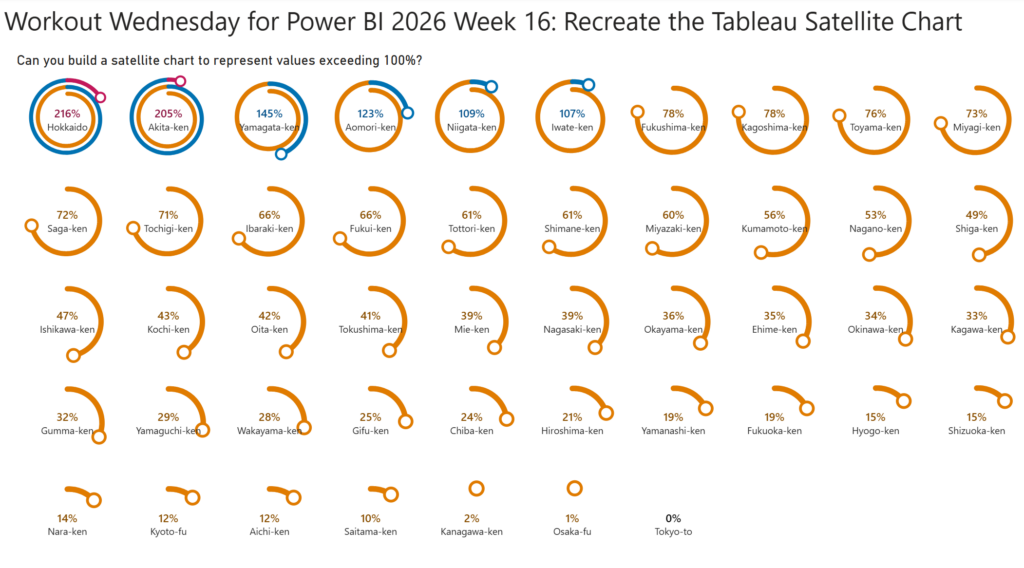
2025 Week 35 | Grouped Field Parameters in a Matrix

Introduction Welcome to Week 35 of 2025!  When building reports in Power BI, one of the most common requests I hear from users is: “Can I explore different KPIs side by side without creating dozens of visuals?” The good news: yes, you can! And it’s cleaner than ever with field parameters grouped by category. In

2025 Week 35 | Grouped Field Parameters in a Matrix Read More »

Power BI, Workout Wednesday
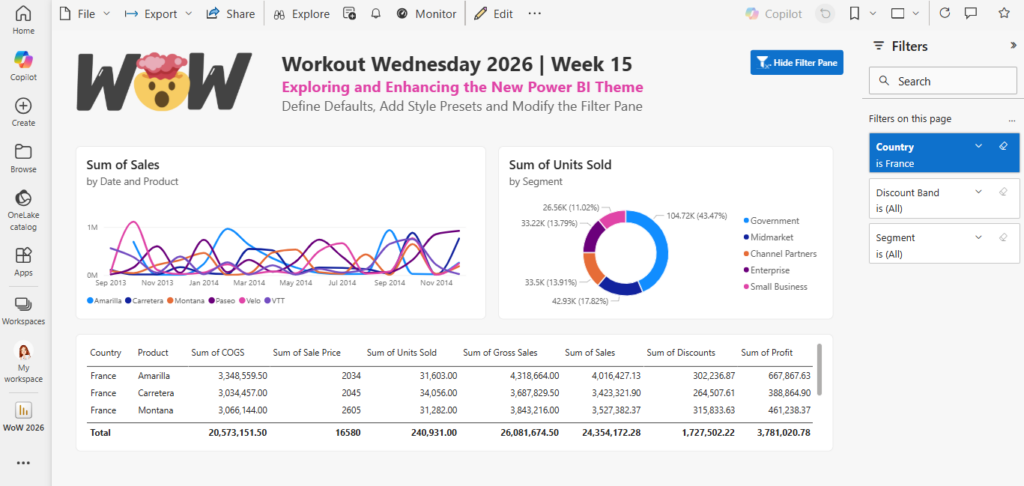
2025 Week 32 | Build a Waffle Chart using Core Visuals

Introduction This week, we’re cooking up something a little different – waffle charts! Your challenge is to build a report that compares actual sales to a dynamic monthly target and visualizes progress in a clean, impactful way. Requirements Get and Prepare Data Start by downloading the CSV file provided. It contains 8 columns: ORDERNUMBER QUANTITYORDERED

2025 Week 32 | Build a Waffle Chart using Core Visuals Read More »

Power BI, Workout Wednesday