filters

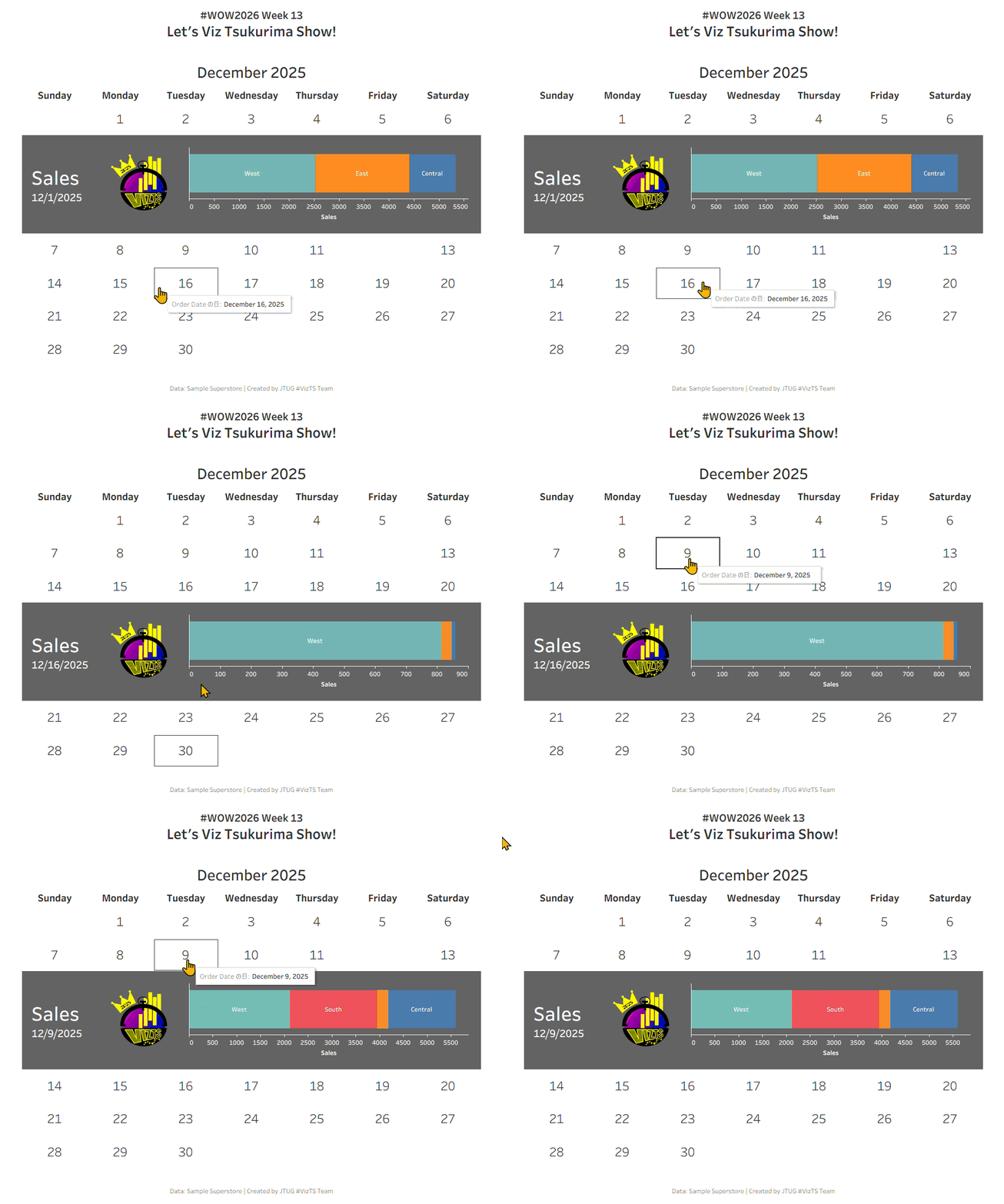
#WOW2026 | Week 13 | Let’s Viz Tsukurima Show!

Introduction Community Month is back! 🎉To kick things off, Hideaki Yamamoto and Tomoki Goda from Japan Tableau User Group are bringing a challenge inspired by one of the Japan Tableau User Group’s beloved events.Here’s a message from both of them! Meet “Viz Tsukurima Show!” (VizTS), a fan-favorite speed-viz event hosted by JTUG.It kicked off in […]

#WOW2026 | Week 13 | Let’s Viz Tsukurima Show! Read More »

Tableau, Workout Wednesday
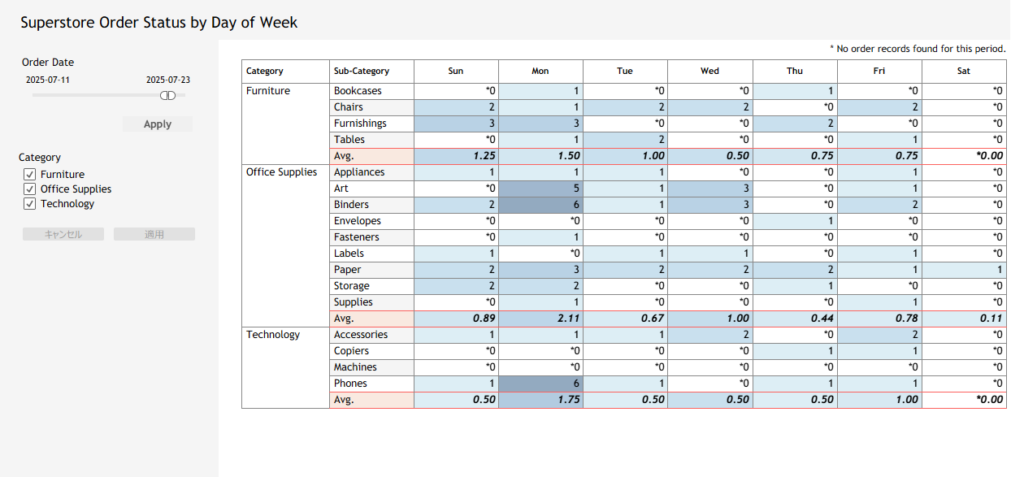
#WOW2026 | Week 6 | Can you account for nulls in your averages?

Introduction  I am excited to begin my third year as a Workout Wednesday coach! This year, I remain committed to providing challenges that help you flex your Tableau muscles and maintain your analytical strength. This week’s challenge is inspired by a real-world scenario I encountered recently. While building a dashboard to track service usage, I

#WOW2026 | Week 6 | Can you account for nulls in your averages? Read More »

Tableau, Workout Wednesday
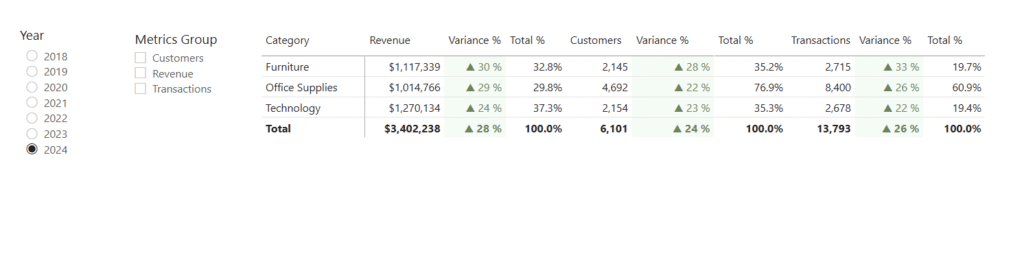
2025 Week 35 | Grouped Field Parameters in a Matrix

Introduction Welcome to Week 35 of 2025!  When building reports in Power BI, one of the most common requests I hear from users is: “Can I explore different KPIs side by side without creating dozens of visuals?” The good news: yes, you can! And it’s cleaner than ever with field parameters grouped by category. In

2025 Week 35 | Grouped Field Parameters in a Matrix Read More »

Power BI, Workout Wednesday

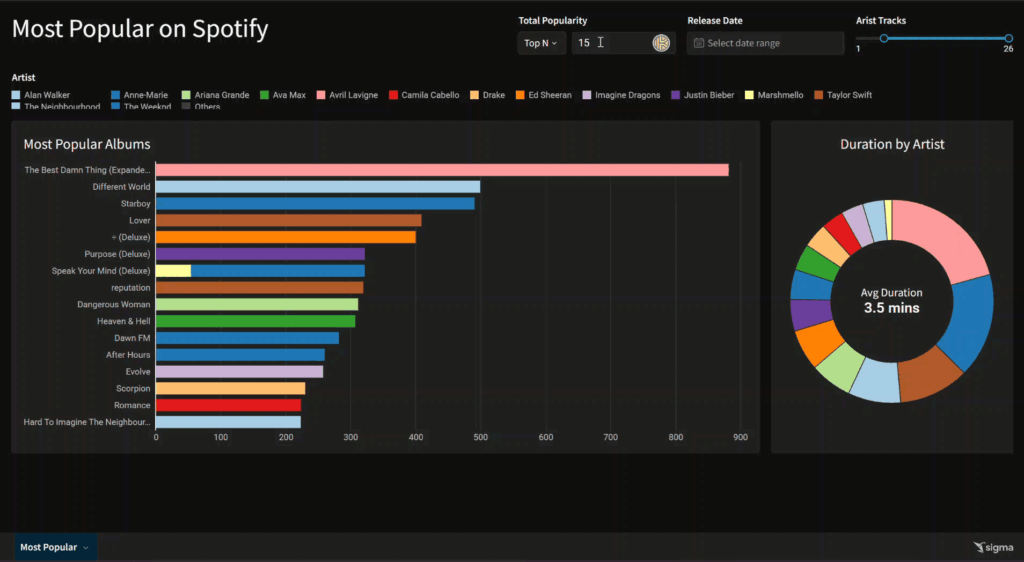
2025 Week 20 | Sigma: Can you find the most popular?

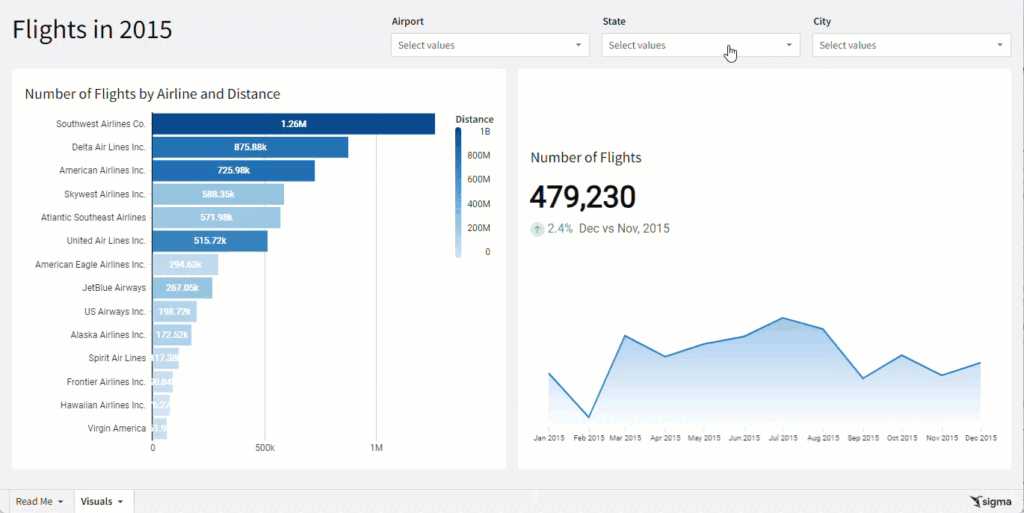
Introduction Welcome to Week 20 of 2025! This week, I’m going to be a little less prescriptive than I have been in the past.  This week isn’t too difficult if you’re familiar with some of Sigma’s long-standing features, like table groupings and lineage. I believe in you!   You are going to learn to use a

2025 Week 20 | Sigma: Can you find the most popular? Read More »

Sigma, Workout Wednesday

2025 Week 20 | Year-over-Year Selected Metric Trends

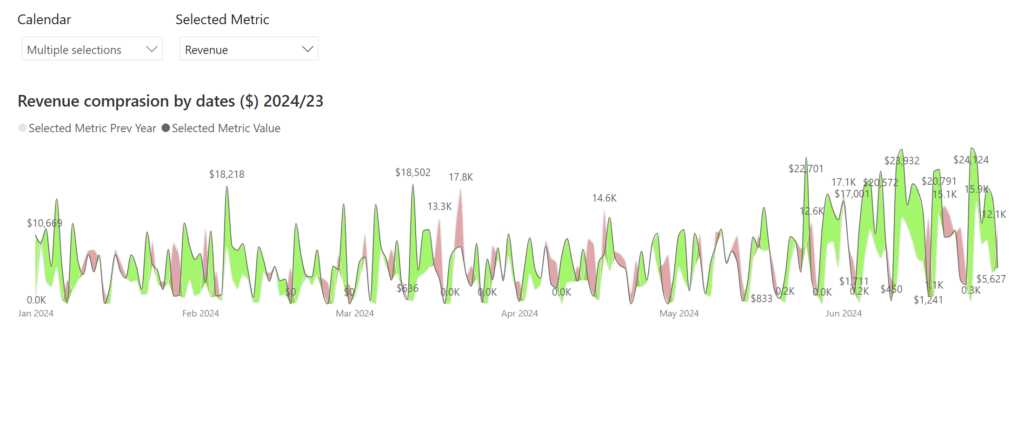
Introduction Welcome to Week 21 of 2025! This report allows users to select a performance metric (e.g., Revenue) and compare its values across 2024 and 2023. It provides a flexible way to explore year-over-year changes and spot trends or anomalies through interactive visuals. Good luck! -Andrei Requirements Main Visual: Area Chart with Year-on-Year Comparison Green

2025 Week 20 | Year-over-Year Selected Metric Trends Read More »

Power BI, Workout Wednesday

2024 Week 40 | Sigma: Can you avoid the food?

Introduction Welcome to Week Forty! In my last article,  Week 36, we covered how to affect multiple columns using the same filter.  This week, we’re going to focus on even more advanced filtering techniques.  What do you do when you want to compare multiple arrays?  Luckily Sigma recently released a brand new function:  ArrayIntersection.   In

2024 Week 40 | Sigma: Can you avoid the food? Read More »

Sigma, Workout Wednesday

2024 Week 36 | Sigma: Can you filter without targets?

Introduction Welcome to Week Thirty-Six! This week, we’re going to focus on some more advanced filtering.  By now, you should know how to utilize a page control’s targets to filter a single column in an element.  What do you do when you need to affect multiple columns in the same element?  You can utilize a

2024 Week 36 | Sigma: Can you filter without targets? Read More »

Sigma, Workout Wednesday

#WOW2024 | Week 26 | Can you filter from a donut without highlighting the pie?

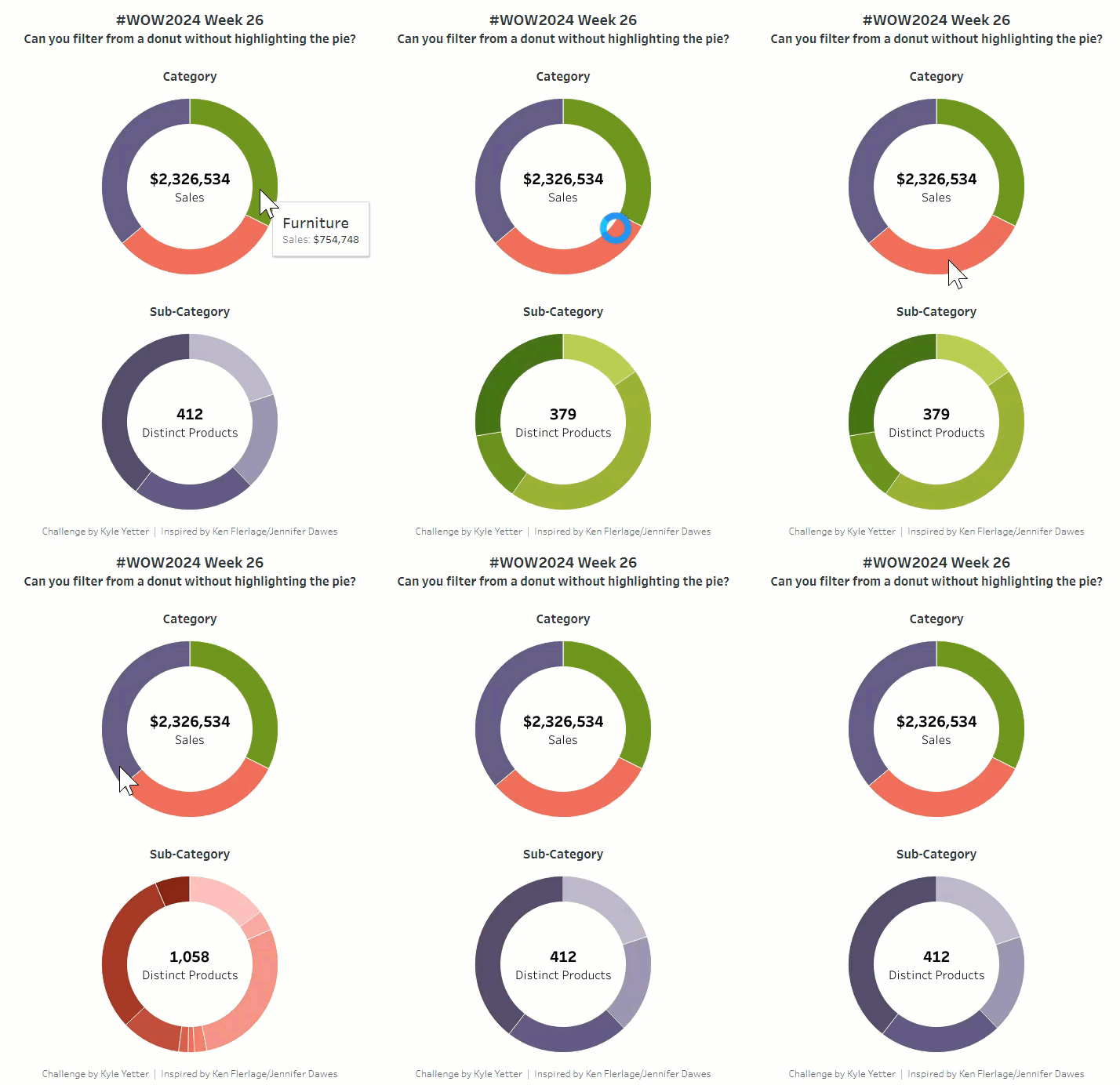
Introduction I was recently catching up on the Flerlage Twins blog, and came across a post that I had somehow missed from the end of  last year about trying to solve a highlighting problem with donut charts when filtering. I read through it, and was surprised that my favorite technique from Yuri Fal didn’t work,

#WOW2024 | Week 26 | Can you filter from a donut without highlighting the pie? Read More »

Tableau, Workout Wednesday