Tableau

#WOW2025 | Week 50 | Top 1% of Customers by Profit OR Sales OR Quantity

Introduction For my last challenge of the year, I decided to make it a little spicier. It has parameters, it has fun calculations, it has AND/OR logic, and it has a dynamic title that is worthy of your attention. Here’s hoping you can apply all those skills you’ve gained this year to sail through this […]

#WOW2025 | Week 50 | Top 1% of Customers by Profit OR Sales OR Quantity Read More »

community, Tableau, Workout Wednesday

#WOW2025 W49: Can you create breadcrumbs for filters?

Introduction I thought about this challenge after I had a question about doing it, usually where these ideas come from. Tableau don’t make this easy and unfortunately you have to hack it a little bit. But today we are going to create breadcrumbs in Tableau especially when using filters Click to open in Tableau Public

#WOW2025 W49: Can you create breadcrumbs for filters? Read More »

Tableau, Workout Wednesday
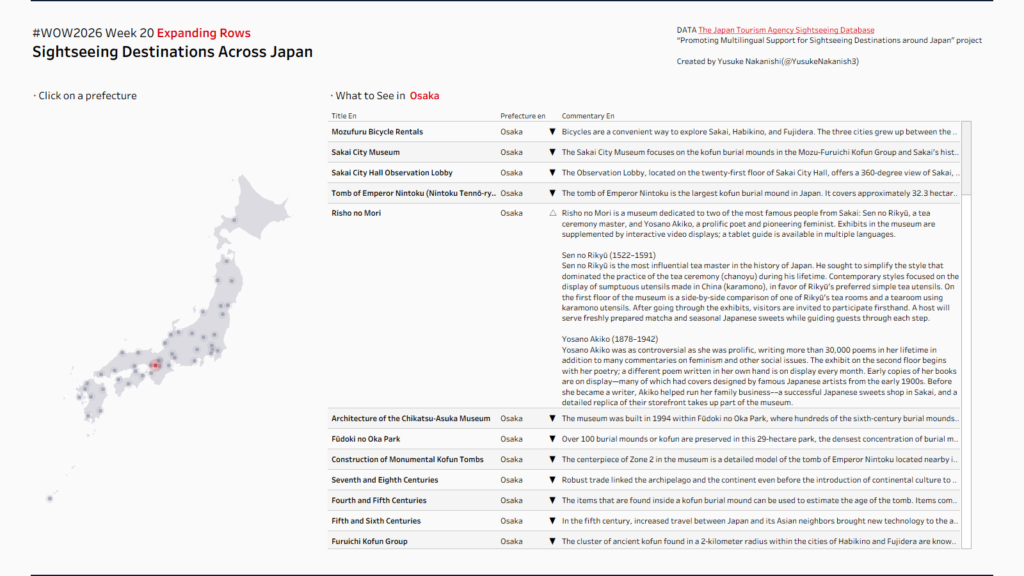
#WOW2025 | Week 48 | Advanced Bar Chart Race

Introduction Following last week’s challenge, we’re continuing with the Bar Chart Race theme — but this time, it’s more advanced! Last time, we created a basic Bar Chart Race, but because we used monthly data, the animation movement was somewhat discrete. This week’s challenge takes it to the next level by using Data Densification and

#WOW2025 | Week 48 | Advanced Bar Chart Race Read More »

Tableau, Workout Wednesday
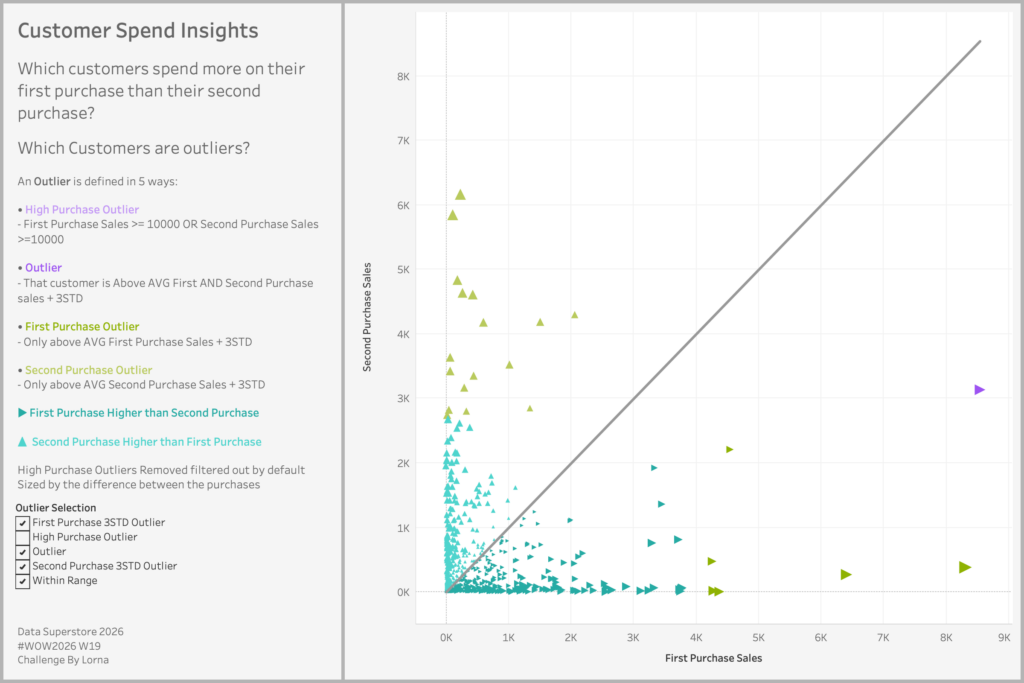
#WOW2025 | Week 47 | Can you make a bar chart race?

Introduction This week, Agentforce World Tour Tokyo is being held in Japan! As one of the many sessions from  DataFam, Workout Wednesday will be holding its first-ever live session in Japan! For this special occasion, With Yoshi and other supporters from the Japanese Workout Wednesday enthusiasts have created a fun, quick challenge themed around a

#WOW2025 | Week 47 | Can you make a bar chart race? Read More »

Tableau, Workout Wednesday
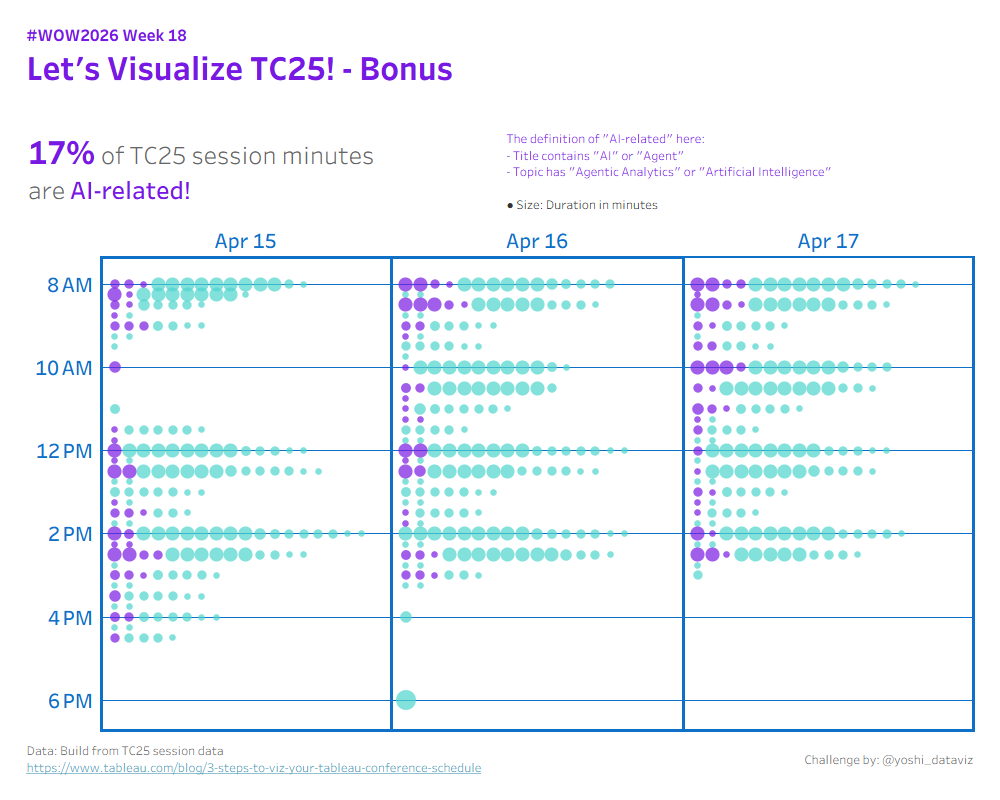
#WOW2025 | Week 46 | Can you create a dynamically zooming map?

Introduction I know what you’re thinking…”Kyle, we just did dynamically zooming maps a couple months ago!” And you’re right, we did. However, sometimes data is structured in a way we need to do some things differently. So we’re working on a different method for dynamically zooming this week, which doesn’t use spatial parameters. “But Kyle, why

#WOW2025 | Week 46 | Can you create a dynamically zooming map? Read More »

Tableau, Workout Wednesday
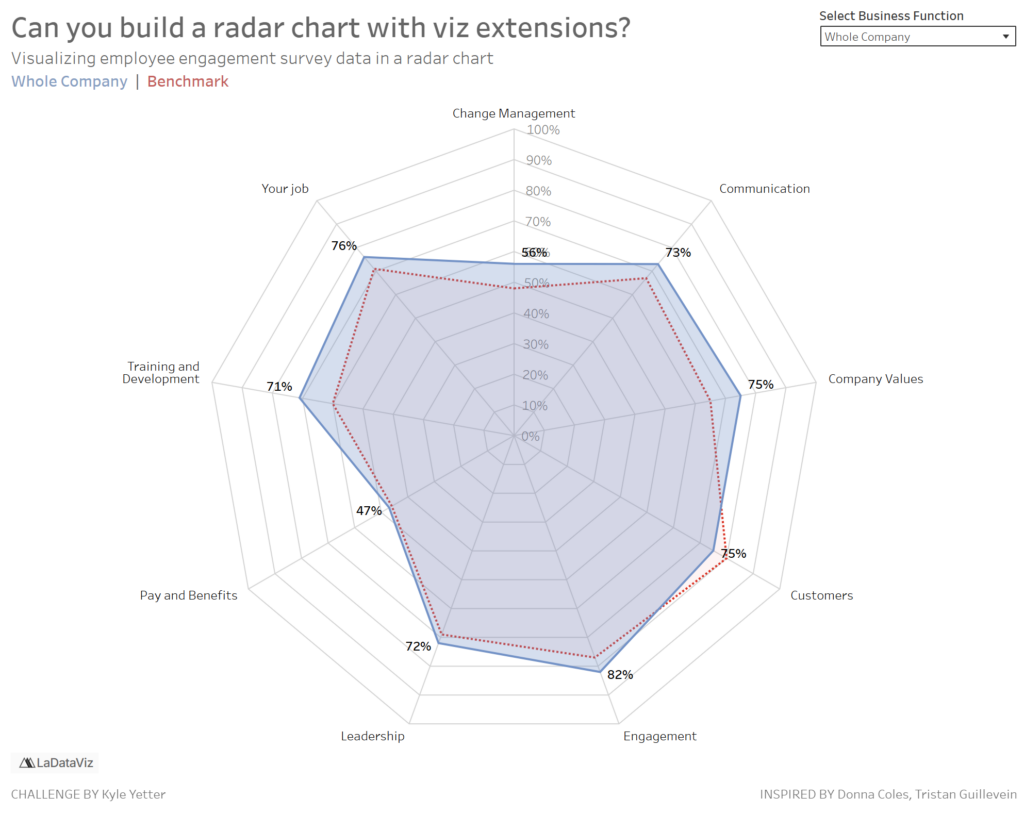
#WOW2025 | Week 44 | Can you build a satellite chart to represent values exceeding 100%?

Introduction Some time ago the brilliant Sam Parsons, developed a “Satellite” or “Spiral” Chart as an alternative way to visualise a donut that exceeded 100%.https://public.tableau.com/app/profile/sparsonsdataviz/viz/SpiralingSatelliteCharts/SpiralingSatelliteCharts. As with many things Sam comes up with, I always want to see if I can build it, and once again it’s a great excuse for a #WOW challenge. Back

#WOW2025 | Week 44 | Can you build a satellite chart to represent values exceeding 100%? Read More »

Tableau, Workout Wednesday
#WOW2025 | Week 43 | Can you build a ranked heatmap tile?

Introduction A huge thank you to Valerija Kirjackaja for her continued support as guest coach. This week I had an idea that I didn’t have time to test and implement, due to other life priorities, so I feel very grateful to be able to lean on the people around me for support. This feels like

#WOW2025 | Week 43 | Can you build a ranked heatmap tile? Read More »

community, Tableau, Workout Wednesday

#WOW2025 | Week 42 | Dynamic Dimension Coloring

Introduction I recently received a business request with the following requirements: The user wants to easily change the dimension that colors the charts on a dashboard. The list of dimensions might be added or removed in the future, so the solution needs to be simple and easy to maintain. This week’s challenge is inspired by

#WOW2025 | Week 42 | Dynamic Dimension Coloring Read More »

Tableau, Workout Wednesday
#WOW2025 | Week 41 | Let’s Make a Tableau Pulse-inspired Dashboard!

Introduction In this challenge, you’ll recreate a Tableau Pulse–inspired dashboard from scratch. One of the key features of Tableau Pulse is to automatically detect trends and changes in your data, displaying an “Expected Range” for each metric to help users instantly grasp performance at a glance. Your task is to reproduce this concept using Tableau’s

#WOW2025 | Week 41 | Let’s Make a Tableau Pulse-inspired Dashboard! Read More »

Tableau, Workout Wednesday