2023 Week 42 | Take Control of Your Experience with Actions Menus

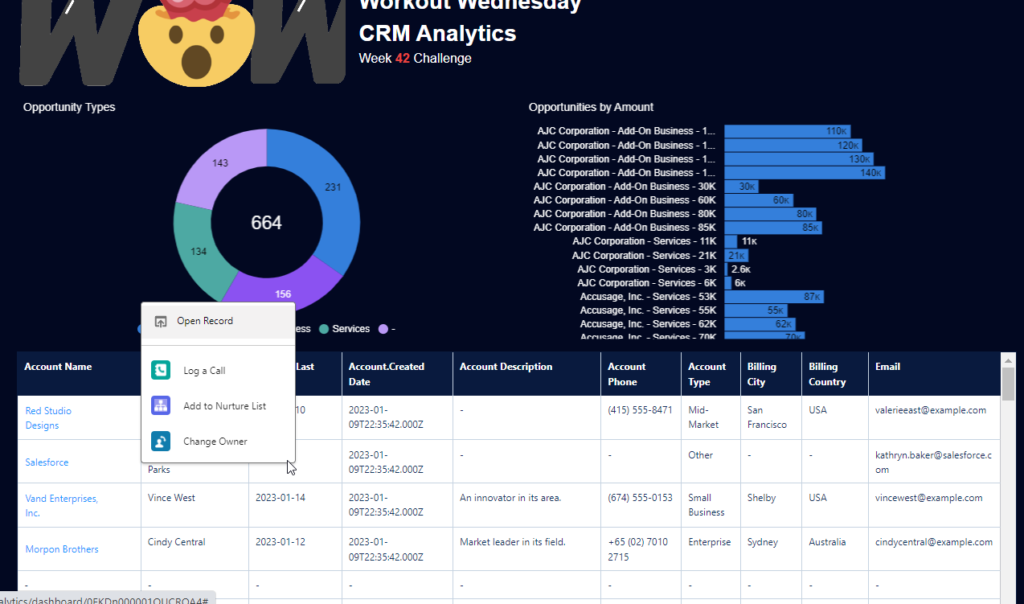
Introduction This week we are exploring a feature – Action Menu – which allows your users as they gain insights into your business from your dashboard, to perform actions on underlying Salesforce records. Allowing them to invoke a Salesforce action on the record directly from CRM Analytics. Requirements Create a new dataset or use an […]

2023 Week 42 | Take Control of Your Experience with Actions Menus Read More »

CRM Analytics
#WOW2023 Week 42 | Can you proportionally brush from multi-selection?

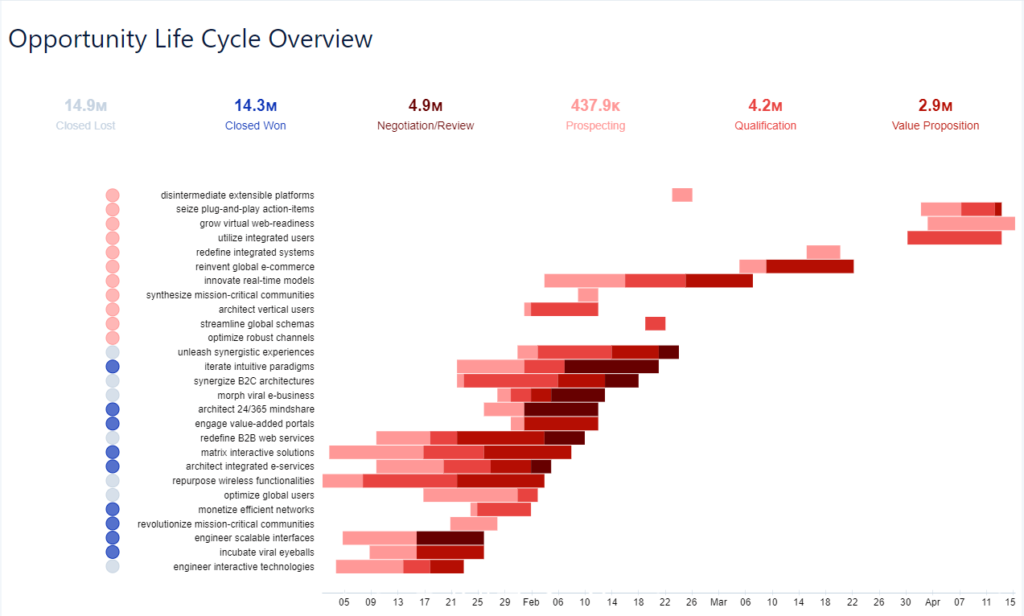
Introduction This week’s challenge is another inspired by my everyday work. As we launch new features, we look at how different segments of users engage with them. We wanted a smooth way to click into the segment combinations that were of interest, without having to go back to the top to change a bunch of

#WOW2023 Week 42 | Can you proportionally brush from multi-selection? Read More »

Tableau, Workout Wednesday

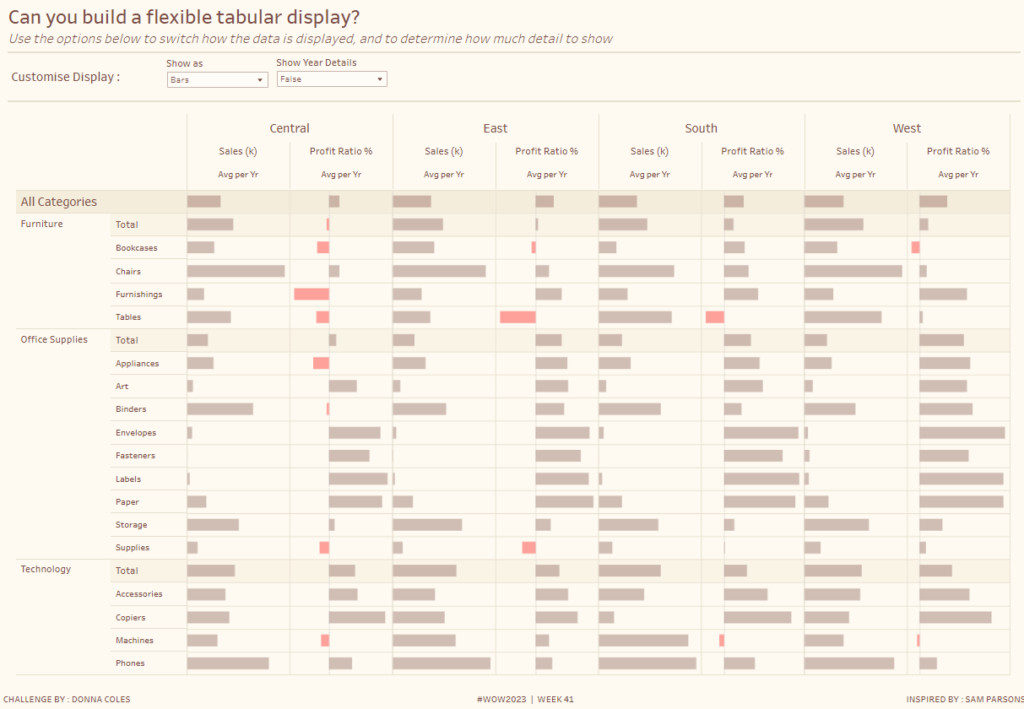
#WOW2023 | Week 41 | Can you build a flexible tabular display?

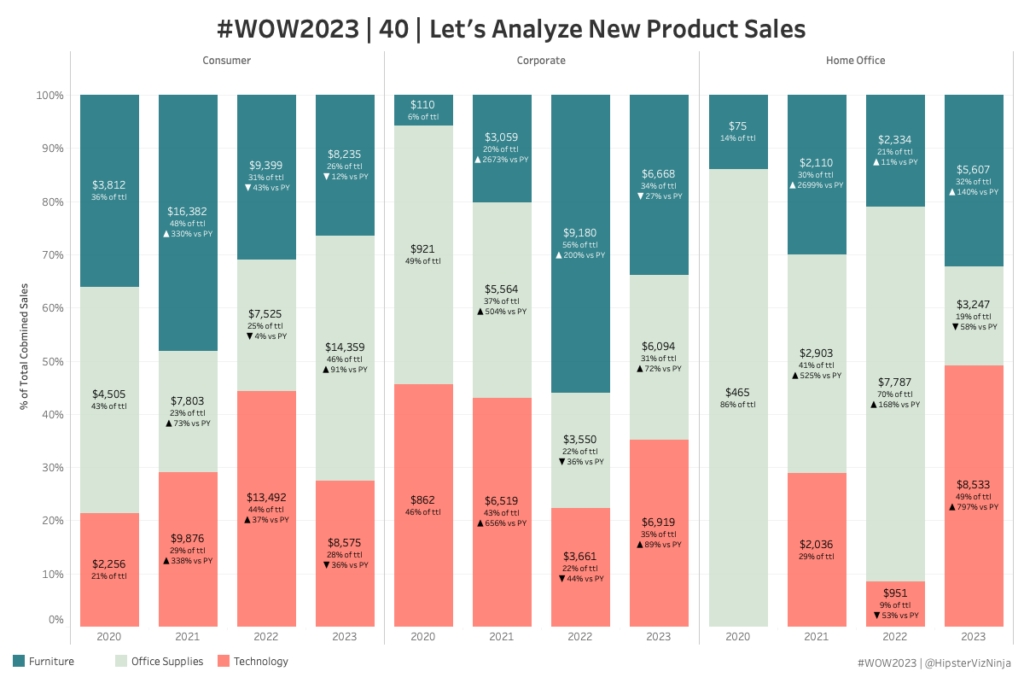
Introduction So my week has rolled around again, and yet again the inspiration for this week comes from this viz by Sam Parsons – Man! That guy is good!!  This week I’m asking you all to recreate a tabular display. It’s a common request from users to just ”show me all the numbers”, while we

#WOW2023 | Week 41 | Can you build a flexible tabular display? Read More »

Tableau, Workout Wednesday

2023 Week 40 | Interactive Rolodex for Large Data Viewing

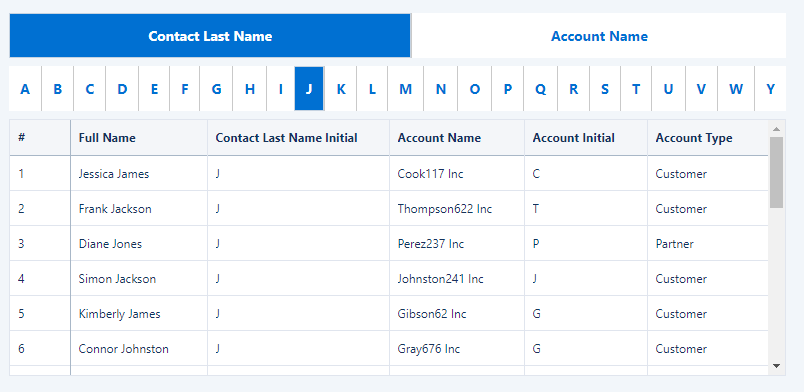
Introduction Hello and welcome to the week 40 CRMA challenge! The instructions are written assuming you already have a dev org with Accounts and Contacts loaded.  If you need to spin up a new org with data, see the link below.  This week we are creating a interactive table to search/sort Customers and Accounts by

2023 Week 40 | Interactive Rolodex for Large Data Viewing Read More »

CRM Analytics, Workout Wednesday

2023 Week 40 | Power BI: Bar chart label bonanza

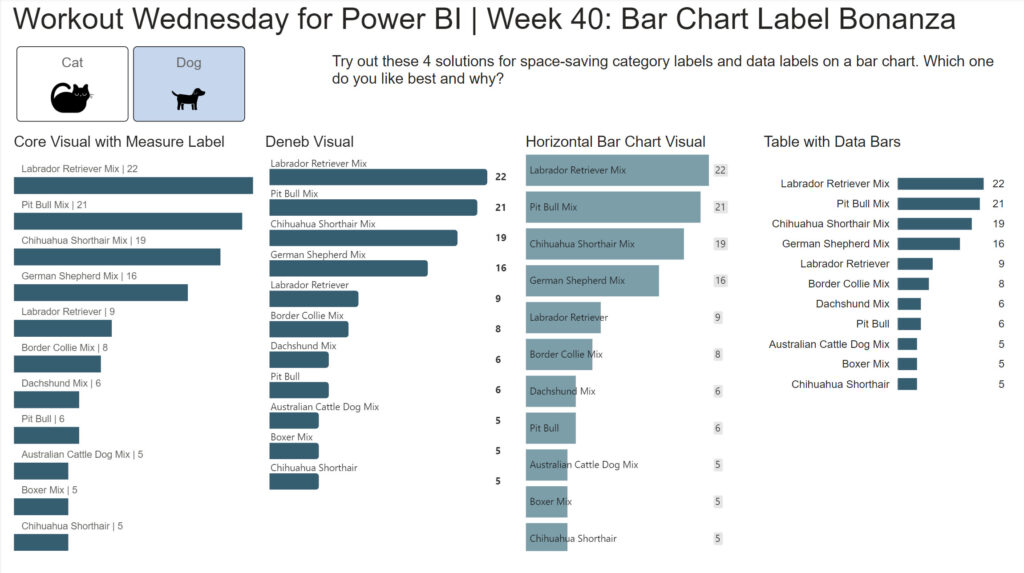
Introduction Last week’s workout caused some healthy discussion about bar chart labeling preferences and best practices. This week we will look at other ways to implement space saving labels while also showing the data labels for the each bar in a bar chart.  The report shown below demonstrates 4 ways to implement bar chart labels

2023 Week 40 | Power BI: Bar chart label bonanza Read More »

Power BI, Workout Wednesday

#WOW2023 | Week 39 | Target Achievement Report (Guest)

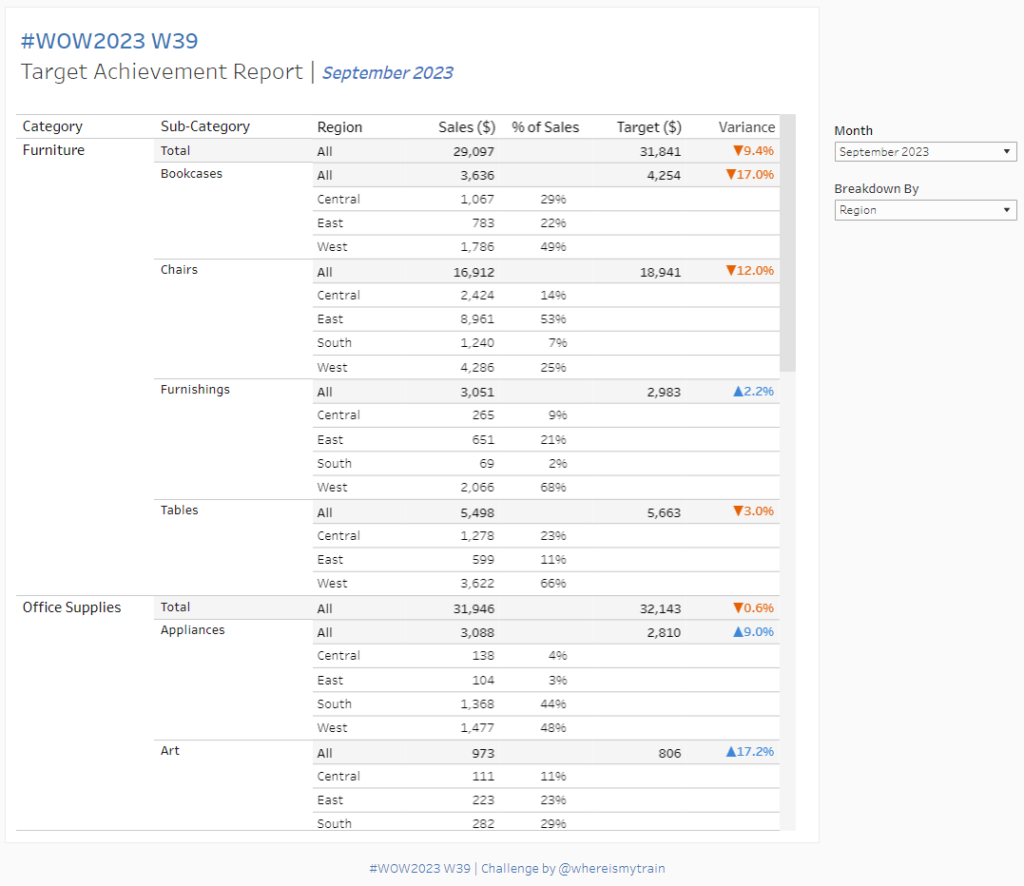
Introduction Only X months/ a year later, Val is back as a guest coach with another challenge.And if you remember #WOW2022 W35, you know that Val loves a good table! Anicely formatted table, if possible. A table filled with table calcs – even better.This week’s WOW challenges you to create a dynamic tidy-looking table showinga

#WOW2023 | Week 39 | Target Achievement Report (Guest) Read More »

community, Tableau, Workout Wednesday

2023 Week 39 | Power BI: Bar chart custom labels

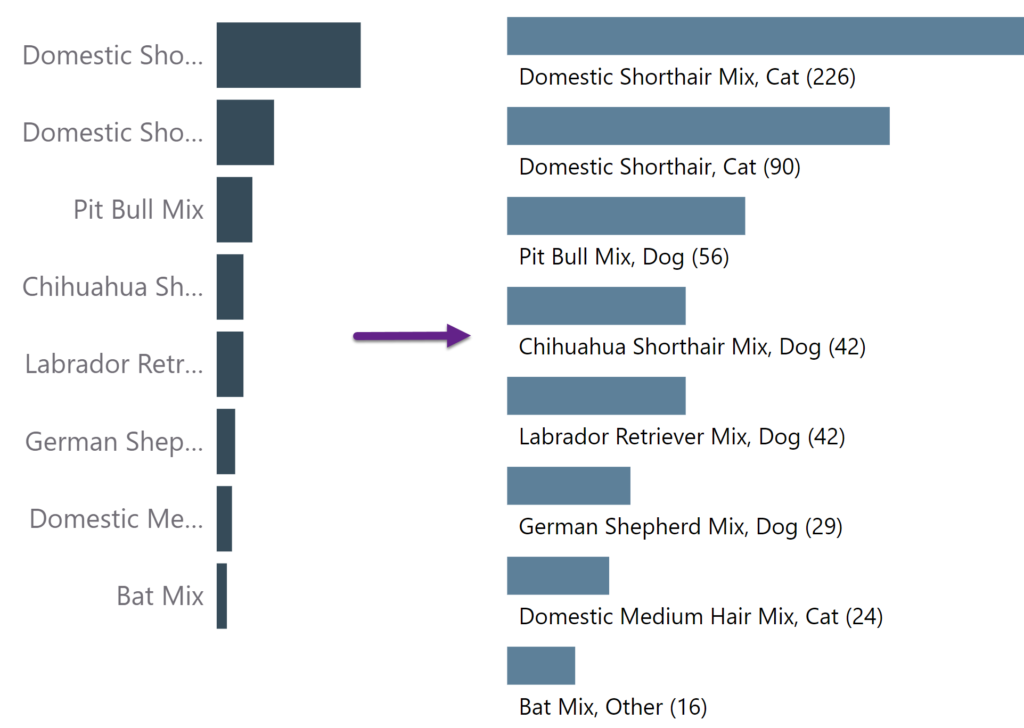
Introduction This week we’re revisiting Meagan’s challenge where we built a bar chart with long labels. We’re going to use a trick recently unveiled by Bas (@howtopowerbi on Twitter) to create custom labels for bar charts. If you have long labels in your bar chart, they may be truncated depending on the size of the

2023 Week 39 | Power BI: Bar chart custom labels Read More »

Power BI, Workout Wednesday