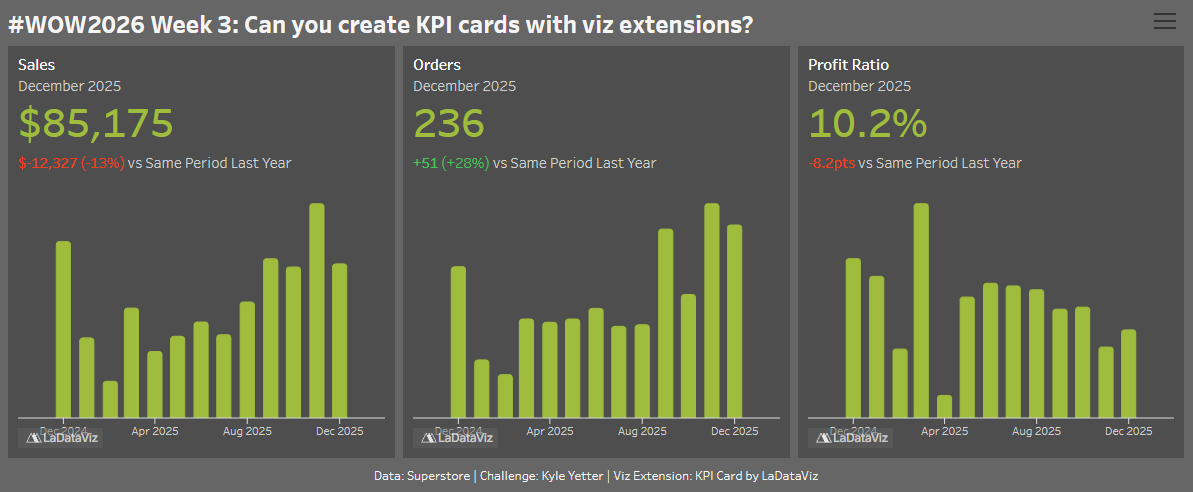
Last month I had some colleagues that were able to attend DataFam Europe, and a few of them came back saying how much they enjoyed Tristan Guillevin’s presentation and asked if we could get his viz extensions for our Cloud site. In the process, I decided to play with a few, and since they are free to use on Desktop and Tableau Public, I’m bringing you along for the ride!
Viz extensions have been available in Tableau Desktop for around a year or two, such as the Sankey and Table extensions that we’ve done here before. This week, we’re going to try out Tristan’s KPI Card and Drill-down Filter extensions. Enjoy!
*You’ll need to be using at least version 2024.2 of Tableau Desktop/Public
Create 3 KPI cards using the KPI Card extension from LaDataViz. You choose the metrics, comparison period, formatting. This is the key piece of the challenge…experiment, try the different settings, play with the format, find out what’s possible
Don’t forget to manage your tooltips and number formatting
Create a filter, using the Drill-Down Filter extension from LaDataViz and apply it to the 3 KPI cards. Add to your dashboard as a show/hide item
Dataset
This week uses Superstore data
Attribute
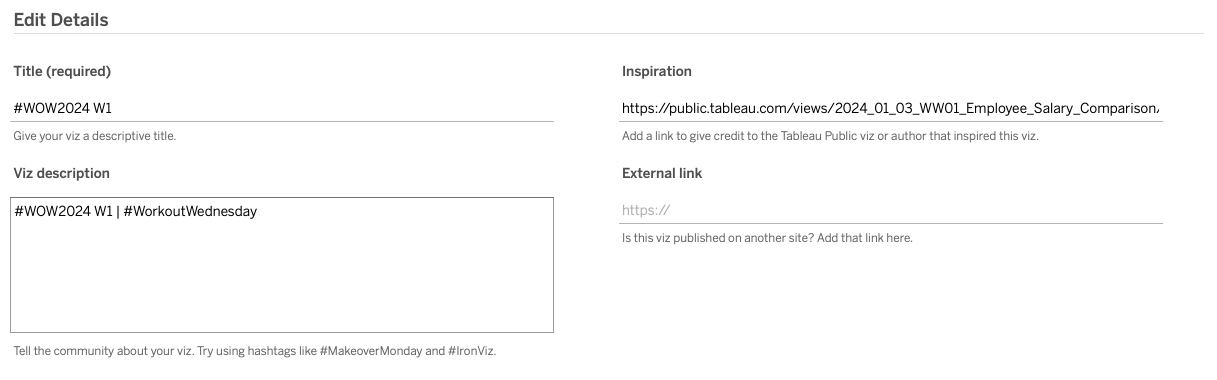
When you publish your solution on Tableau Public make sure to take the time and include a link to the original inspiration. Also include the hashtag #WOW2026 in your description to make it searchable!