Input Tables

2026 Week 07 | Sigma: Building a Custom Plugin with AI

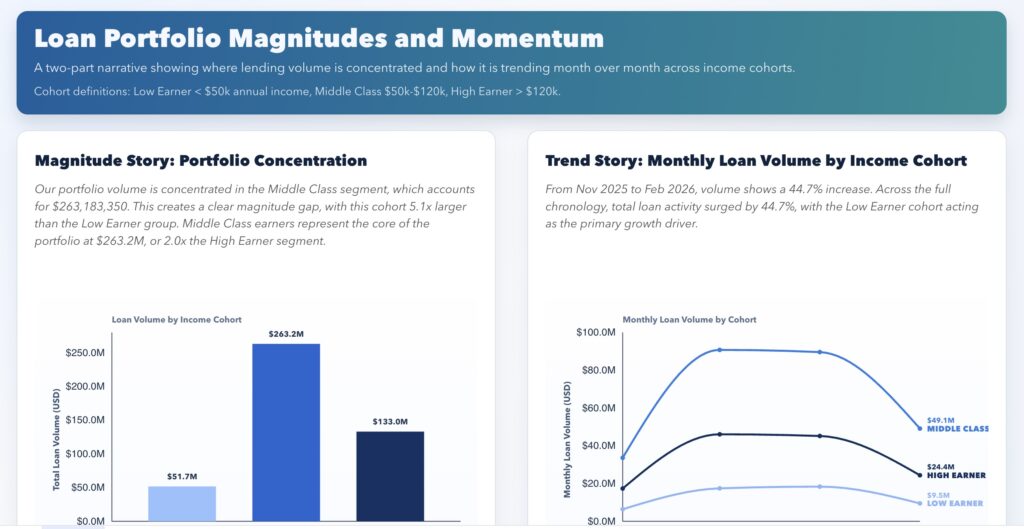
Introduction This week’s Workout Wednesday challenge was Numbers of Different Magnitudes, but the bigger lesson for me was this: You can build custom analytical experiences in Sigma using AI. For this submission, I used AI-assisted coding to create a custom Sigma plugin (React + D3) that goes beyond standard chart behavior. It combines a magnitude view […]

2026 Week 07 | Sigma: Building a Custom Plugin with AI Read More »
2026 Week 03 | Sigma: Running Feedback Loop

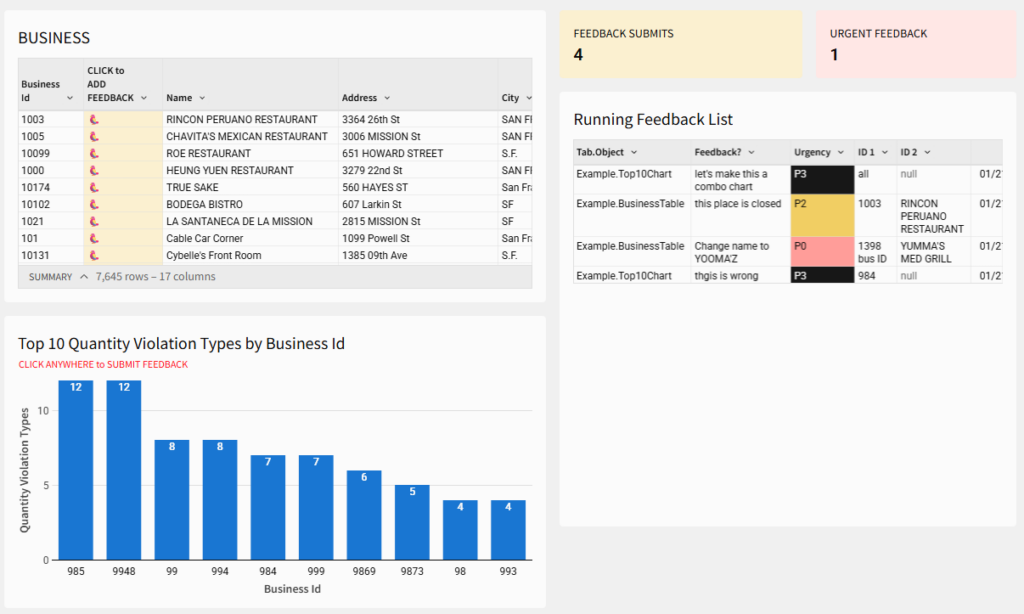
Introduction This week’s Workout Wednesday is about turning feedback into part of the workflow, not a side conversation. You’ll build a lightweight, in-workbook feedback loop in Sigma that lets stakeholders flag issues directly on tables and charts, with context intact. Instead of comments that disappear or Slack messages that pile up, feedback becomes structured, reviewable,

2026 Week 03 | Sigma: Running Feedback Loop Read More »

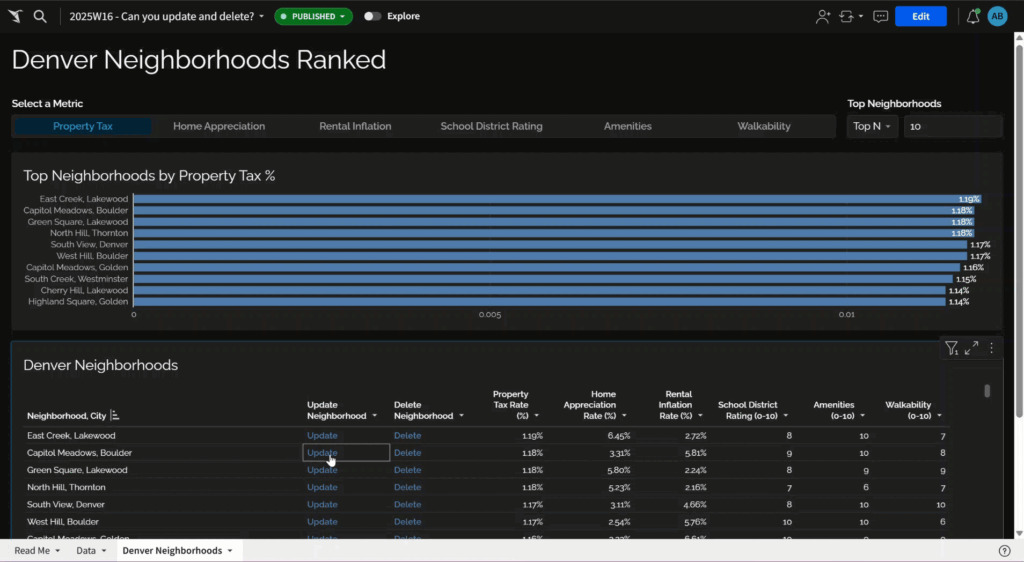
Interactive user interface and a table

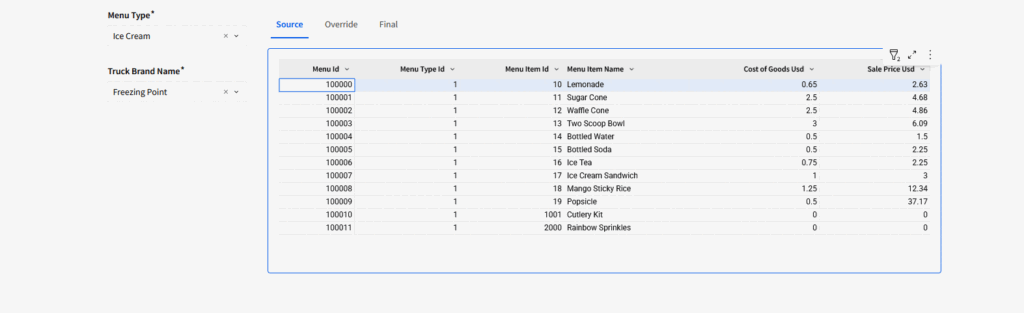
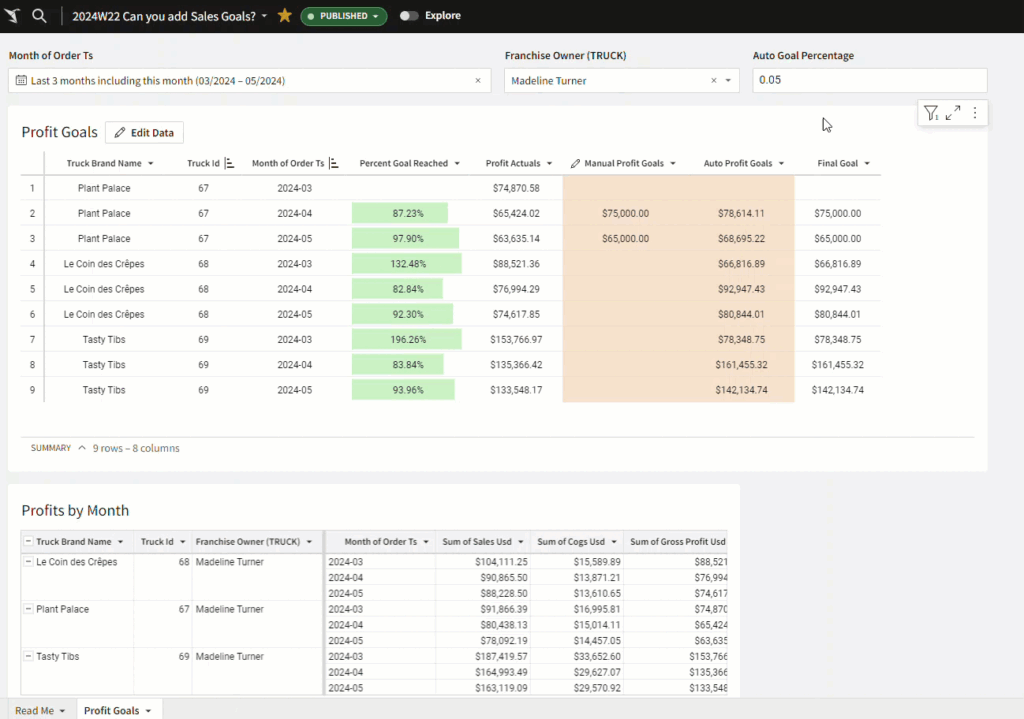
2025 Week 15 | Sigma: Can You Override Elegantly?

Introduction Welcome to week 11! This week, Sigma’s hosting it’s Data Apps Conference which will feature a ton of valuable information coming straight from Sigma’s team and community experts. The conference is Thursday, March 13, 2025 9:30am PT / 12:30pm ET Even on conference week, Sigma is still pushing out excellent new features. Our challenge

2025 Week 15 | Sigma: Can You Override Elegantly? Read More »

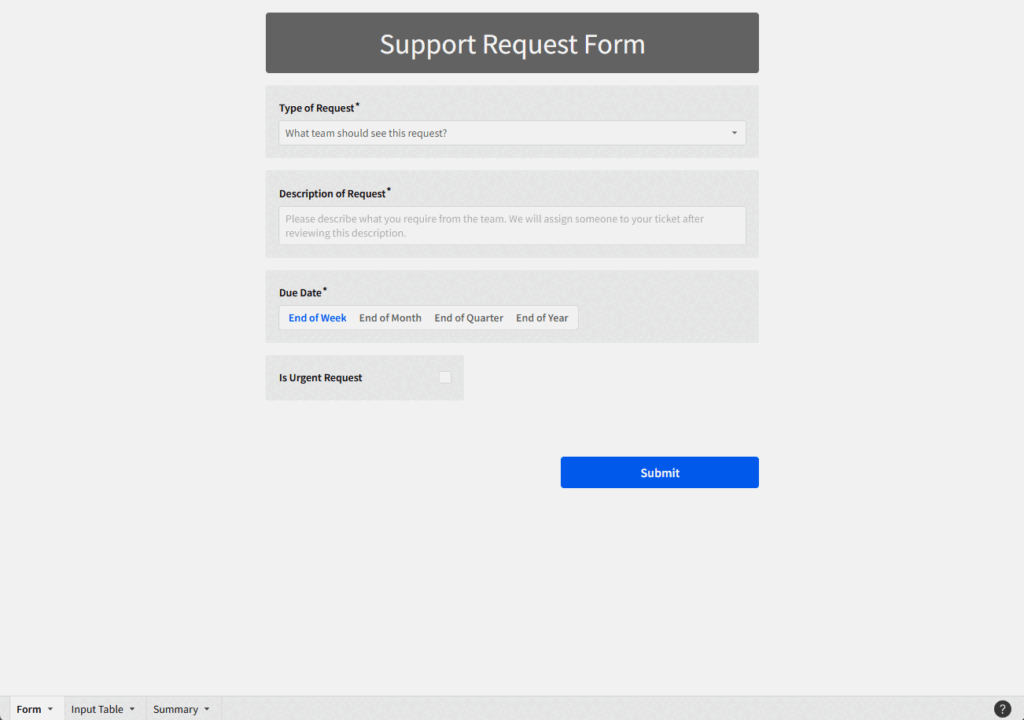
2024 Week 35 | Sigma: Can you create a support request form?

Introduction Have I expressed my deep appreciation for Input Tables? With Snowflake or Databricks, we can write back to the database, which allows for some great methods of simplifying getting user-maintained information into a database. Even though I am a big fan of input tables, it’s still risky to allow users to edit a database

2024 Week 35 | Sigma: Can you create a support request form? Read More »

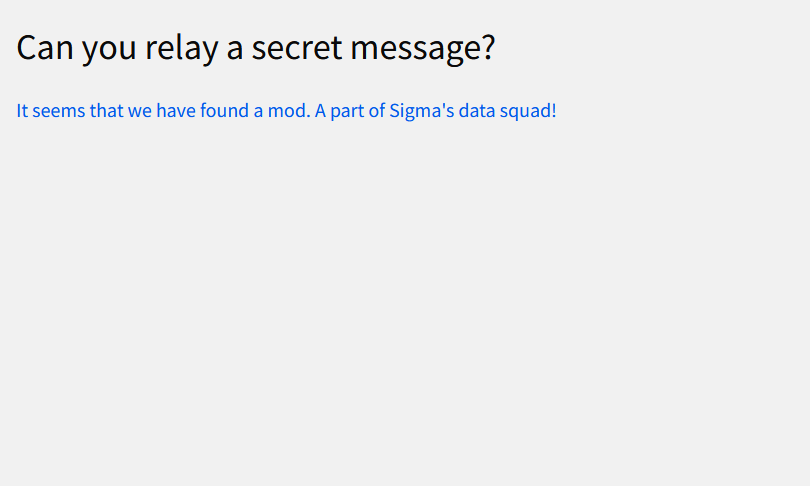
Screenshot of some text that displays a secret message

2024 Week 6 | Sigma: Can you keep a secret with Row Level Security?

Introduction This week’s challenge features *secret messages*! It’s not a flashy visual, but it showcases two important features of Sigma that any developer *must* know: Input Tables and Row Level Security. Input Tables allow Sigma users to interact with the data warehouse directly by manipulating tables at the cell-level in Sigma. These input tables can

2024 Week 6 | Sigma: Can you keep a secret with Row Level Security? Read More »