Beginner

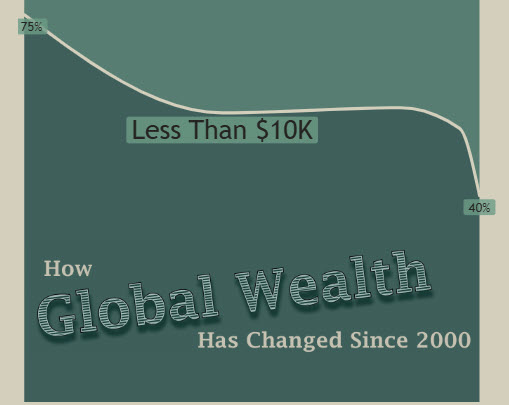
2025 Week 27 | Recreate This Wealth Infographic

Introduction Recreating visuals you find online helps you build visual design skills and find workarounds to common problems or feature gaps in Power BI. This week, we are recreating this infographic from Visual Capitalist about the change in global wealth. The original is shown below, followed by my version in Power BI. Requirements Create a […]

2025 Week 27 | Recreate This Wealth Infographic Read More »
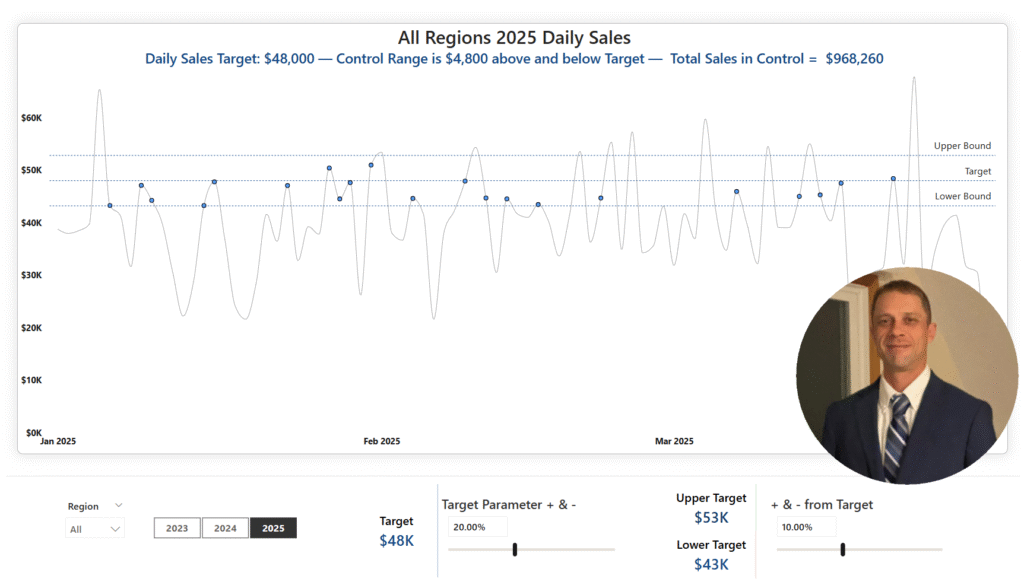
Screenshot of a Power BI report that looks like a line chart with a picture of James in the lower right corner.

2025 Week 17 | Power BI: Create a control chart

Introduction Welcome back to Workout Wednesday!  This week we’re building a Control Chart. Control charts can be used to track a specific process measure – such as sales, defects, or processing time – over a period of time. A few common uses are: Manufacturing: Monitoring defect rates and equipment performance  Healthcare: Tracking infection rates, patient

2025 Week 17 | Power BI: Create a control chart Read More »

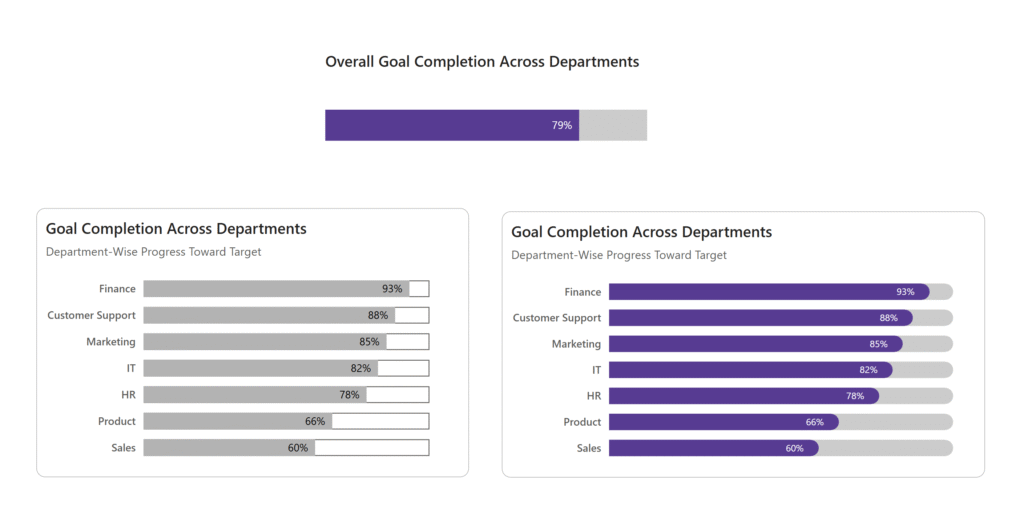
2025 Week 12 | Power BI: Animated Progress Bar with Edward Charles

Introduction Welcome back to Workout Wednesday! This week’s challenge is all about bringing your data to life with animation! It was inspired by a LinkedIn post from Edward Charles, where he used an SVG measure and the new card visual to create an animated progress bar.   Progress bars can be a great way to visually track goals, completion

2025 Week 12 | Power BI: Animated Progress Bar with Edward Charles Read More »

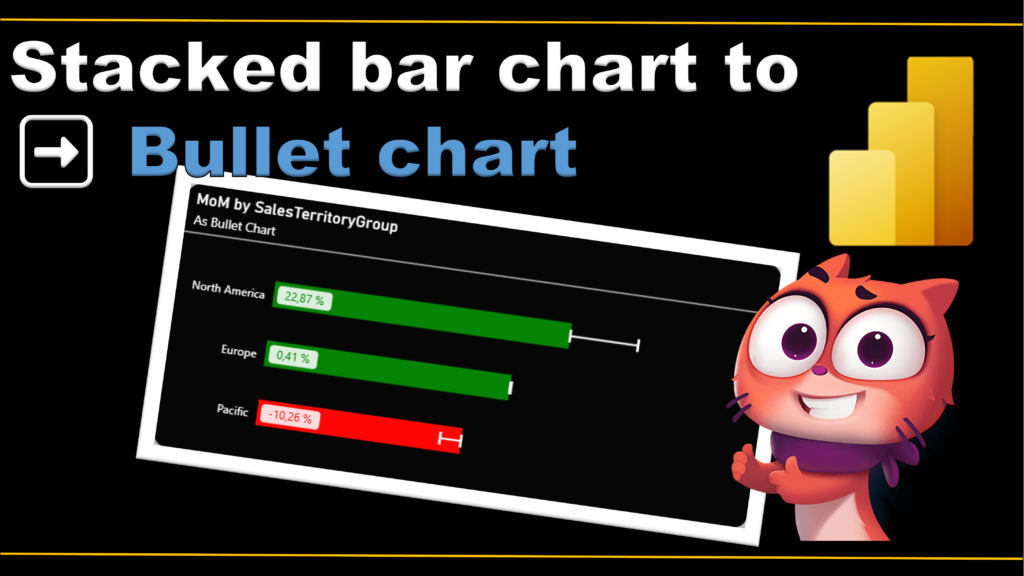
2025 Week 9 | Power BI: From stacked bar chart to bullet chart

Introduction I’m incredibly honored to be part of this amazing group of Power BI enthusiasts, and I couldn’t be more excited to share my very first Workout Wednesday challenge with you all! Have you ever looked at a visualization and thought, there has to be a better way to present this data? This week, we’re

2025 Week 9 | Power BI: From stacked bar chart to bullet chart Read More »