Tableau

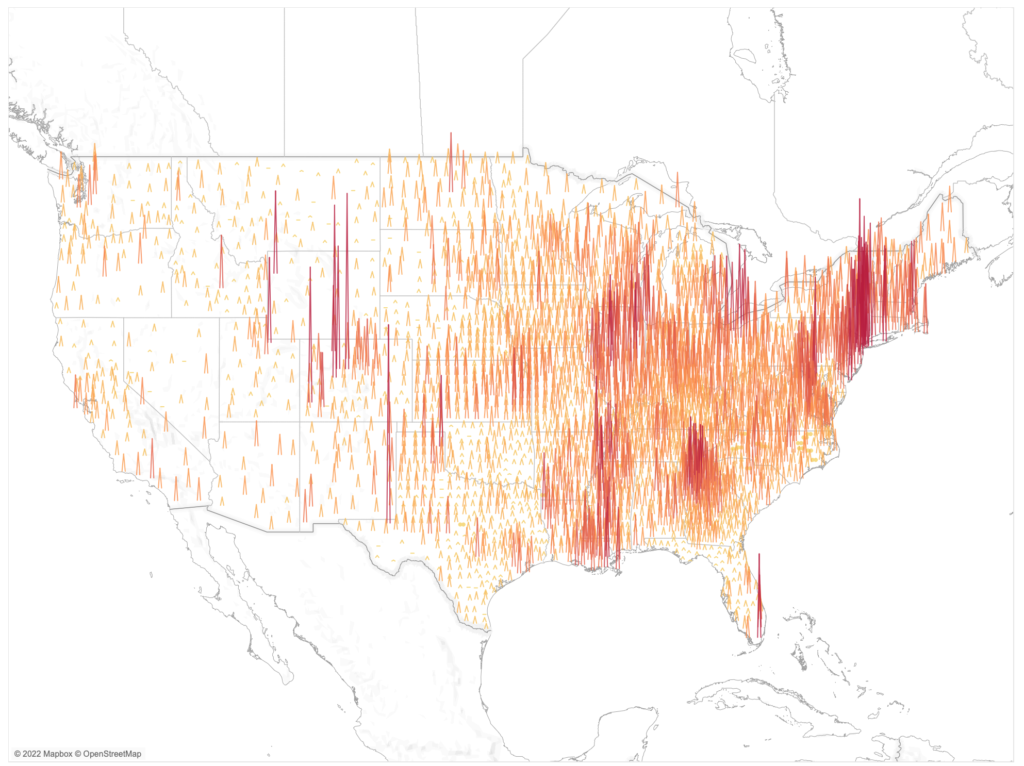
2022 – Week 34: What is the average occupancy by weekday?

Introduction This week we return to another business-specific challenge. This team we will explore hospitality data. The goal of this challenge is to determine what the average occupancy is by day at three different properties. The challenge of this data is that you’ll only ever know when customers check-in or check-out. Not the actual total […]

2022 – Week 34: What is the average occupancy by weekday? Read More »

Tableau, Workout Wednesday
#WOW2022 W33: Can you compare the latest month to the prior X months average?

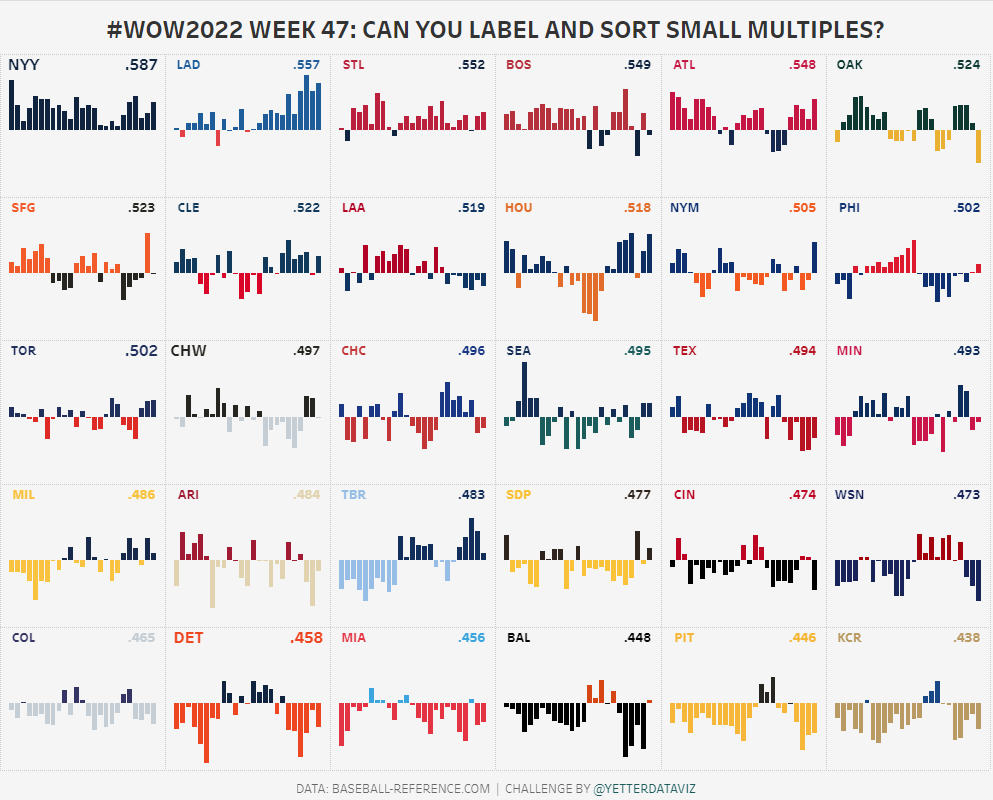
Introduction When looking through the challenge insights I realised we haven’t had many of the fundamental LOD style Workouts for a while. So this week we take a look at how does the latest month compare to the prior X months average? Click to open in Tableau Public Requirements Dashboard Size: 800 x 700px 2

#WOW2022 W33: Can you compare the latest month to the prior X months average? Read More »

Tableau, Workout Wednesday

#WOW2022 | Week 30 | Dynamic Dates in a Heatmap

Introduction I’ve been wanting to create this challenge for some time, so I’m really glad to finally be releasing it. This challenge was inspired by some work I did last year where a client wanted to be able to visualize the number of hours that their team had spent working on different projects. What made

#WOW2022 | Week 30 | Dynamic Dates in a Heatmap Read More »

Tableau, Workout Wednesday
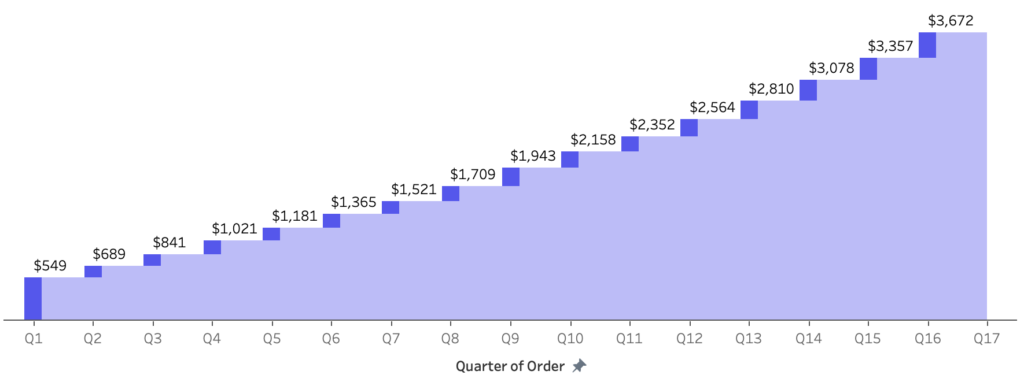
2022 – Week 29: What is the Time-Weighted Return?

Introduction Working with financial data is hard. There are some calculations that make for long evenings to get right. One of those calculations is Time-Weighted Return. This challenge is simple: calculate the Time-Weighted Return Rate for a simple data source and return a line chart. Click to open in Tableau Public Requirements Dashboard Size: 400px

2022 – Week 29: What is the Time-Weighted Return? Read More »

Tableau, Workout Wednesday
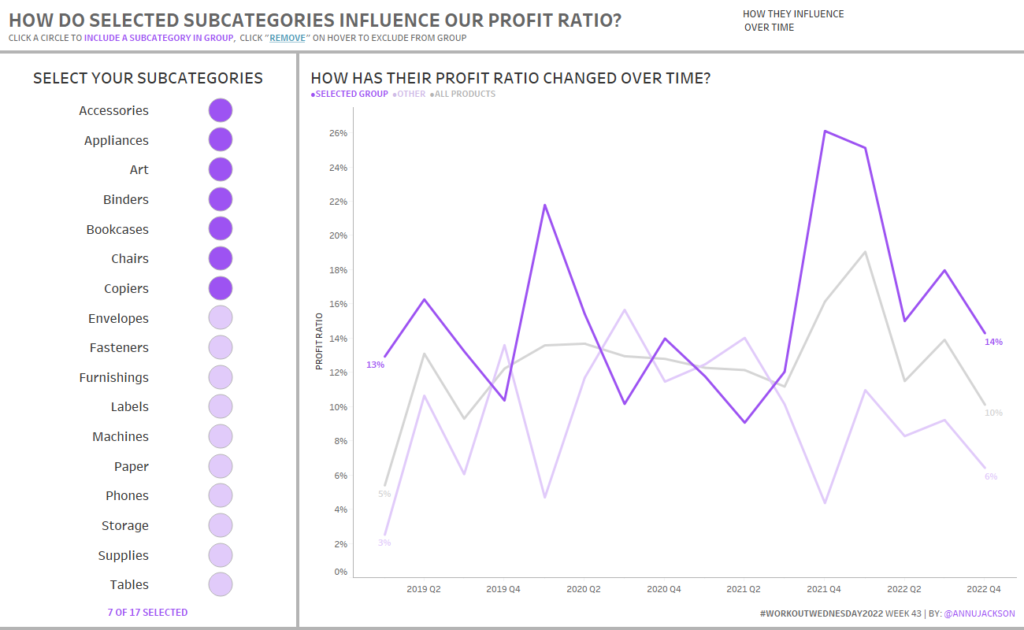
#WOW2022 W28: Can you build a butterfly chart?

Introduction This week my challenge comes from two places of inspiration. Firstly the ONS website and secondly a final interview for someone applying to the Data School. I loved the concept of the chart and it helps with context and also synchronisation of axis. Have fun. Click to open in Tableau Public Requirements Dashboard Size: 800

#WOW2022 W28: Can you build a butterfly chart? Read More »

Tableau, Workout Wednesday
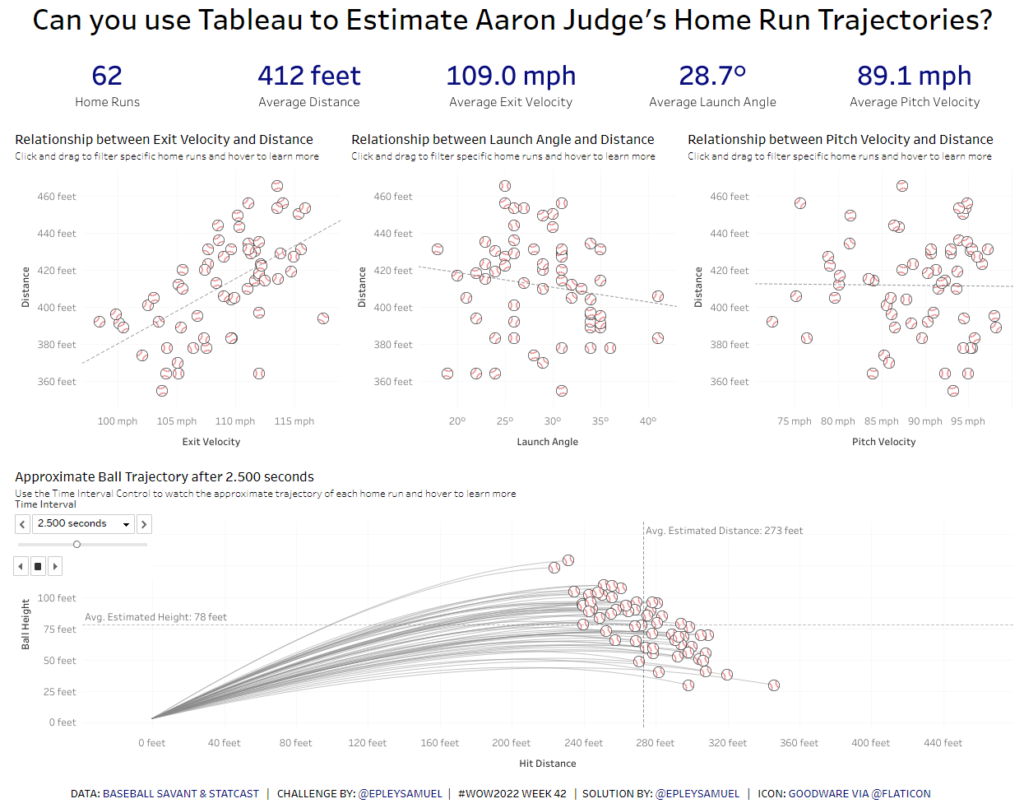
#WOW2022 Week 27: Can you make a bullet chart?

Introduction This week’s challenge is inspired by one of the dashboards in The Big Book of Dashboards, by Steve Wexler, Jeffrey Shaffer, and Andy Cotgreave. If you’re not familiar with it, the BBOD is a tremendous resource of tools and concepts you can apply to real world business scenarios, and you can learn more at

#WOW2022 Week 27: Can you make a bullet chart? Read More »

Tableau, Workout Wednesday
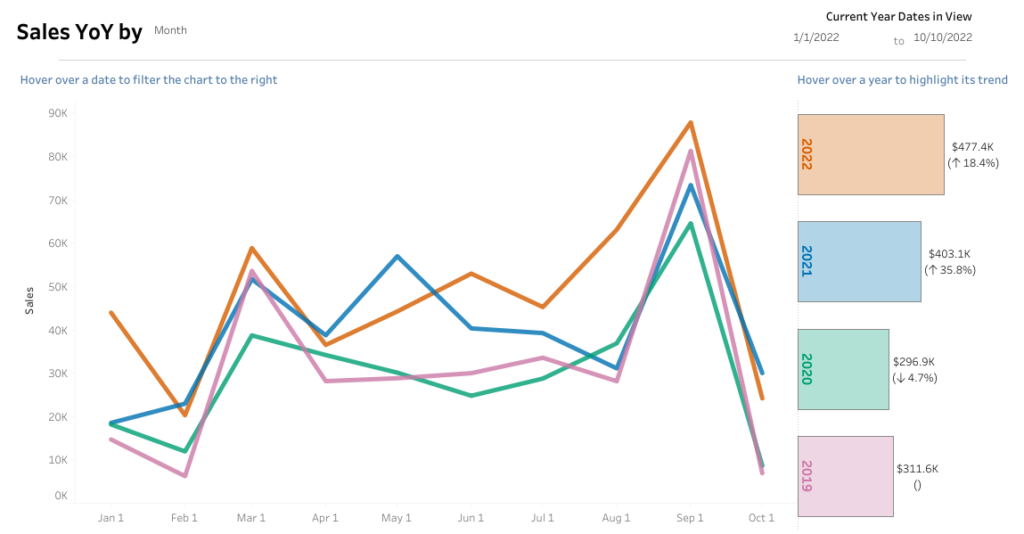
#WOW2022 | 26 | Let’s make a dynamic relative filter

Introduction Welcome to week 26 – the halfway mark of 2022! This week is pretty straightforward; how simple it will be is up to you ???? I’ve always really liked using the relative date filter in Tableau but one thing that’s always irked me is that the anchor date is not dynamic – neither end-user

#WOW2022 | 26 | Let’s make a dynamic relative filter Read More »

Tableau, Workout Wednesday
#WOW2022 | Week 25 | Double drill-down with Set Actions

Introduction My second favourite challenge in Tableau, after Table Calculations, is anything with Set Actions. Some of you may have already used these in previous challenges this year, but this week I am dedicating it to this wonderful (and sometimes tricky) Tableau functionality. Warning: this is not a beginner-friendly challenge! The problem I wanted to

#WOW2022 | Week 25 | Double drill-down with Set Actions Read More »

Tableau, Workout Wednesday