
2026 Week 33 | Sigma: Can you work smarter?

Introduction

Welcome to Week 33 of 2026!

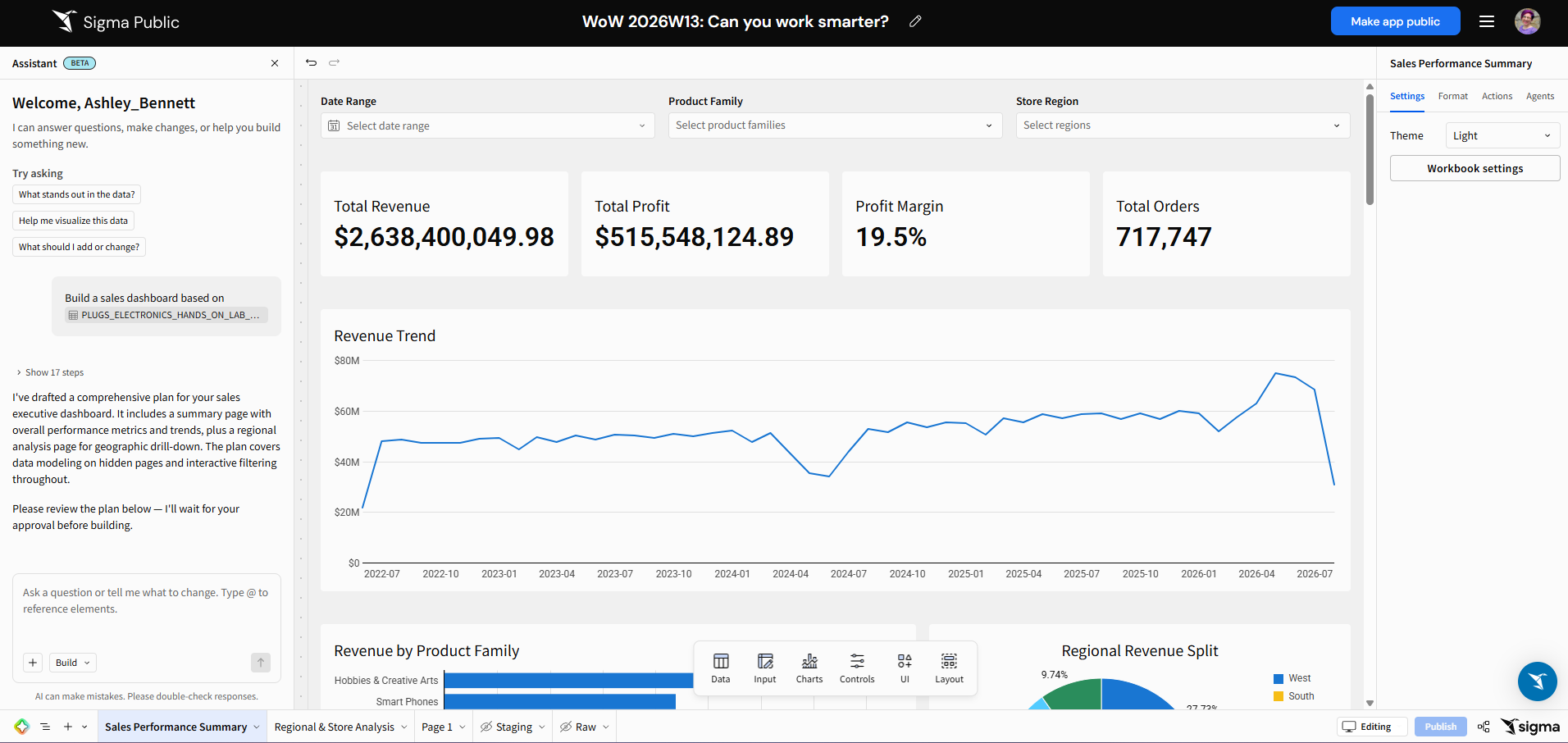
This week, we’re going to use Sigma’s AI Assistant to build a dashboard for us!  This challenge is very open ended, so we may end up with something that looks different than mine, depending on your prompt and chat with the AI.  Have fun building and share your results!

Wherever you work on this challenge must have AI enabled.  We have moved our Workout Wednesdays to Sigma Public.  Be sure to build your version there!

Good luck!

-Ashley

Need access to Sigma Public?

Requirements

The goal of this challenge is to create a dashboard using the AI Assistant.   Look for this icon in the lower left corner of your workbook:

Ask the Assistant to build a particular workbook based on a dataset of your choosing from the Sample Database.  

Tips

  • I like to bring my data into a table in the workbook and reference it in my prompt
  • Building will take the Assistant some time to complete.  Utilize plan mode first for best results.  Feel free to go back and forth until you have something you would be happy to see it build.

Dataset

We’re only using inputs for this challenge

Share

After you finish your workout, share on LinkedIn, Sigma’s Community page, (or Twitter) using the hashtags #WOW2026 and #Sigma, and tag Ashley Bennett, Stanley Gai, Jessica Batten, Eric Heidbreder, and Carter Voekel!

Also, make sure to fill out the Submission Tracker so that we can count you as a participant this week to track our participation throughout the year.

Solution

Coming soon….