Beginner

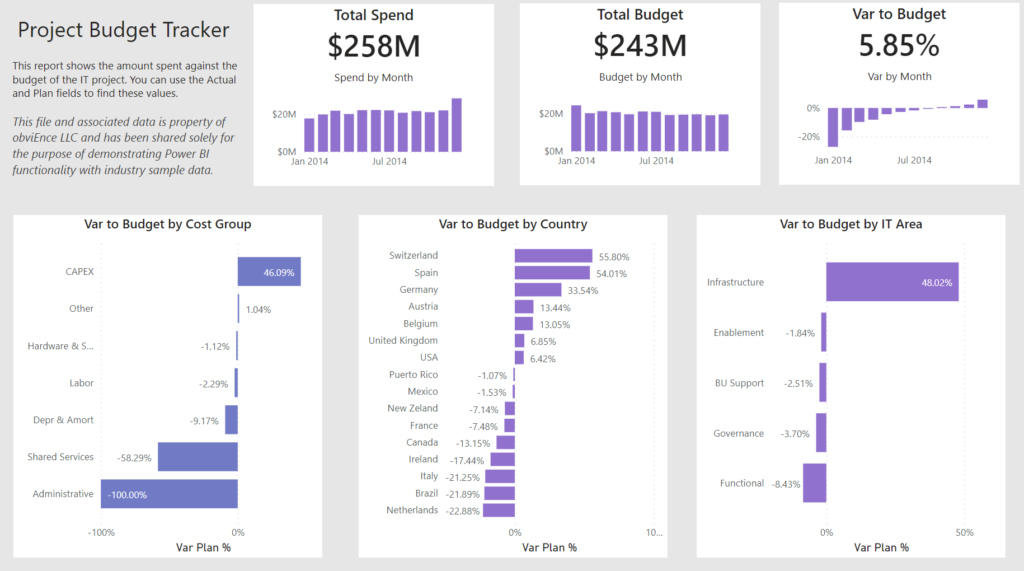
2022 Week 11 | Power BI: Project Budget Tracker

Introduction Your challenge this week is to create a Project Budget Tracker leveraging the IT Spend Analysis example dataset available to everyone in Power BI Service.  We decided to keep the project management theme going this week with this take on tracking how your project is following the budget.  If you did not do last week’s challenge, I

2022 Week 11 | Power BI: Project Budget Tracker Read More »

Power BI, Workout Wednesday
2022 Week 08 | Power BI: Can you make a Gantt Chart?

Introduction This week we are creating Gantt Charts in Power BI. It is not required to do all 4 variations, choose one of the options that interests you the most. Each option increases in time and/or experience level. Requirements QUICK MODE Import data Import the Microsoft Gantt Chart from AppSource Place Project Category in the

2022 Week 08 | Power BI: Can you make a Gantt Chart? Read More »

Power BI, Workout Wednesday
2022 Week 06 | Power BI: Key Influencers

Introduction Welcome back to Power BI #WorkoutWednesday – we’re now in week 6! If you’re joining us for the first time, welcome! There are no dependencies on previous weeks – you’re welcome to jump right in with this week’s challenge, where we’ll use AI in Power BI to get an understanding of key influencers of

2022 Week 06 | Power BI: Key Influencers Read More »

Power BI, Workout Wednesday
2022 Week 02 | Power BI: Simplified Custom Page Navigation

Introduction Welcome back to Power BI #WorkoutWednesday – week 2! We had incredible participation last week and are so excited to dive in this week with custom page navigation. If this sounds familiar, it’s because we did a similar navigation challenge back in November 2021. In a fortunate turn of events, the Power BI team

2022 Week 02 | Power BI: Simplified Custom Page Navigation Read More »

Power BI, Workout Wednesday
2022 Week 01 | Power BI: Sparklines!

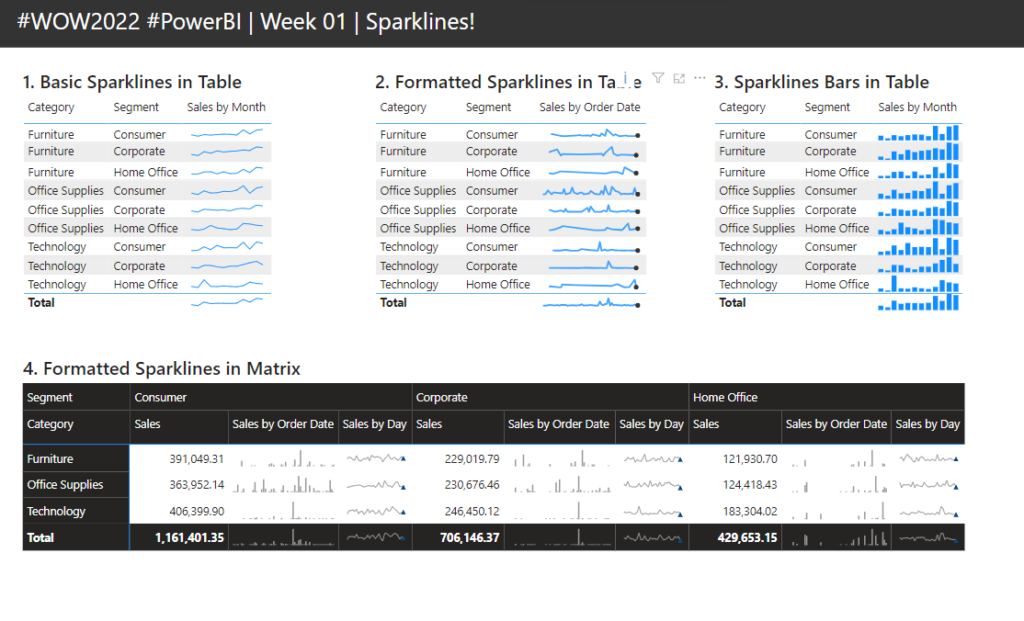
Introduction Welcome back to another year of Power BI #WorkoutWednesday! We hope you enjoy the challenges that we are going to present you this year. To get this year started off right, this week’s challenge will be introducing you to a feature that was released in the December 2021 Power BI Desktop release, sparklines. I’ve

2022 Week 01 | Power BI: Sparklines! Read More »

Power BI, Workout Wednesday

2021 Week 47 | Power BI: Custom Line Chart Formatting

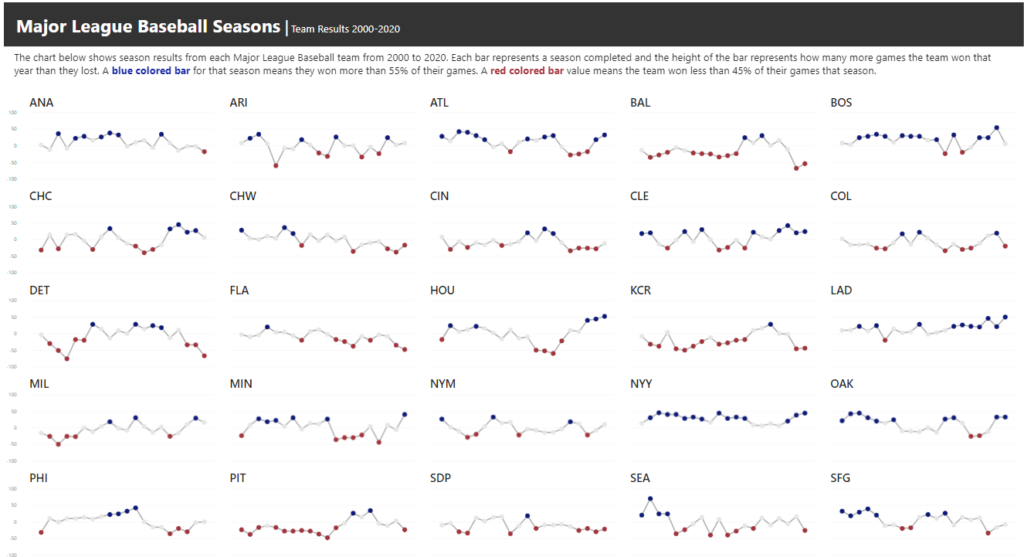
Introduction This week we are continuing our design theme by working through a custom formatting hack for line charts. Conditional formatting in Power BI can be tricky at times, especially when trying to format different chart types.  If you are familiar with conditionally formatting a line chart, you’ll know that in the Data Colors section

2021 Week 47 | Power BI: Custom Line Chart Formatting Read More »

Power BI, Workout Wednesday