Beginner

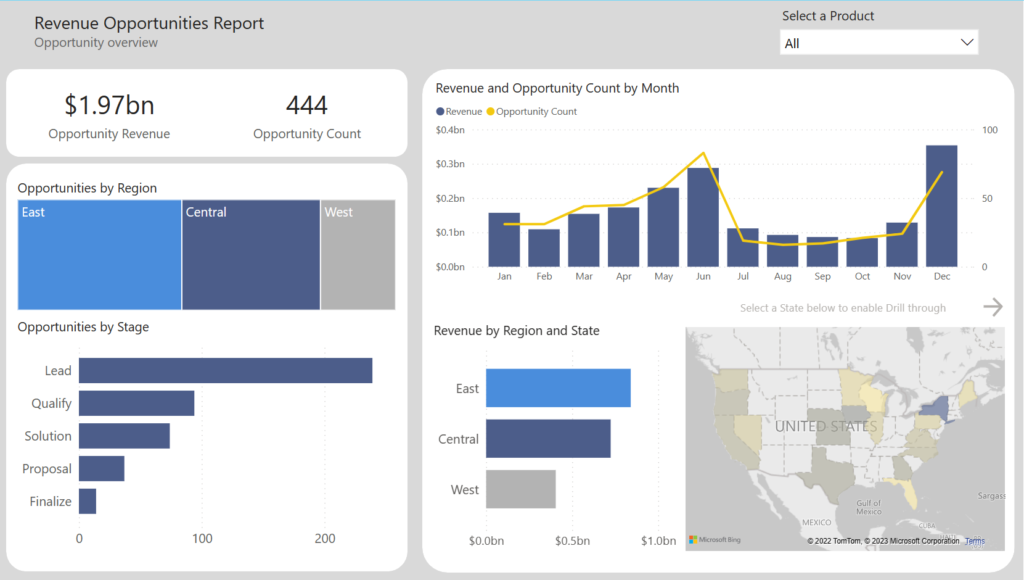
Image of Power BI report.

2023 Week 12 | Power BI: Are your reports accessible?

Introduction Welcome back to Workout Wednesday! This week we’re taking a note out of Meagan’s book and looking at existing reports to ensure they’re accessible to our end-users.  Creating accessible Power BI reports isn’t just a nice-to-have feature, but a crucial aspect for ensuring all users can access and understand your data. Don’t let accessibility

2023 Week 12 | Power BI: Are your reports accessible? Read More »

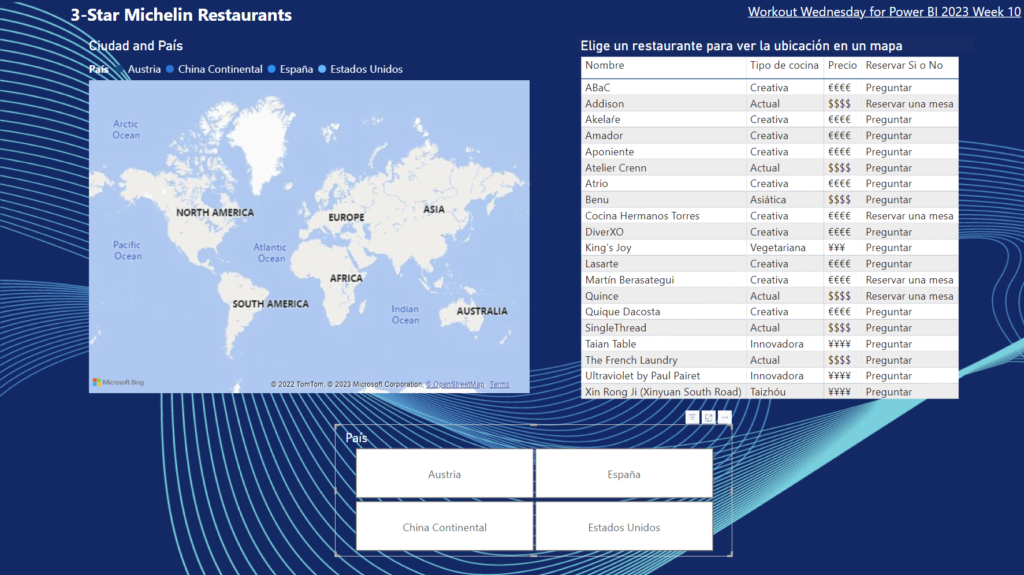
2023 Week 10 | Power BI: Mapping Cities with Michelin Star Restaurants

Introduction Note from the Editor: This week we have our first bilingual WoW for Power BI! Below you will find both the Spanish and English instructions for the exercise. Please note that the solution video is in Spanish, but auto-generated captions are available in English. If you enjoyed this, please let us know in the

2023 Week 10 | Power BI: Mapping Cities with Michelin Star Restaurants Read More »

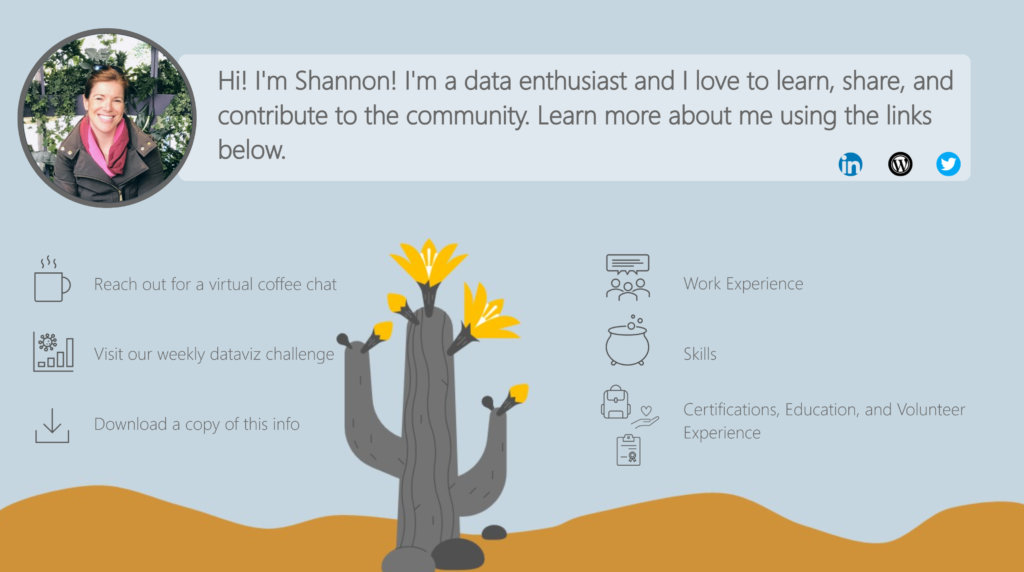
2023 Week 08 | Power BI: Create an interactive resume

Introduction Welcome back to Workout Wednesday! This week we will use Power BI to build an interactive resume. This challenge is for a few different audiences. 1) Job seekers – feel free to use this template, plug in your information, make design tweaks, and post this to your portfolio! 2) Data vizzers – use the starter

2023 Week 08 | Power BI: Create an interactive resume Read More »

2023 Week 05 | Power BI: Visualize the Oscars with an Isotype/Pictogram Chart

Introduction Hello and welcome back to Workout Wednesday! If you’re joining us for the first time, be sure to check out our complete list of challenges. This week we’re looking at data from the American Academy Awards, also known as the Oscars. The Oscars are awards for artistic and technical merit for the American film industry

2023 Week 05 | Power BI: Visualize the Oscars with an Isotype/Pictogram Chart Read More »

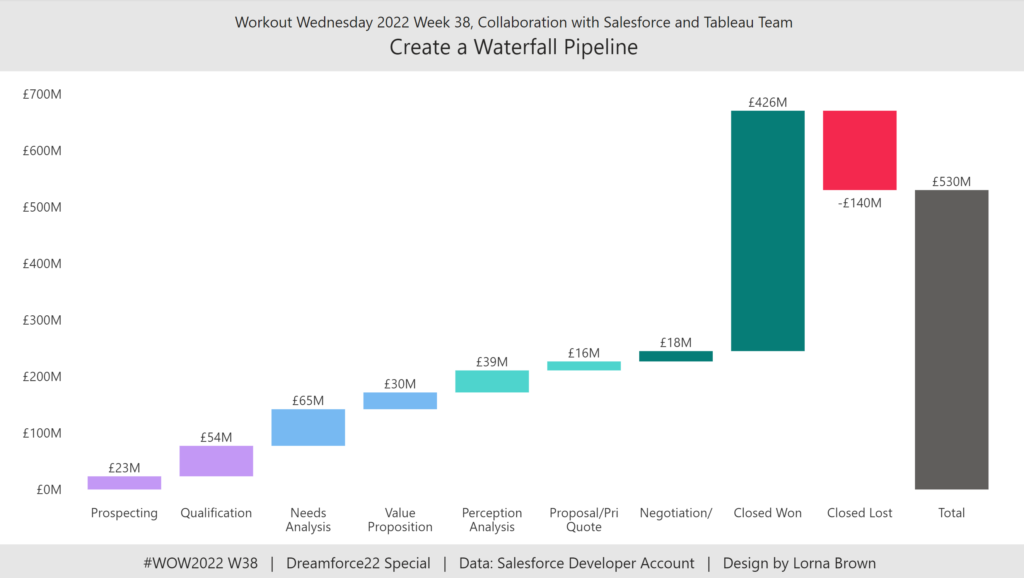
2022 Week 38 | Power BI: Create a Waterfall Pipeline

Introduction Welcome back to Workout Wednesday! This week we’re collaborating with the Tableau team to create a waterfall pipeline using Salesforce data. Lorna Brown, the creator of the challenge is attending Saleforce’s Dreamforce conference, hence the nature of the challenge. We’re building a waterfall chart using the Simple Waterfall custom visual by Datanomy Limited. This week’s workout can be done in

2022 Week 38 | Power BI: Create a Waterfall Pipeline Read More »