
Power BI

2024 Week 15 | Power BI: Visualize sunrise times with a line chart

Introduction Since I watched the solar eclipse from Texas this week, we have a solar theme. We are visualizing the sunrise time each day in 2024 to date. I’m keeping it simple with the line chart core visual, but you can use whatever visual you would like.  Requirements 1. Retrieve the data from Data.World.  2. […]

2024 Week 15 | Power BI: Visualize sunrise times with a line chart Read More »

Power BI, Workout Wednesday
2024 Week 14 | Power BI: Use a matrix to re-create a Tableau viz

Introduction Welcome back to Workout Wednesday! This week we’re recreating a really neat viz that was originally created by Flávio Matos for the Tableau team back in 2023. Flavio created the Periodic Table of Wine, with an option for users to select the food they’ll be eating to help them pair the perfect wine. Today,

2024 Week 14 | Power BI: Use a matrix to re-create a Tableau viz Read More »

Power BI, Workout Wednesday
Overlapping Histogram

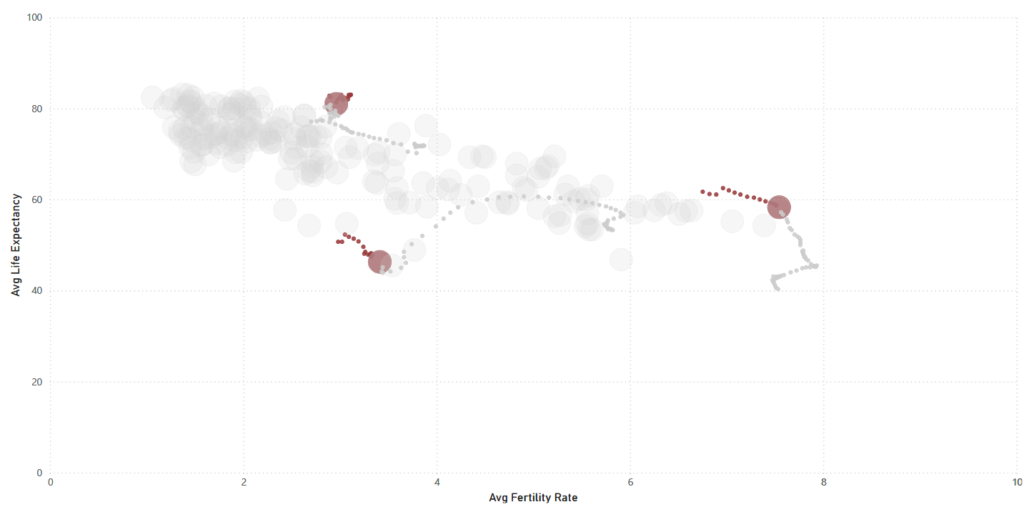
2024 Week 13 | Power BI: Overlapping Histogram

Introduction In this week’s challenge we are creating an Overlay Histogram. An overlay histogram utilises overlapping columns or bars to compare two populations. In this case, we are utilising the speed dating data from a previous challenge to compare male and female differences in dating preferences. Requirements Obtain the data from the Workout Wednesday 2022

2024 Week 13 | Power BI: Overlapping Histogram Read More »

Power BI, Workout Wednesday
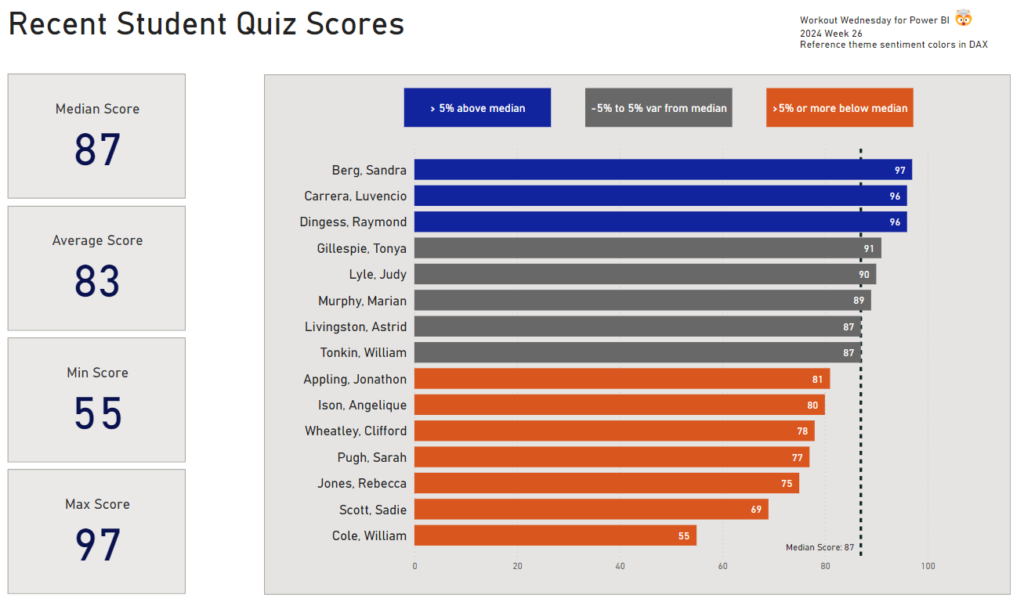
2024 Week 12 | Power BI: Contact Cards and Headerless Tables

Introduction This week’s challenge uses a custom visual to achieve some formatting that cannot currently (as of March 2024) be achieved using core visuals. First, we have a table that contains 2 columns and no headers. Next, we have some contact cards that contain both an image and text. The catch is that the number

2024 Week 12 | Power BI: Contact Cards and Headerless Tables Read More »

Power BI, Workout Wednesday
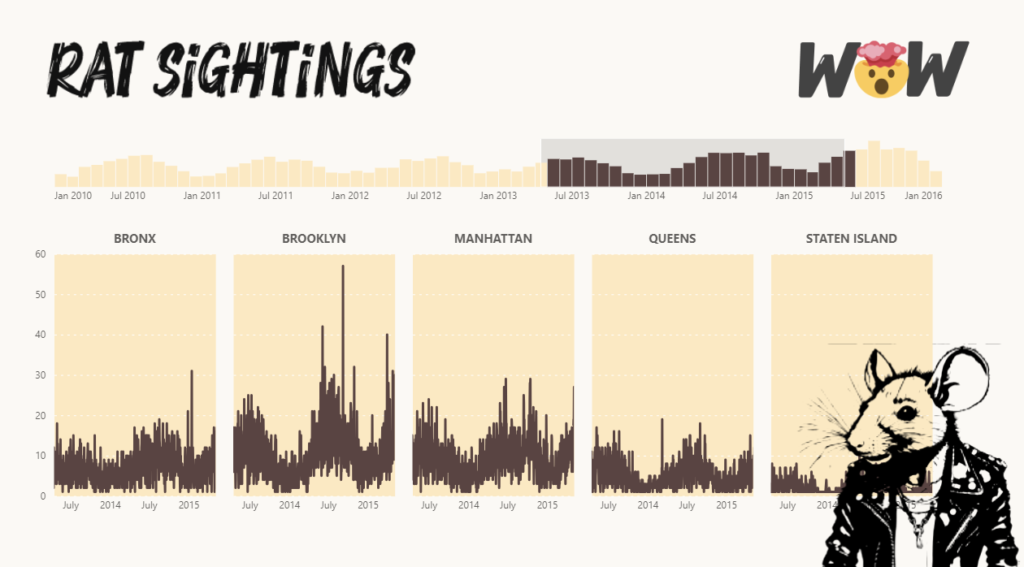
2024 Week 11 | Power BI: IBCS Charts with Injae

Introduction Welcome back to Workout Wednesday! This week we’re taking notes out of Injae Park’s portfolio and recreating one of his IBCS charts. IBCS, or the International Business Communication Standards is a set of rules to level up how businesses talk and share info. Think of it as a cheat code for clearer charts and

2024 Week 11 | Power BI: IBCS Charts with Injae Read More »

Power BI, Workout Wednesday
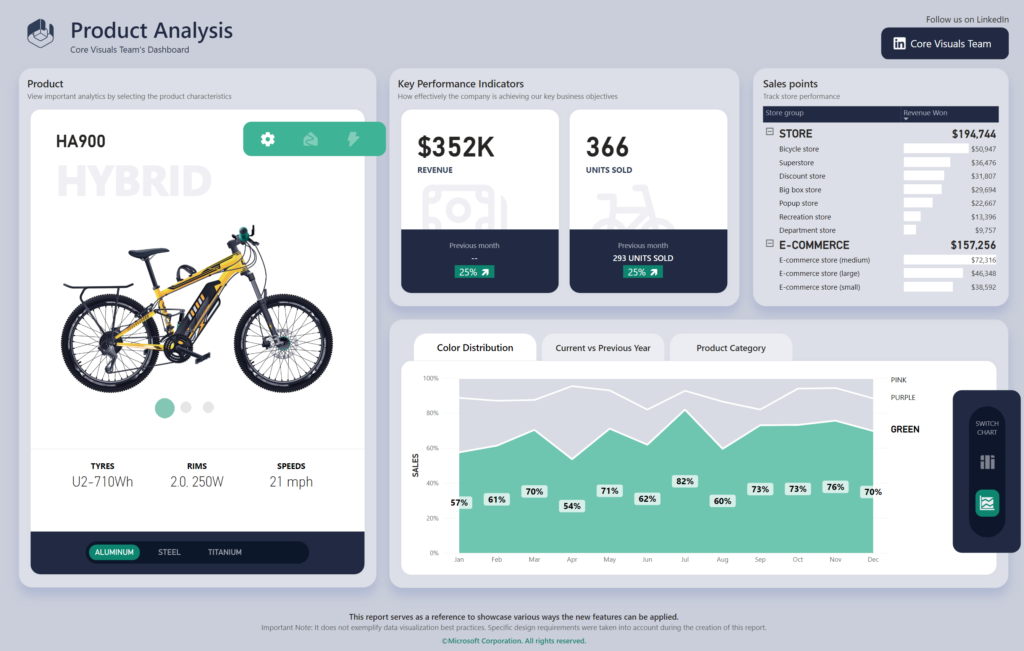
2024 Week 10 | Power BI: DAX-less Reporting!

Introduction Welcome back to Workout Wednesday! This week’s challenge is for folks who want to practice building reports that do have calculations but do not use complex DAX! I also had a little fun with Microsoft Designer for the images. If you haven’t had a chance to play around with this new AI design tool

2024 Week 10 | Power BI: DAX-less Reporting! Read More »

Power BI, Workout Wednesday
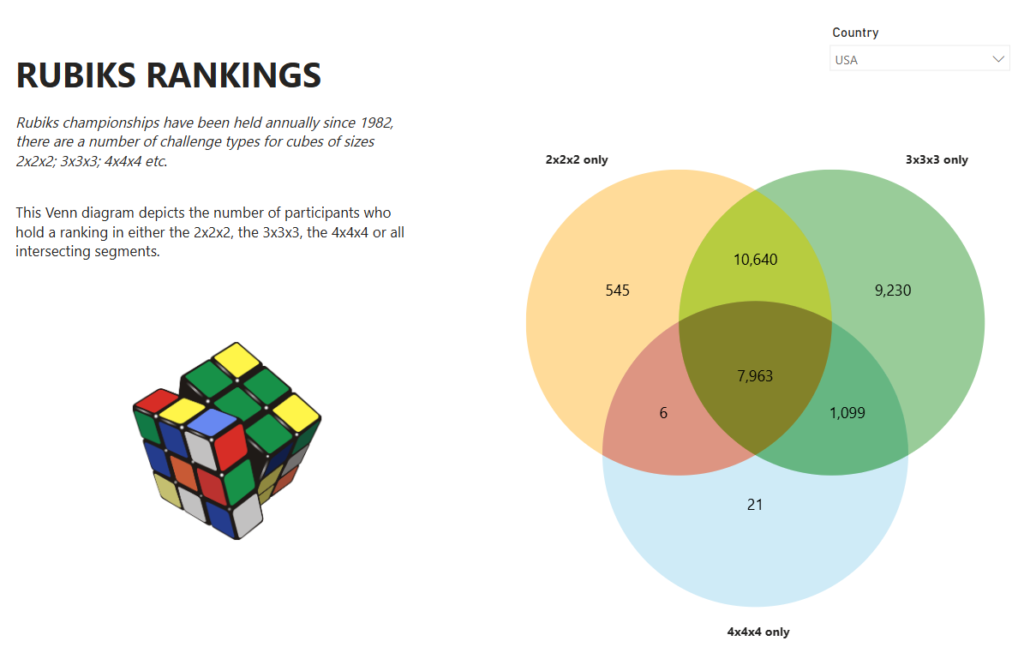
2024 Week 9 | Power BI: Use Bar Overlap and Border Formatting

Introduction Welcome to this week’s Workout Wednesday. This week, we are taking advantage of some new features in the February 2024 release of Power BI Desktop. We can now have bars overlap in a clustered column chart and hide the inner borders in a stacked column chart. This week, we’ll use those formatting options to

2024 Week 9 | Power BI: Use Bar Overlap and Border Formatting Read More »

Power BI, Workout Wednesday
2024 Week 8 | Power BI: Build a Pipeline Funnel with Core Visuals

Introduction This week’s challenge we will be utilising visual calculations (this will require turning Visual Calculations on in Preview settings of February 2024 Desktop) and some additional new data label formatting options to create a pipeline funnel with out of the box visuals in Power BI. Visual calculations can be handy for visual specifiic calculations

2024 Week 8 | Power BI: Build a Pipeline Funnel with Core Visuals Read More »

Power BI, Workout Wednesday
DataViz Makeover of bar chart

2024 Week 7 | Power BI: Report Re-design – Aussie trips to Indonesia

Introduction This week’s challenge is a little different, we will be looking to make-over a report from the Australian Bureau of Statistics. This report contains a lot of information and data sources to download, so it is up to you as to how much or how little you want to do. The primary challenge, however,

2024 Week 7 | Power BI: Report Re-design – Aussie trips to Indonesia Read More »

Power BI, Workout Wednesday

2024 Week 6 | Power BI: Customer Lifetime Value Matrix

Introduction Welcome back to Workout Wednesday! This week’s challenge is inspired by Ann Jackson, who created the challenge back in 2021 for the Tableau team. Let’s create a Customer Lifetime Value (CLV) Matrix, a tool that marketers use to segment customers based on their value and loyalty to a business. This helps marketers allocate resources

2024 Week 6 | Power BI: Customer Lifetime Value Matrix Read More »

Power BI, Workout Wednesday