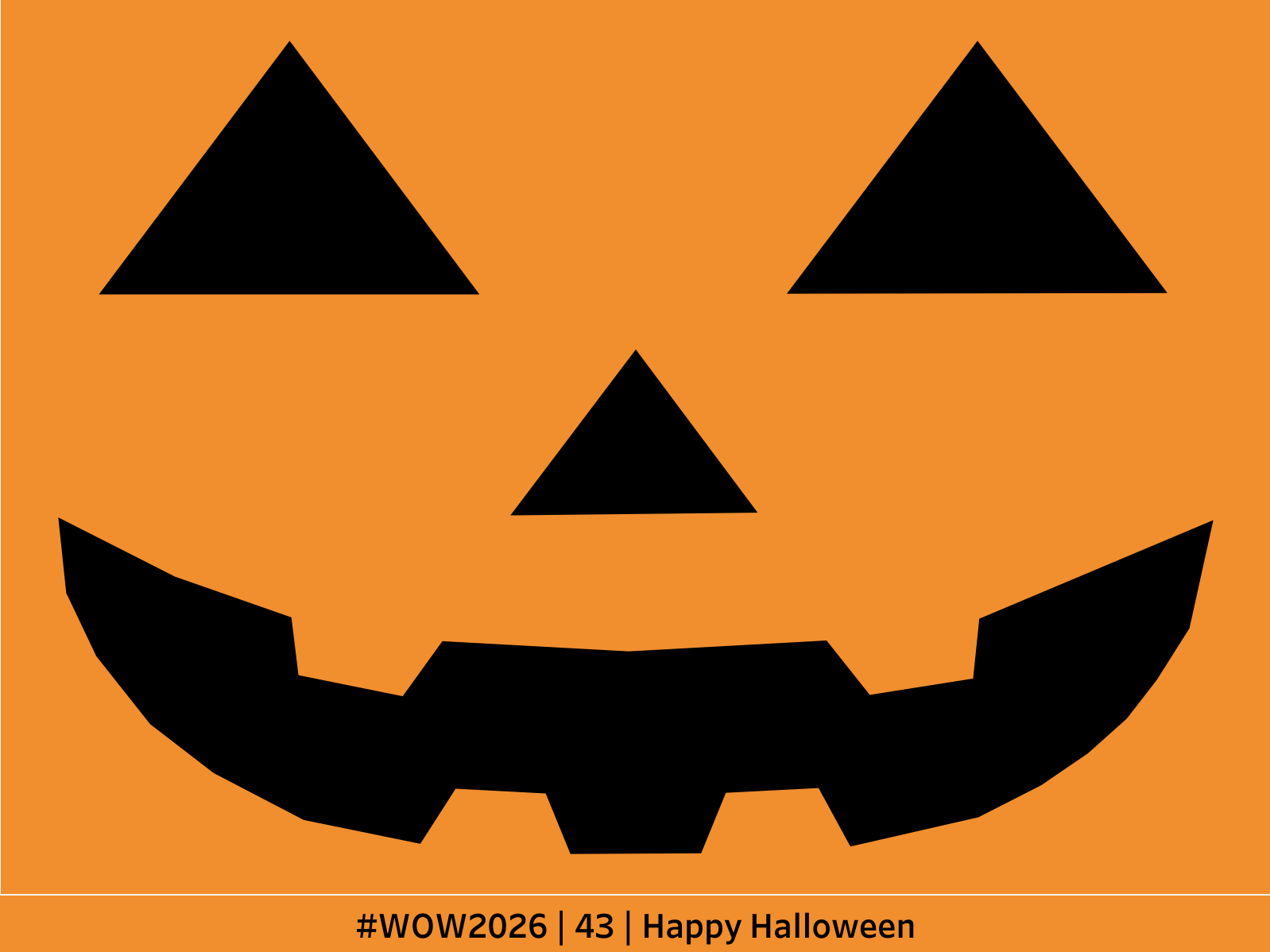
#WOW2026 | 43 | TableauLanterns! 🎃

Introduction

In my 7 years of “coaching” #wow challenges, this might be the one I’m most excited about. You see, this weekend is Halloween and one of my favorite traditions around this holiday is carving pumpkins! 

I tried it all, mostly unsuccessfully, but I’ve never, in all my years, tried carving a pumpkin in TABLEAU!!! 🎃 🎃 🎃

So that’s what we’re going to do this week! Go find a jack-o-lantern design you like OR make your own in your favorite design tool. Then turn that picture into a Tableau Polygon.

If you haven’t checked out Interwork’s CBI Studio. It allows you to exactly that!

  1. Find or make an image
  2. Go to CBI Studio and upload your image
  3. change “I’m creating…” to POLYGON
  4. Then because tracing your design creating points on the right side of the screen. 
  5. You can stack multiple tracings in the same download by closing a loop once you start in order to move to the next.
  6. Once complete, download the points as a csv
  7. Load up tableau and play with the Polygon mark type
    1. Not JUST for hiding tooltips in crosstabs 😈 


Whereevery you post this, PLEASE TAG ME! I want to see it!

Requirements

  • Make a halloween decoration in Tableau!

If you need a hint, check out DataVizFairy’s blog and inspiration for this challenge!

Dataset

BYOD!

Attribute

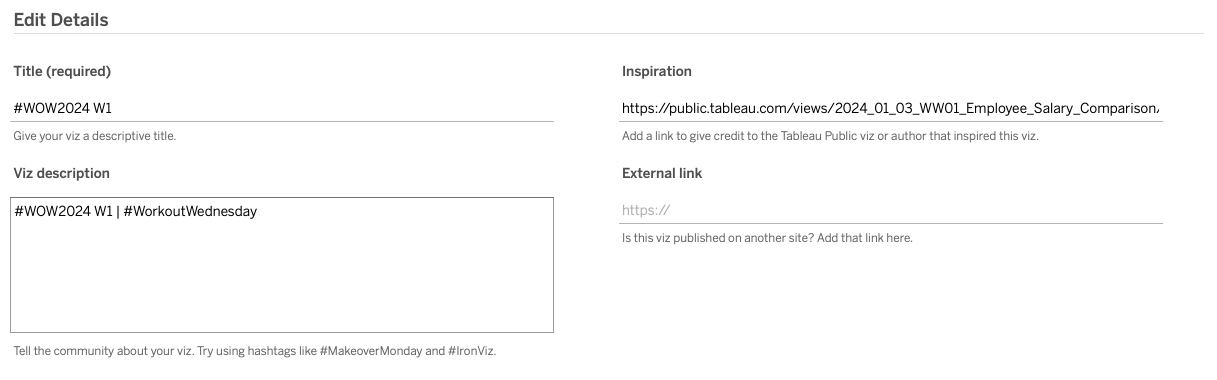
When you publish your solution on Tableau Public make sure to take the time and include a link to the original inspiration.  Also include the hashtag #WOW2026 in your description to make it searchable!

Share

After you finish your workout, share on Twitter and/or LinkedIn using the hashtag #WOW2026 #Tableau and tag @WorkoutWednsday

Solution

Interactive