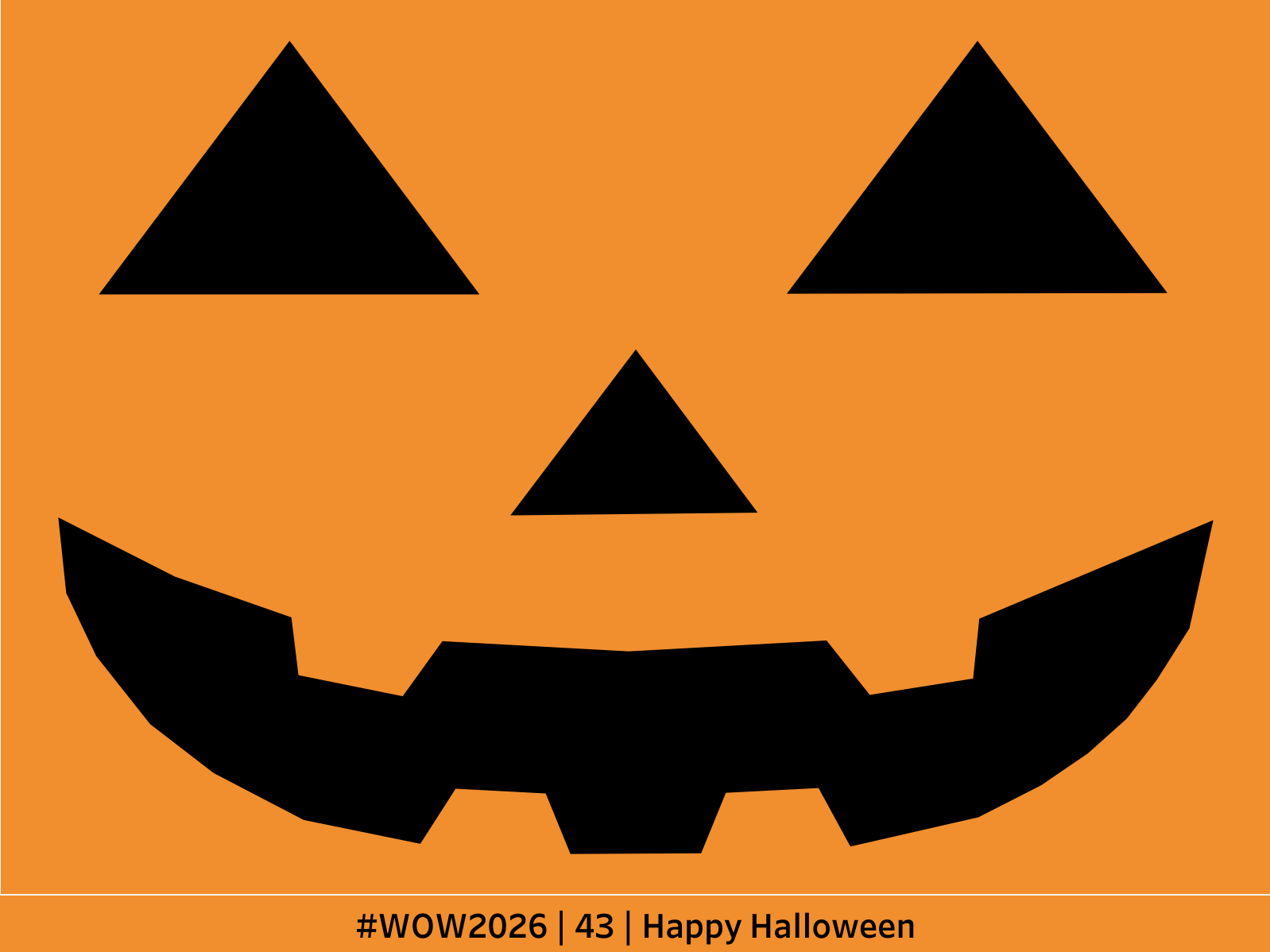
In my 7 years of “coaching” #wow challenges, this might be the one I’m most excited about. You see, this weekend is Halloween and one of my favorite traditions around this holiday is carving pumpkins!
I tried it all, mostly unsuccessfully, but I’ve never, in all my years, tried carving a pumpkin in TABLEAU!!! 🎃 🎃 🎃
So that’s what we’re going to do this week! Go find a jack-o-lantern design you like OR make your own in your favorite design tool. Then turn that picture into a Tableau Polygon.
If you need a hint, check out DataVizFairy’s blog and inspiration for this challenge!
Dataset
BYOD!
Attribute
When you publish your solution on Tableau Public make sure to take the time and include a link to the original inspiration. Also include the hashtag #WOW2026 in your description to make it searchable!