
Introduction
What I love most about #WorkoutWednesday challenges is learning tips and techniques that I can re-use over and over again in my dashboard builds.
This week, I’m showcasing a tip that had many of us in the community completely stunned – the ability to format numbers to different order of magnitudes without the need for some crazy custom string calculations. Thanks goes to Roxanne Agerone for sharing this undocumented feature.*
So this is a gentle workout with the principal aim to let you try out this ‘new’ feature and to then have simple ready-made example you can onwardly share / reference in future. You either know what to do already, or just read the blog post above 🙂 To make the challenge just a bit more interesting, I’ve added in a requirement to expand/collapse the display.
* warning – as this is an undocumented feature of the product, it is officially unsupported, so it is possible that one day this may just disappear. Hopefully, by continuing to ‘spread the word’ this may change.
Requirements
- Dashboard 1000 x 800
- Single sheet
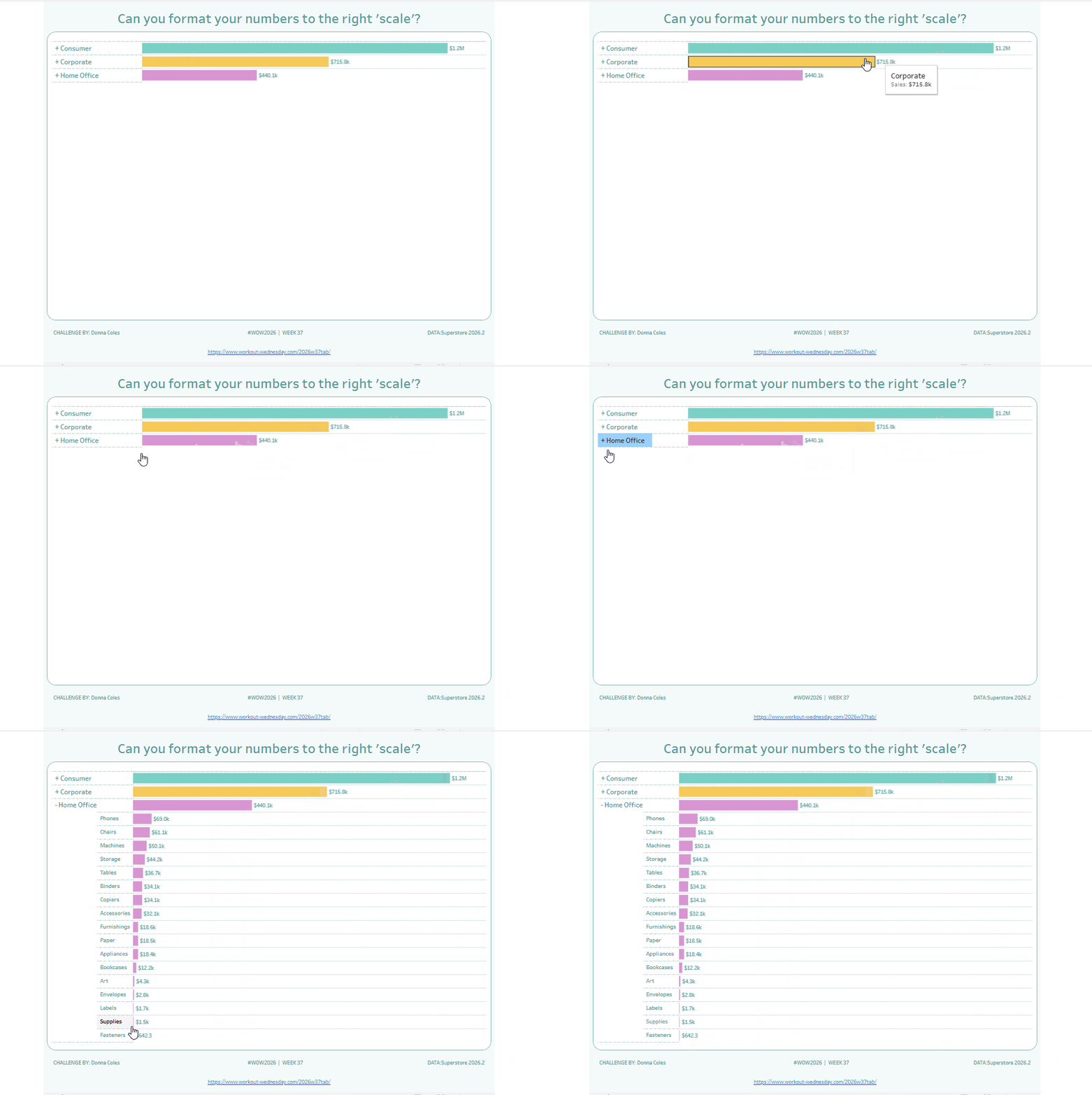
- Build a bar chart of Sales by Segment that expands ‘on click’ to additionally show the breakdown by Sub-Category. Note the change in the + / – against the selected Segment.
- Label the bars with the value of Sales, using a number formatting option to 1 decimal place, that automatically handles the relevant order of magnitude (millions M, thousands K etc).
- Key values to note – Consumer total sales v Corporate & Home Office; sales value of Fasteners.
- All other formatting/colours as you desire
Dataset
Superstore 2026
Attribute
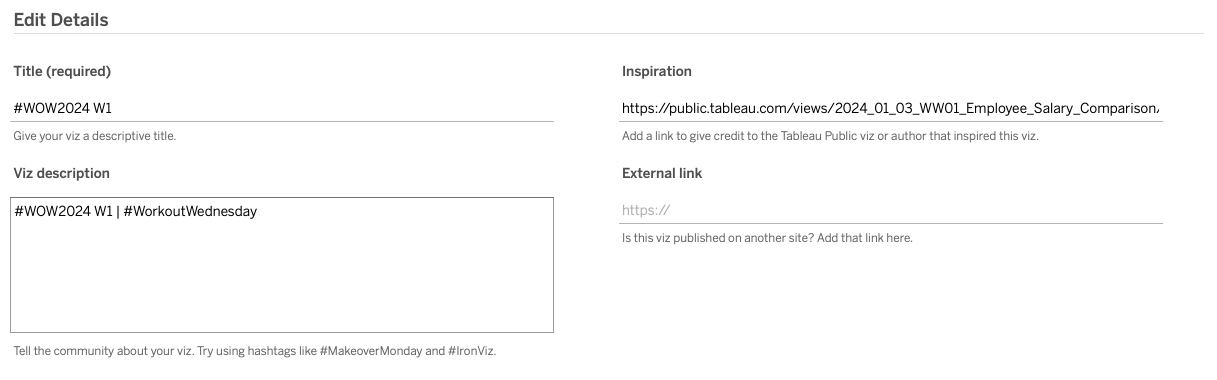
When you publish your solution on Tableau Public make sure to take the time and include a link to the original inspiration. Also include the hashtag #WOW2026 in your description to make it searchable!
Share
After you finish your workout, share on Twitter and/or LinkedIn using the hashtag #WOW2026 #Tableau and tag @WorkoutWednsday
Solution
Interactive
