
Introduction
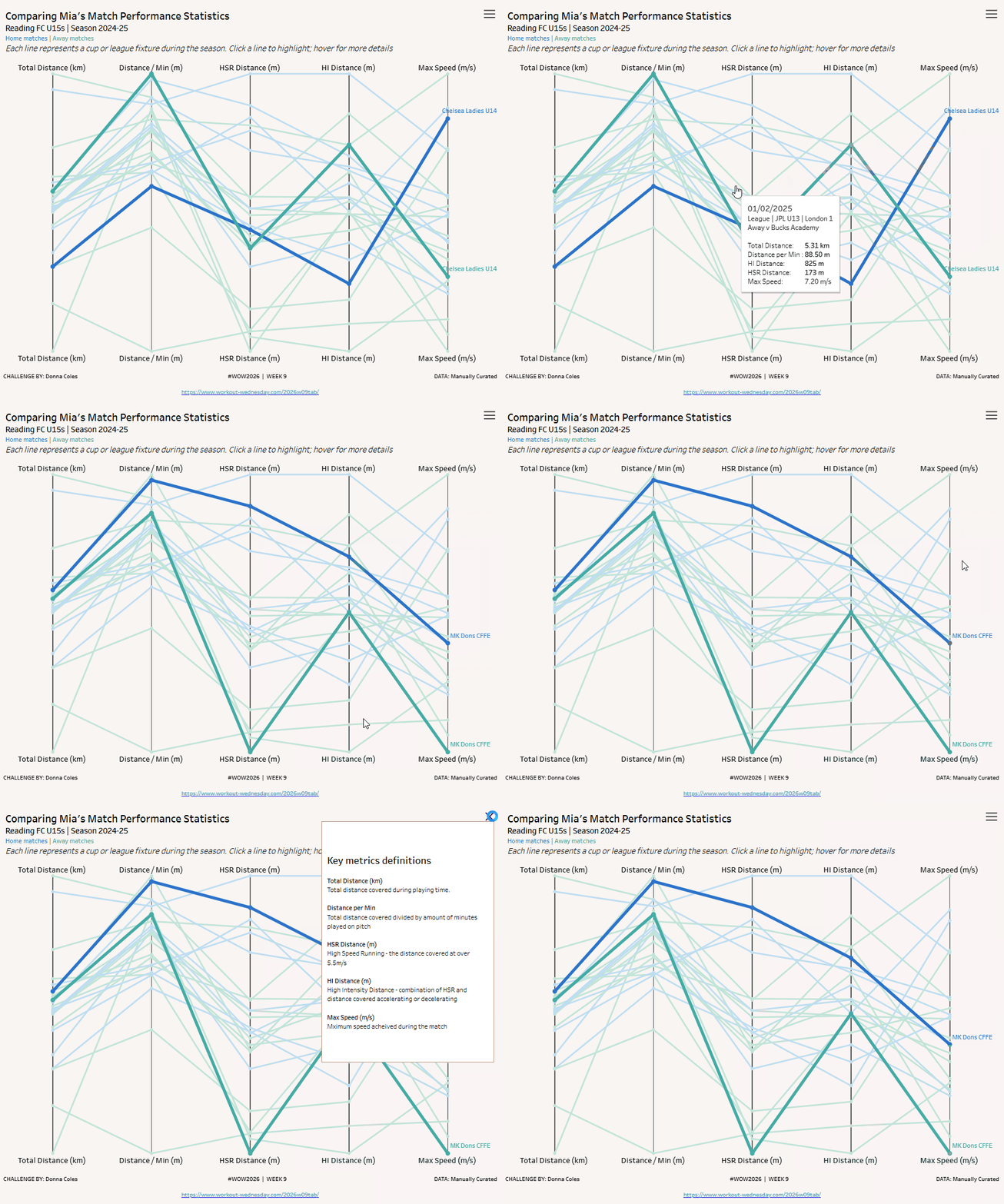
This week we’re going to build out a parallel coordinates chart – a type of visualisation used to display and compare multiple numerical measures.
My daughter, Mia, is an academy level footballer and wears a stats vest in matches and training to capture lots of data about her performance. I’d been meaning to try to build this type of chart for a while, so delivering a WOW challenge has given me the perfect opportunity.
Requirements
- Dashboard 1000 x 800
- Single sheet
- Visualise data for Mia’s 2024-25 Season stats for her Reading FC U15 team
- Display 1 line per game (uniquely identified by Game ID)
- Plot details for 5 normalised measures
- Total Distance (km) based on Distance – Total (KM)
- Distance / Min (m) based on Distance per Min
- HSR Distance (m) based on HSR – Total (M)
- HI Distance (m) based on HI Distance – Total (M)
- Max Speed (m/s) based on Speed – Max (m/s)
- Home matches should be coloured differently to Away matches (refer to the H/A field)
- Clicking on a point/line should “highlight” any lines relating to the Opposition team associated to that point/line in a stronger/bolder version of the H/A colours selected
- The name of the Opposition associated to the highlighted line should display
- Show vertical “axis” lines for the 5 measures
- Display metric definitions via the click of a menu button (top right)
Total Distance (km) –Total distance covered during playing time.
Distance per Min – Total distance covered divided by amount of minutes played on pitch
HSR Distance (m) – High Speed Running – the distance covered at over 5.5m/s
HI Distance (m) – High Intensity Distance – combination of HSR and distance covered accelerating or decelerating
- Max Speed (m/s) – Maximum speed acheived during the match
- Match tooltips and formatting
Dataset
The data is based on some personally curated data, available from here.
Attribute
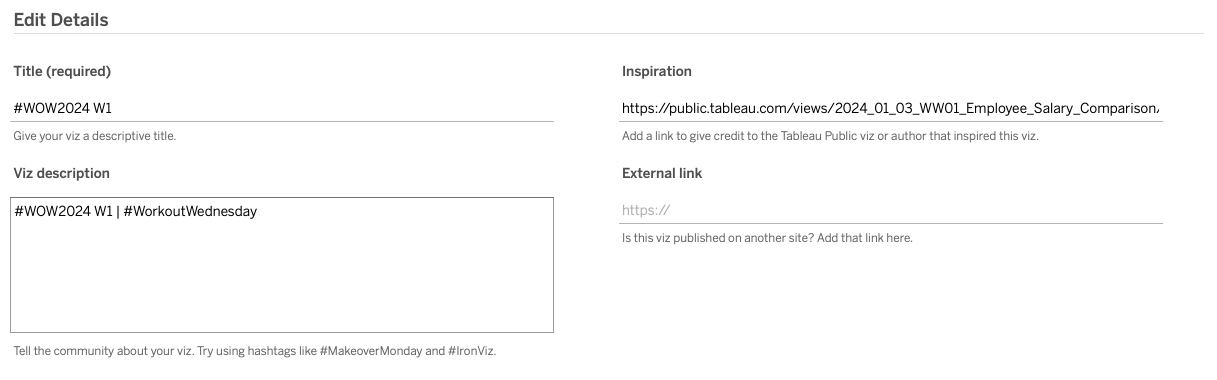
When you publish your solution on Tableau Public make sure to take the time and include a link to the original inspiration. Also include the hashtag #WOW2026 in your description to make it searchable!
Share
After you finish your workout, share on Twitter and/or LinkedIn using the hashtag #WOW2026 #Tableau and tag @WorkoutWednsday
Solution
Interactive
